Remote MCP server
More than 50 tools for your workspace.
Webyaam for
Put your AI to work on your site.
Connect an MCP client or use the built-in site agent. It reads the project and builds with the same blocks you edit, then you refine on the canvas.
Your toolkit Scroll →
A real look at ai builders in the builder. Scroll to explore.
Add Webyaam as a custom MCP server.
Add Webyaam as a custom connector.
Copy app.webyaam.com/mcp, sign in with OAuth and choose your workspace.
The AI site agent panel next to the canvas, with prompt shortcuts and a chat box.
The agent sees the page you are editing on the canvas.
Build this page, tidy and polish, or improve content and SEO.
Describe the change you want. Usage is shown right in the chat.
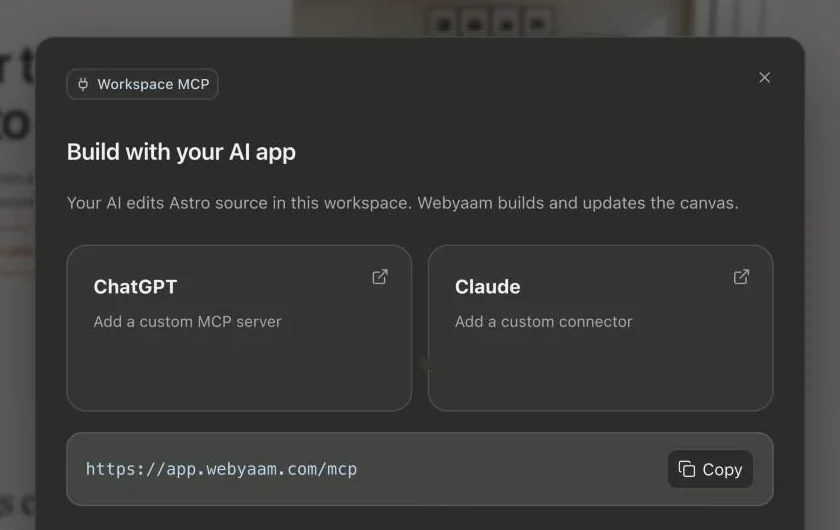
Real screenshots of the Webyaam builder with a demo site.
01 What you get
More than 50 tools for your workspace.
Chat beside the canvas.
Every change is visible and editable.
Your AI publishes only when you ask.
02 How it works
Add app.webyaam.com/mcp to your client.
Ask for pages, sections and content.
Finish the details visually.
Your next website starts here
Start free in the builder. Your first site gets a 7-day trial with Grow features, no credit card needed.