Custom fields
Build each collection from nine field types, from text to tags.
Model blog posts, projects or team members as collections with their own fields. Entries are saved as Astro content collections inside your project.
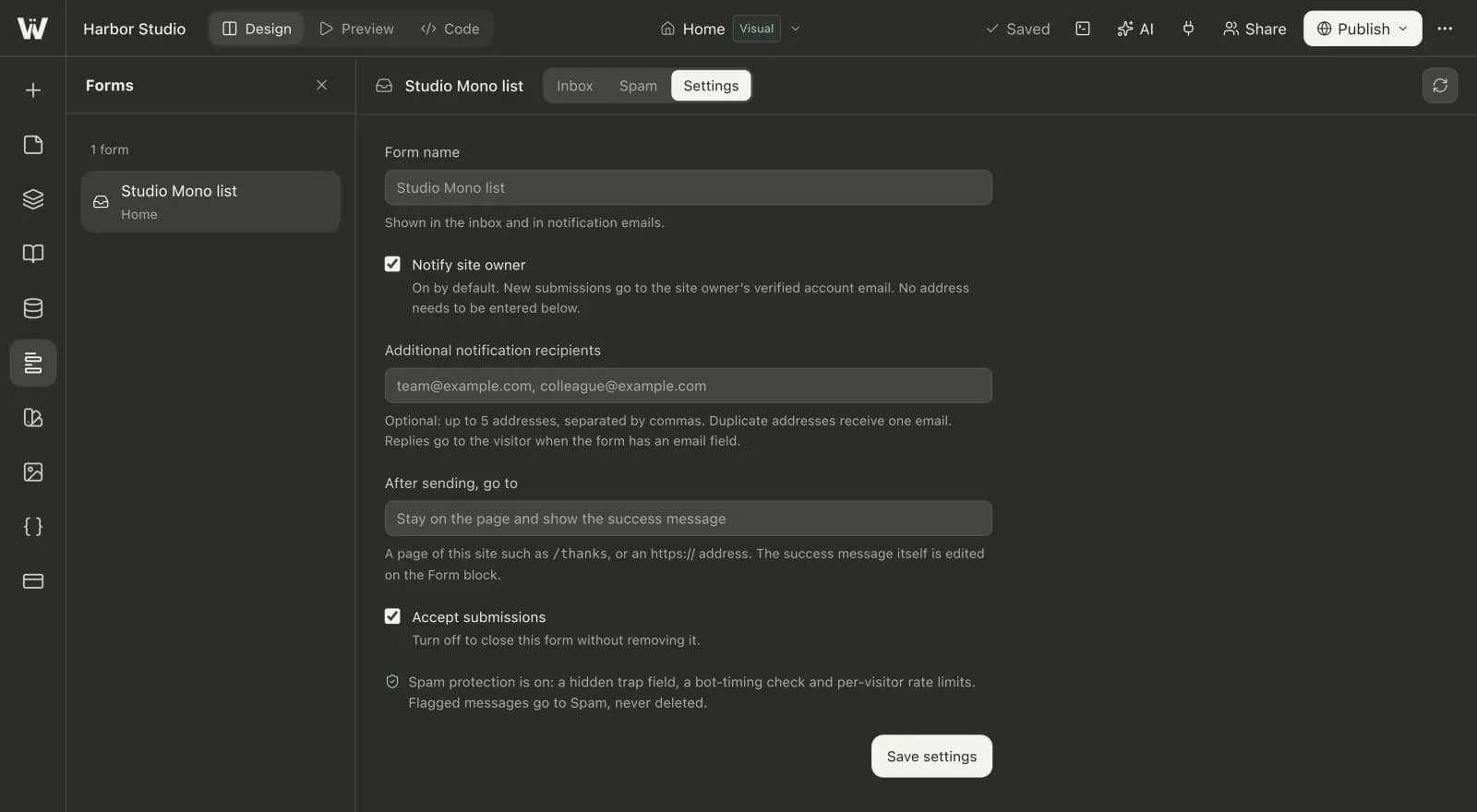
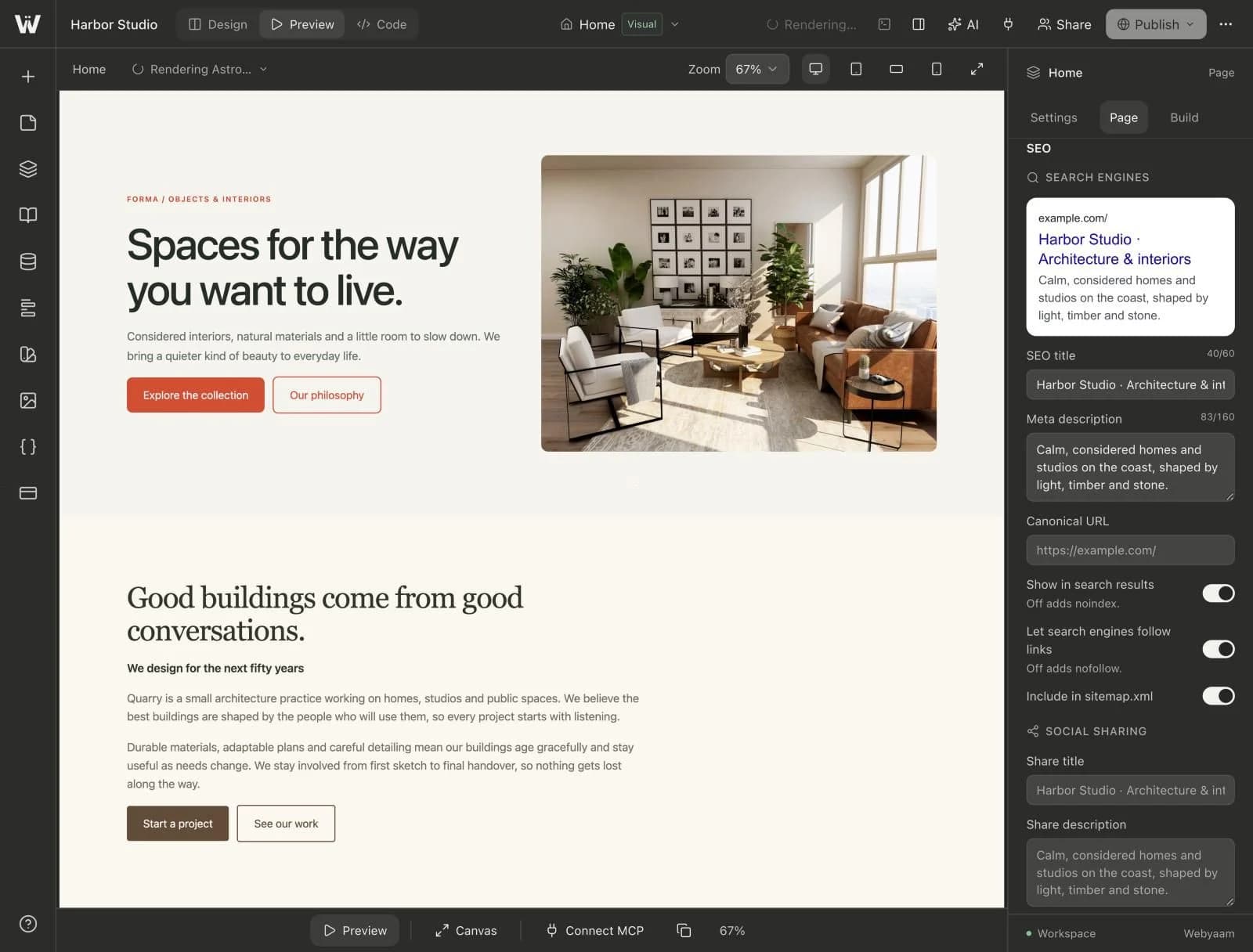
A real look at cms collections in the builder. Scroll to explore.
Create a collection for anything that repeats: projects, posts, people.
Keep entries as drafts until they are ready, then publish them.
Title, slug, date, cover image, excerpt and a Markdown body.
Entries are saved in src/content/ and export with your project.
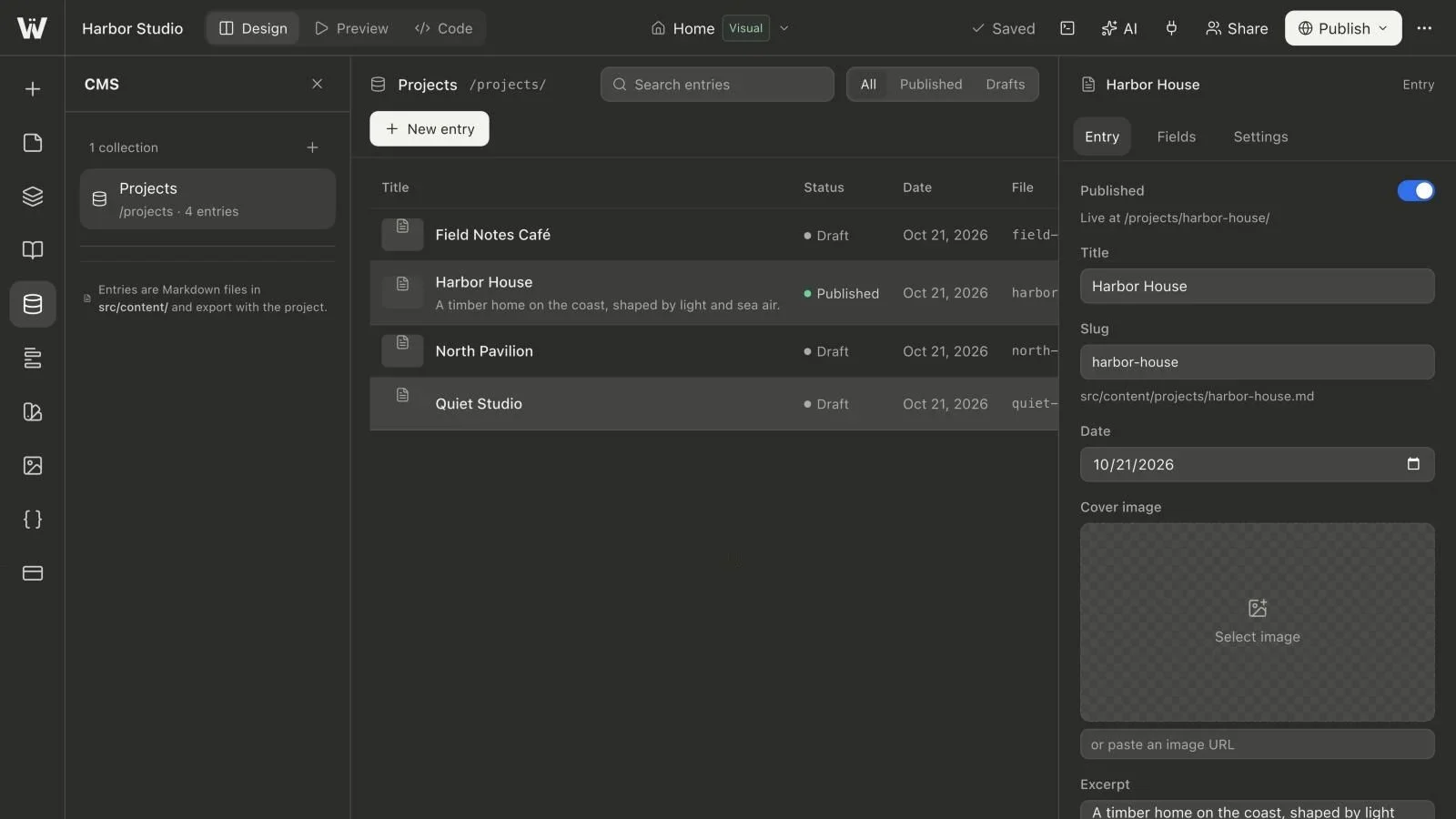
Real screenshots of the Webyaam builder with a demo site.
01 What you get
Build each collection from nine field types, from text to tags.
Entries live in src/content, the standard Astro way to manage content.
Add, edit and remove entries without touching layouts or code.
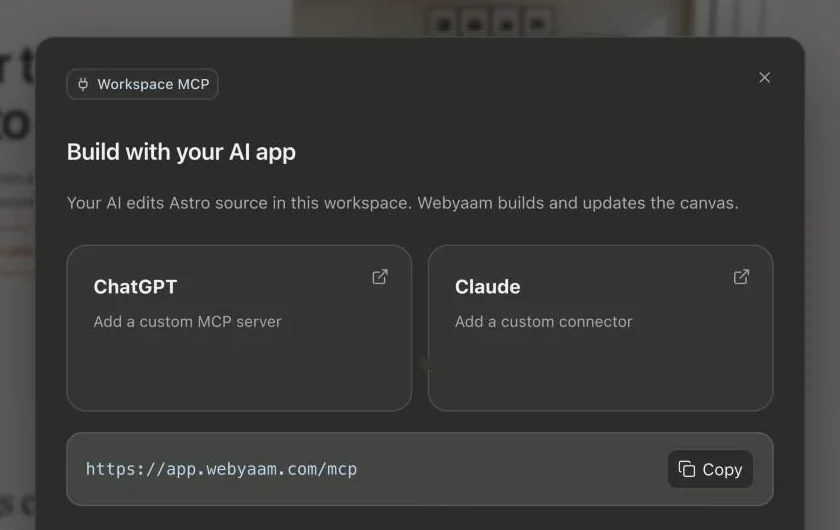
Your MCP client can list, create and update entries for you.
Field types
02 How it works
Name it and add the fields your content needs.
Fill in posts, projects or people from the CMS panel.
Entries ship with your site. Up to 5,000 items on Grow.
03 Keep exploring
Your next website starts here
Start free in the builder. Your first site gets a 7-day trial with Grow features, no credit card needed.