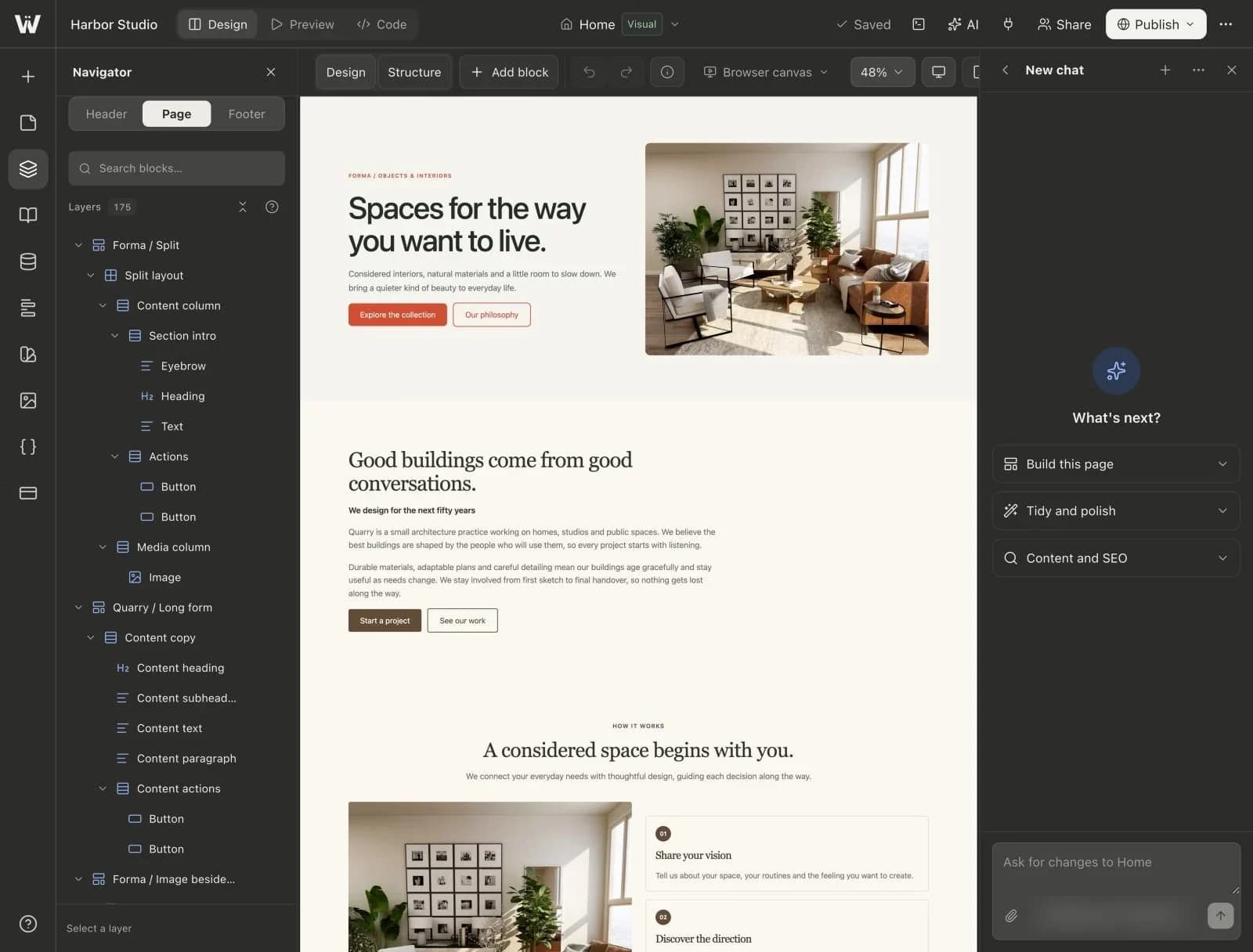
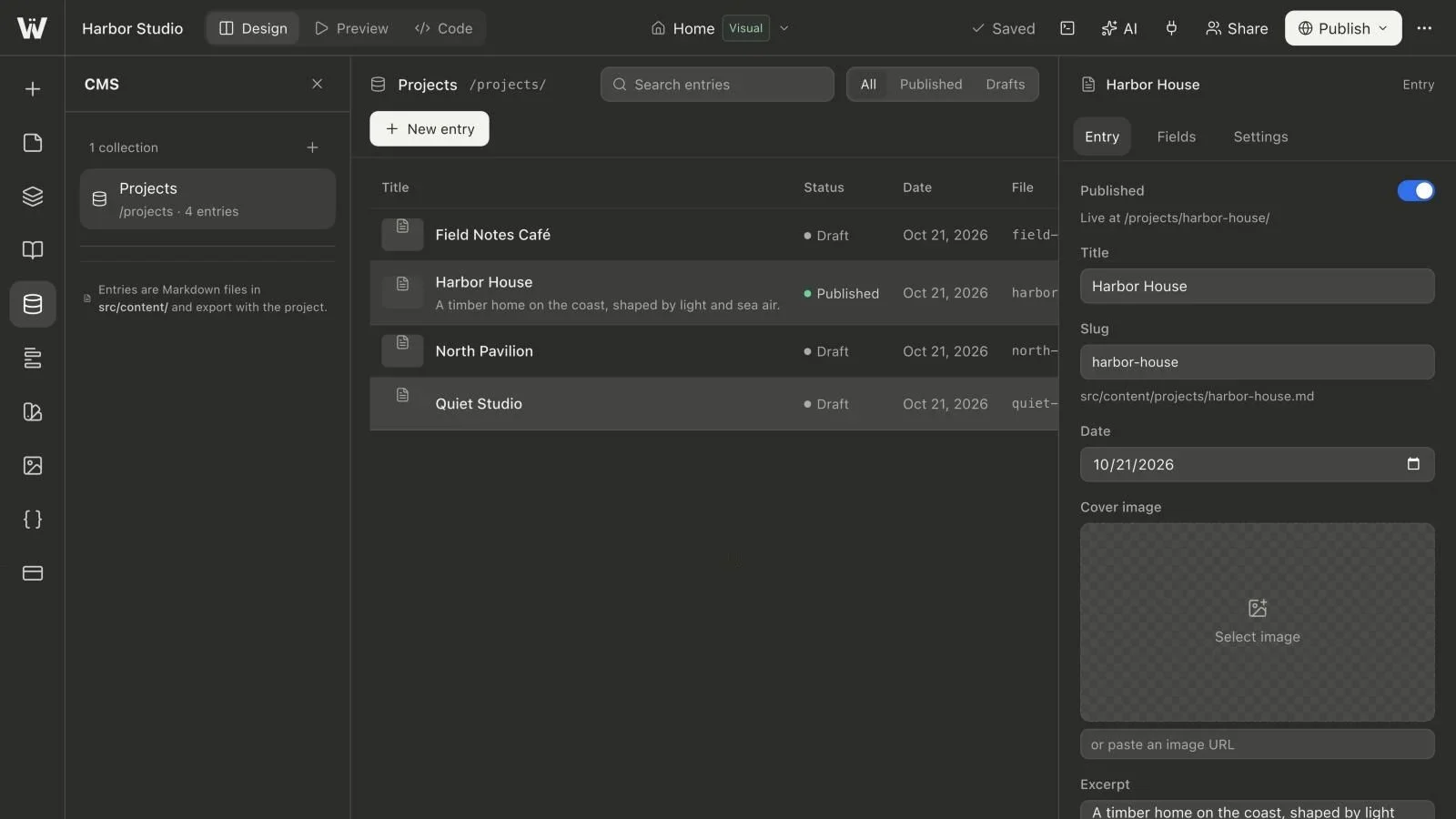
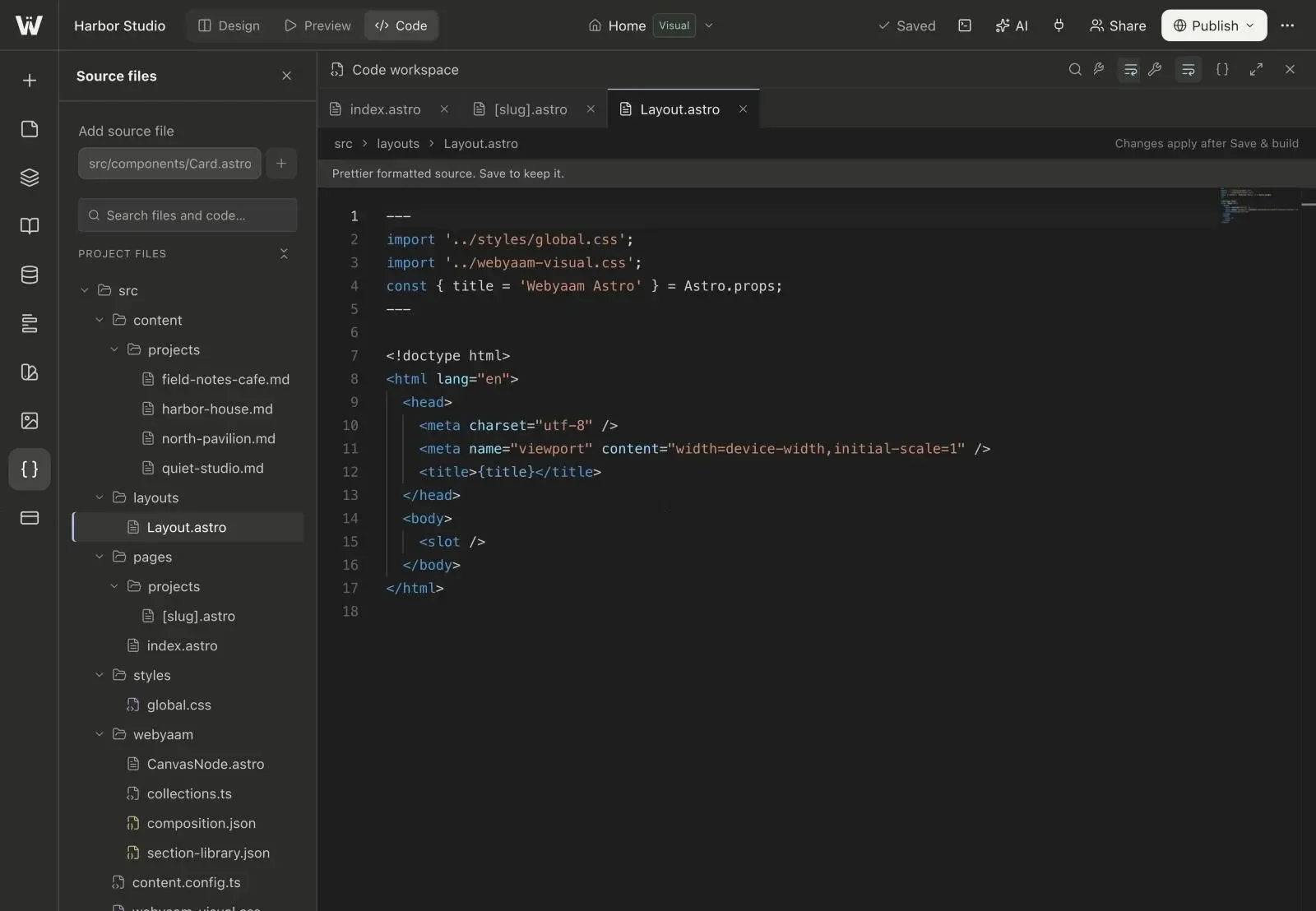
More than 50 tools
Pages, layouts, styles, CMS, variables, SEO, forms, assets and builds.
Connect Claude, ChatGPT or another compatible client to app.webyaam.com/mcp. Your assistant can read the project, insert presets, edit layouts, manage content and publish when you ask.
A real look at mcp server in the builder. Scroll to explore.
Add Webyaam as a custom MCP server.
Add Webyaam as a custom connector.
Copy app.webyaam.com/mcp, sign in with OAuth and choose your workspace.
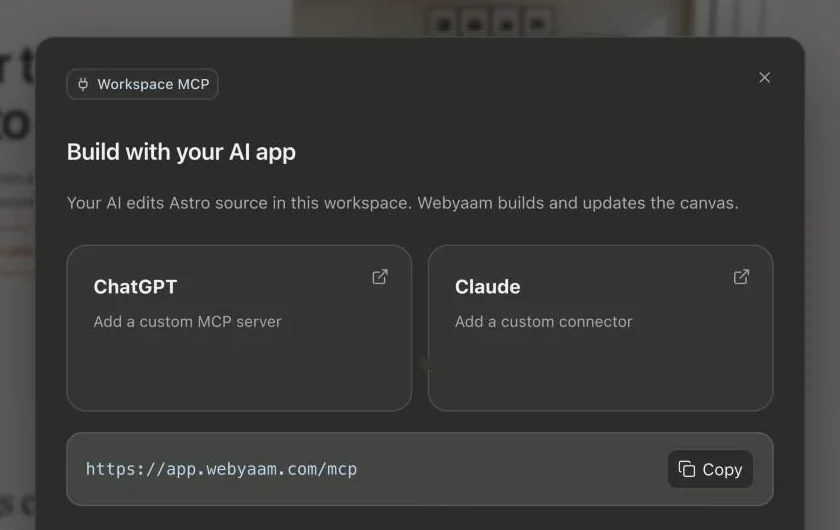
Real screenshots of the Webyaam builder with a demo site.
01 What you get
Pages, layouts, styles, CMS, variables, SEO, forms, assets and builds.
Access is limited to the workspace you authorize.
Audit pages and take screenshots at desktop and mobile widths.
Stale edits are rejected, and revisions can be restored.
02 How it works
Paste app.webyaam.com/mcp into your AI client's connectors.
Sign in and choose the workspace to connect.
Ask for pages and changes, then refine on the canvas.
03 Keep exploring
Your next website starts here
Start free in the builder. Your first site gets a 7-day trial with Grow features, no credit card needed.