.astro components
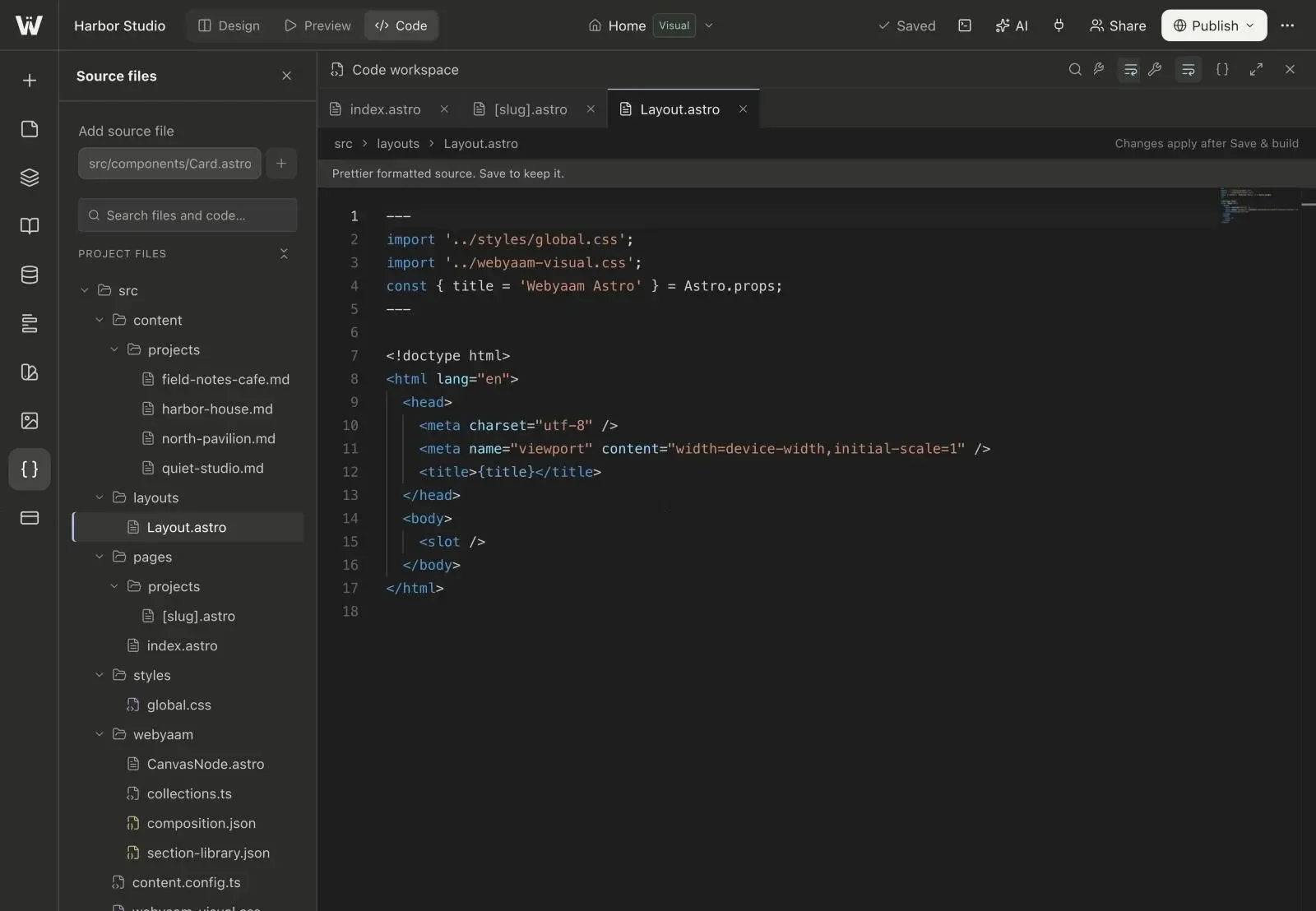
Shared components live in src/components, like any Astro project.
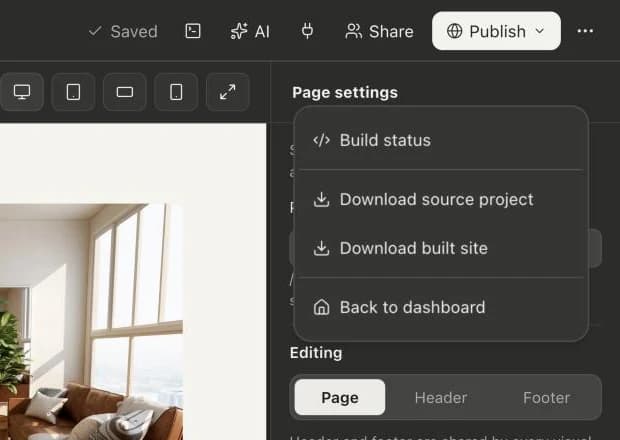
Every Webyaam site is a standard Astro and Tailwind project: .astro components, pages, layouts and content collections you can read and own.
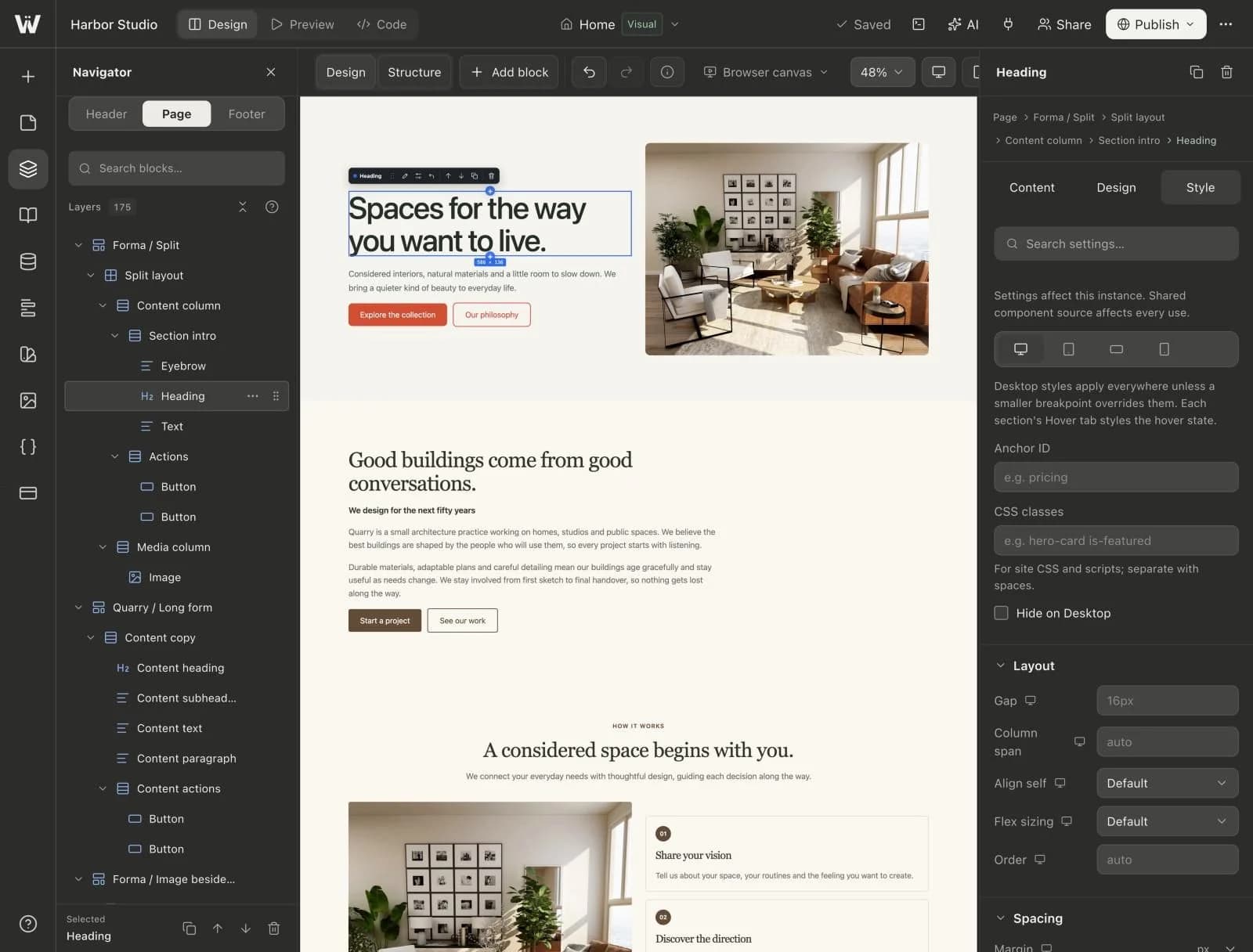
A real look at astro output in the builder. Scroll to explore.
Pages, layouts, styles and config in a standard Astro structure.
CMS entries live in src/content as plain .md files.
Edit with syntax highlighting, tabs and breadcrumbs, then Save & build.
A Projects collection with four entries, their status, and the entry editor.
Create a collection for anything that repeats: projects, posts, people.
Keep entries as drafts until they are ready, then publish them.
Title, slug, date, cover image, excerpt and a Markdown body.
Entries are saved in src/content/ and export with your project.
Real screenshots of the Webyaam builder with a demo site.
01 What you get
Shared components live in src/components, like any Astro project.
Sites build to fast static HTML, CSS and JS.
CMS entries are standard Astro content collections.
Downloaded source works as a normal Astro project.
02 How it works
Build pages on the canvas.
See the Astro files behind them.
Export and keep developing anywhere.
03 Keep exploring
Your next website starts here
Start free in the builder. Your first site gets a 7-day trial with Grow features, no credit card needed.