Standard Astro + Tailwind
No proprietary format underneath.
Webyaam for
Real Astro, with the code one click away.
Every page is a standard Astro project. Open files in Monaco, run a terminal, and export the source whenever you need it.
Your toolkit Scroll →
A real look at developers in the builder. Scroll to explore.
Pages, layouts, styles and config in a standard Astro structure.
CMS entries live in src/content as plain .md files.
Edit with syntax highlighting, tabs and breadcrumbs, then Save & build.
The project actions menu with Download source project and Download built site.
An editable Astro project, including your current draft and local dev instructions.
The static HTML, CSS and JS output, ready for any host.
Check the latest build before you export or publish.
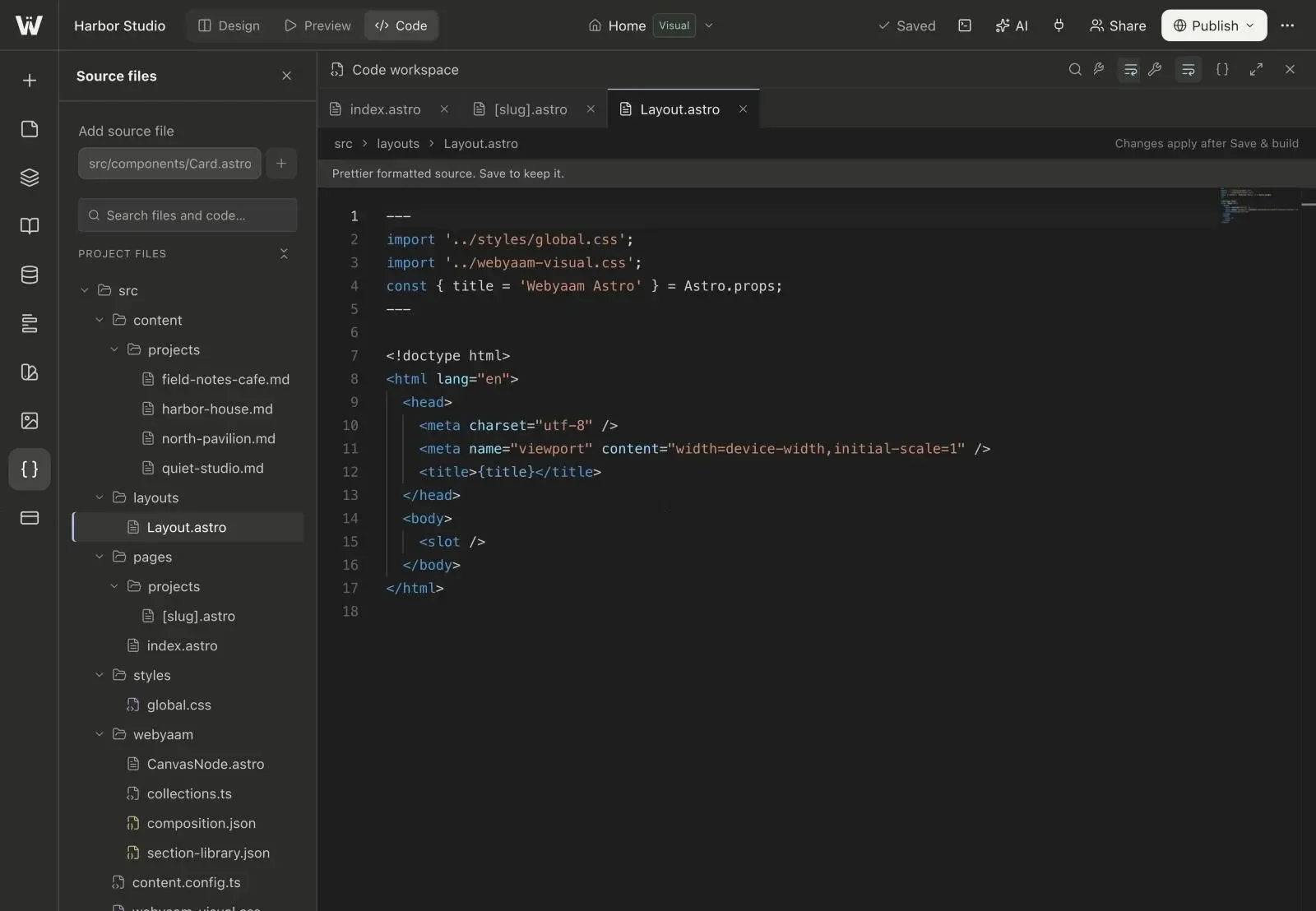
Real screenshots of the Webyaam builder with a demo site.
01 What you get
No proprietary format underneath.
On paid plans and during your first-site trial.
Download source or the built site.
Drive the project from your AI client.
02 How it works
Or let your team do it.
When a detail needs it.
Publish, or take it anywhere.
Your next website starts here
Start free in the builder. Your first site gets a 7-day trial with Grow features, no credit card needed.