One-step publish
Build and go live from the builder, without a deploy pipeline.
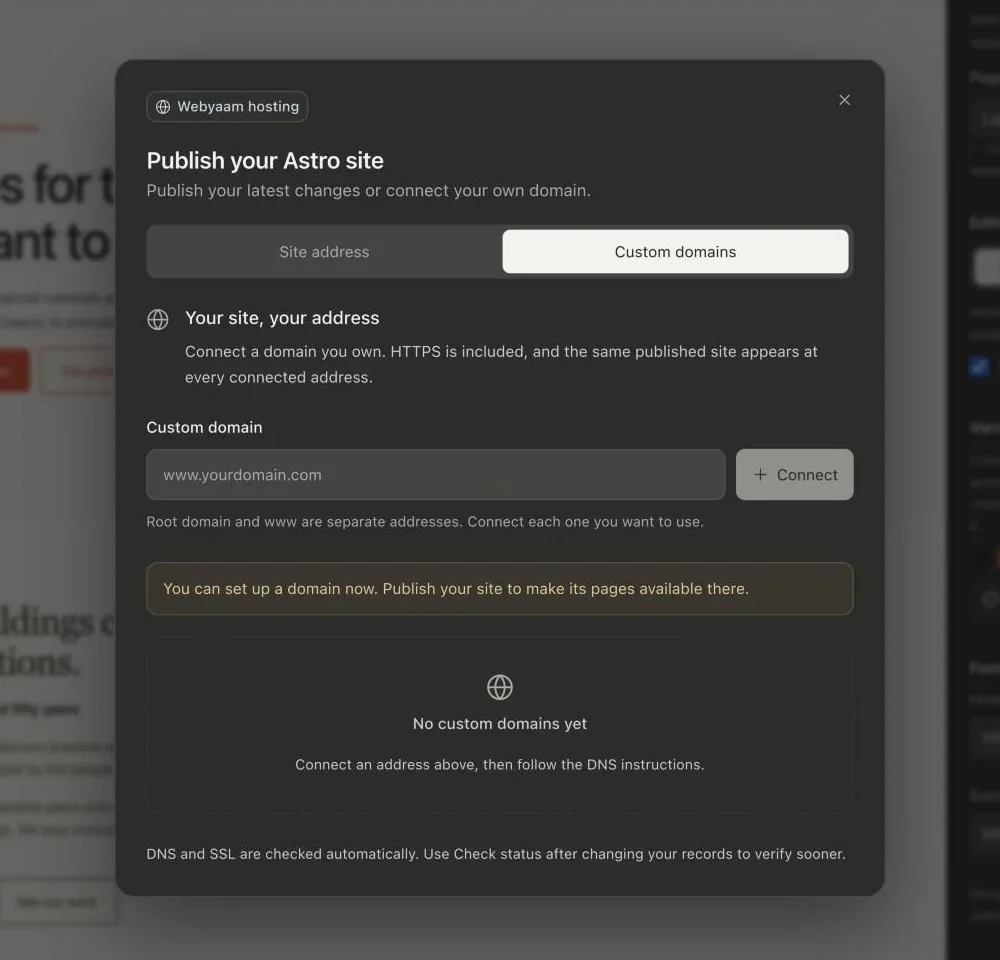
Publishing builds your Astro site and puts it live on a webyaam.site address. Hosting, bandwidth and storage come with every site plan.
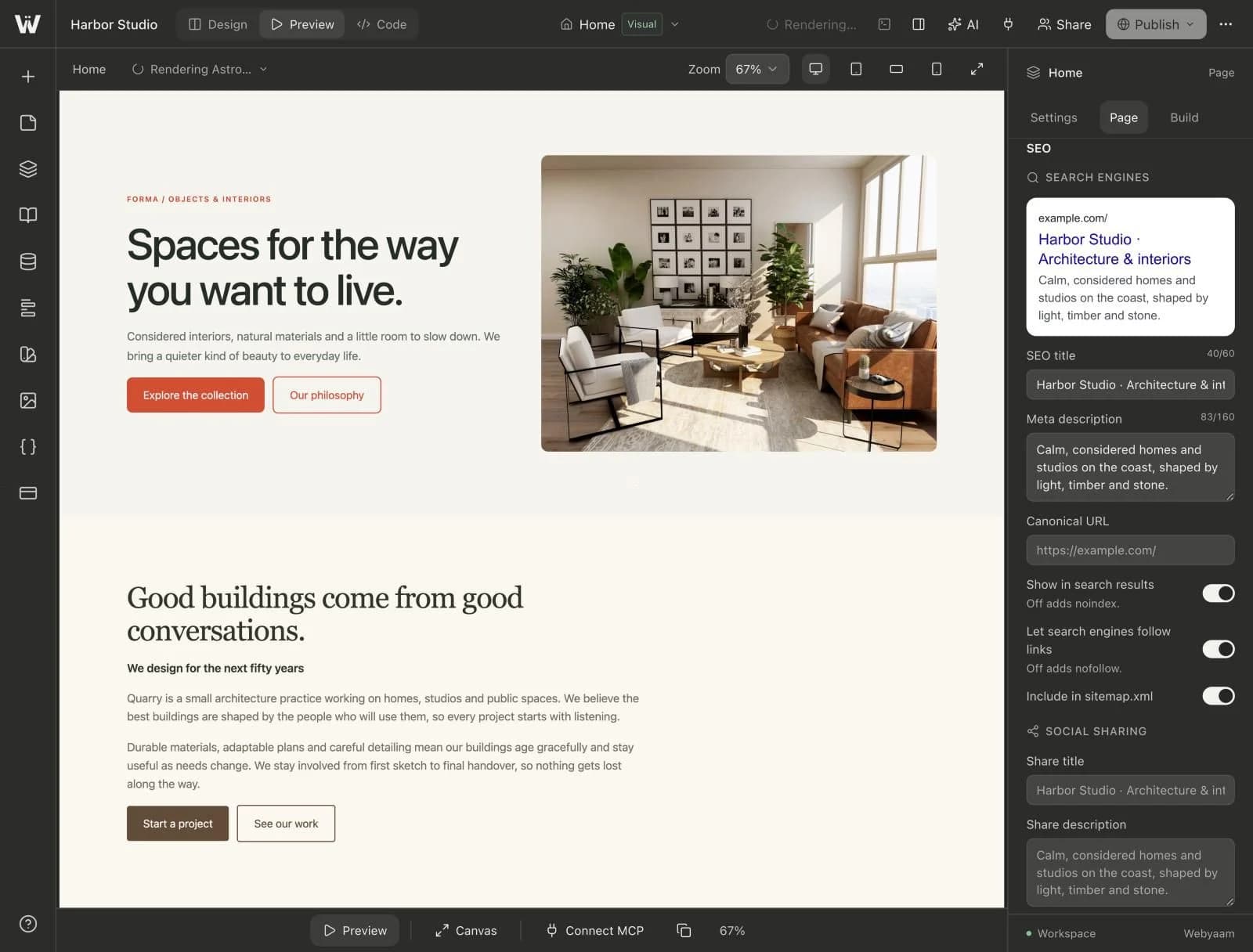
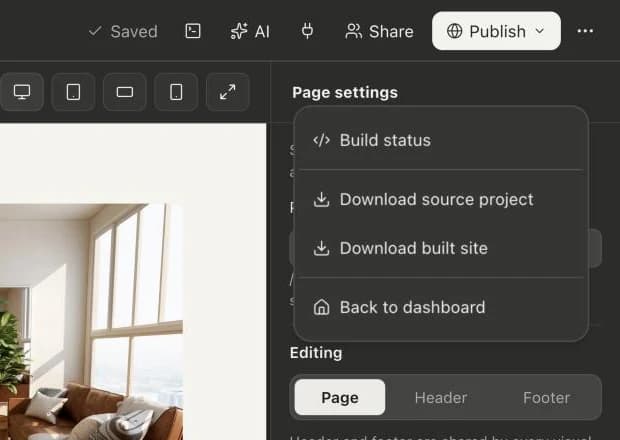
A real look at hosting & publishing in the builder. Scroll to explore.
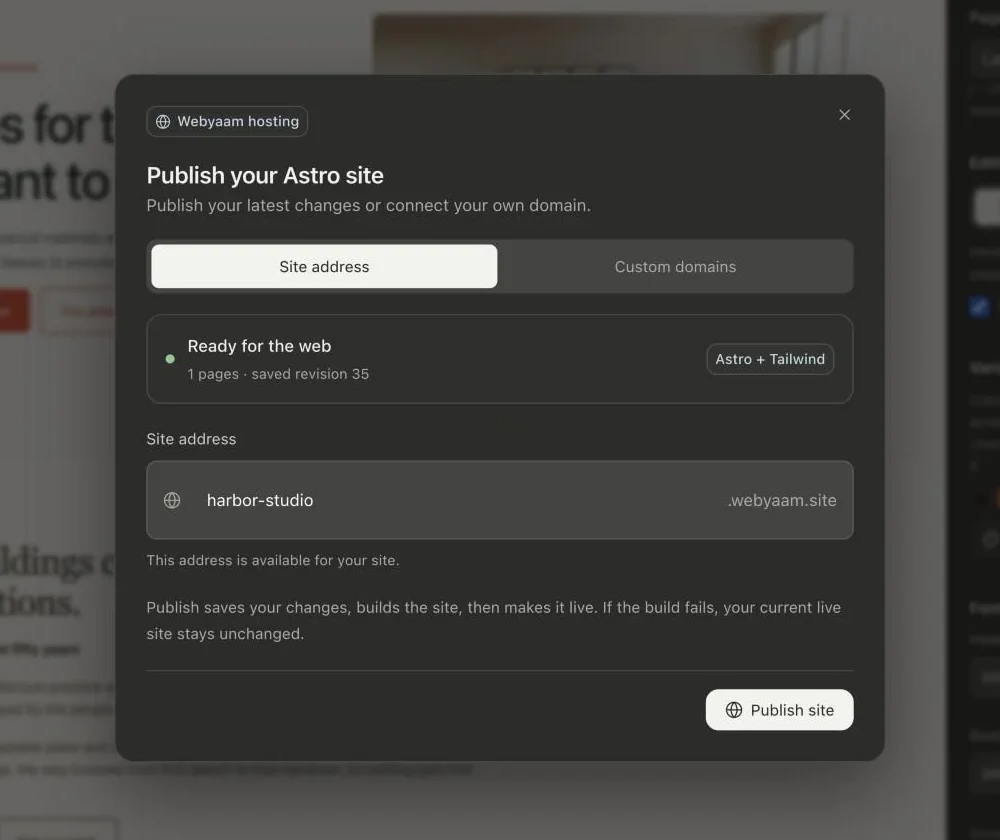
See the pages and saved revision that will go live.
Pick a free address for your site, checked as you type.
If a build fails, your current live site stays unchanged.
Publish saves your changes, builds the site and makes it live.
Real screenshots of the Webyaam builder with a demo site.
01 What you get
Build and go live from the builder, without a deploy pipeline.
Later edits never change the live site until you publish again.
10 GB bandwidth and 1 GB storage on Launch, 50 GB and 5 GB on Grow.
If a build fails, your current live site stays unchanged.
02 How it works
Webyaam builds your Astro project.
Your site appears on its webyaam.site address.
Add your own domain with a Launch or Grow plan.
03 Keep exploring
Your next website starts here
Start free in the builder. Your first site gets a 7-day trial with Grow features, no credit card needed.