Titles and descriptions
Write the title and description for every page.
Set page titles, meta descriptions, social cards, canonical URLs and structured data, decide what search engines index, and ship a sitemap with your site.
A real look at seo in the builder. Scroll to explore.
See how the page appears in search results as you type.
With character counts for the recommended lengths.
Turn off search results (noindex) or link following (nofollow), and choose sitemap inclusion.
Share title, description, image and card style for links on social media.
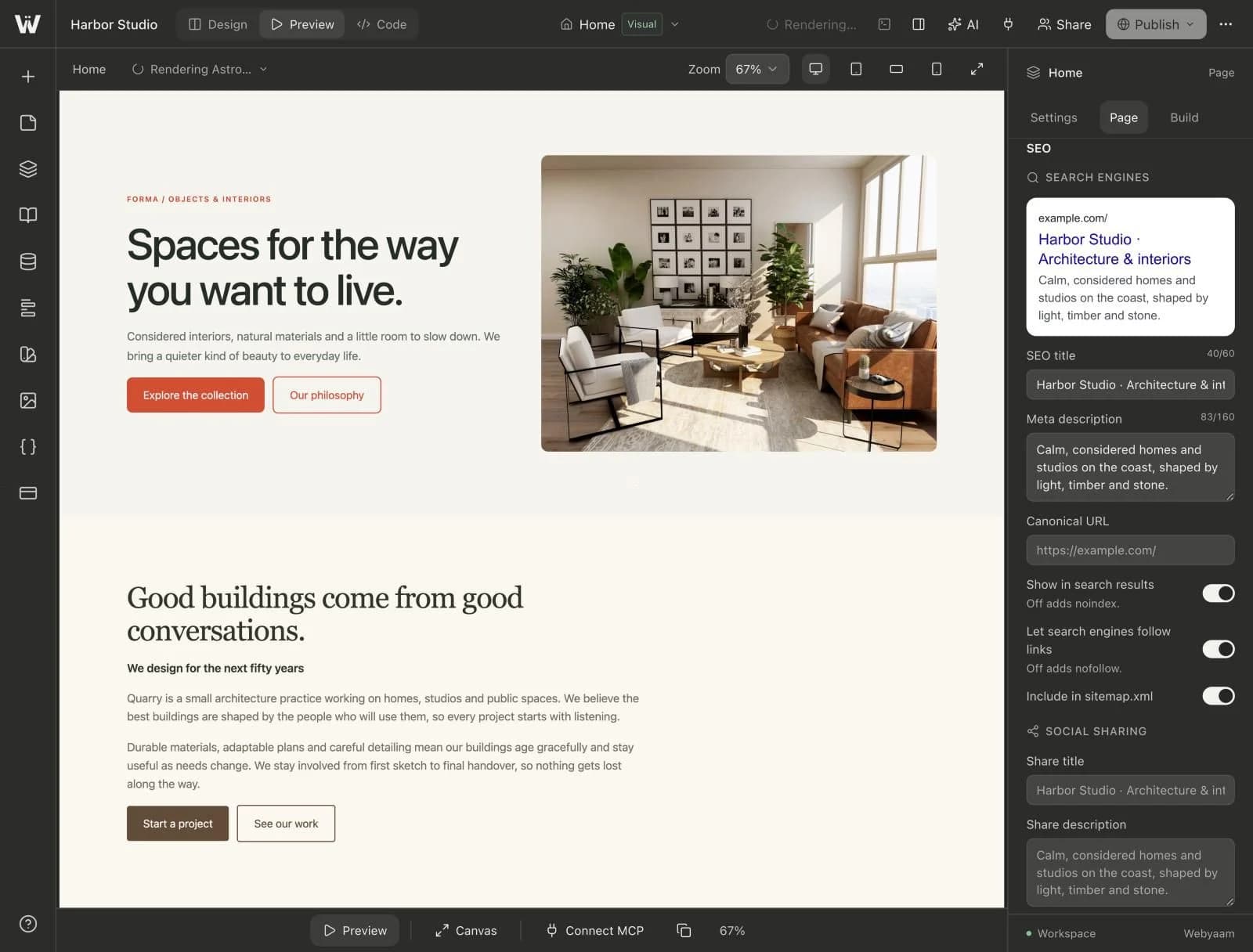
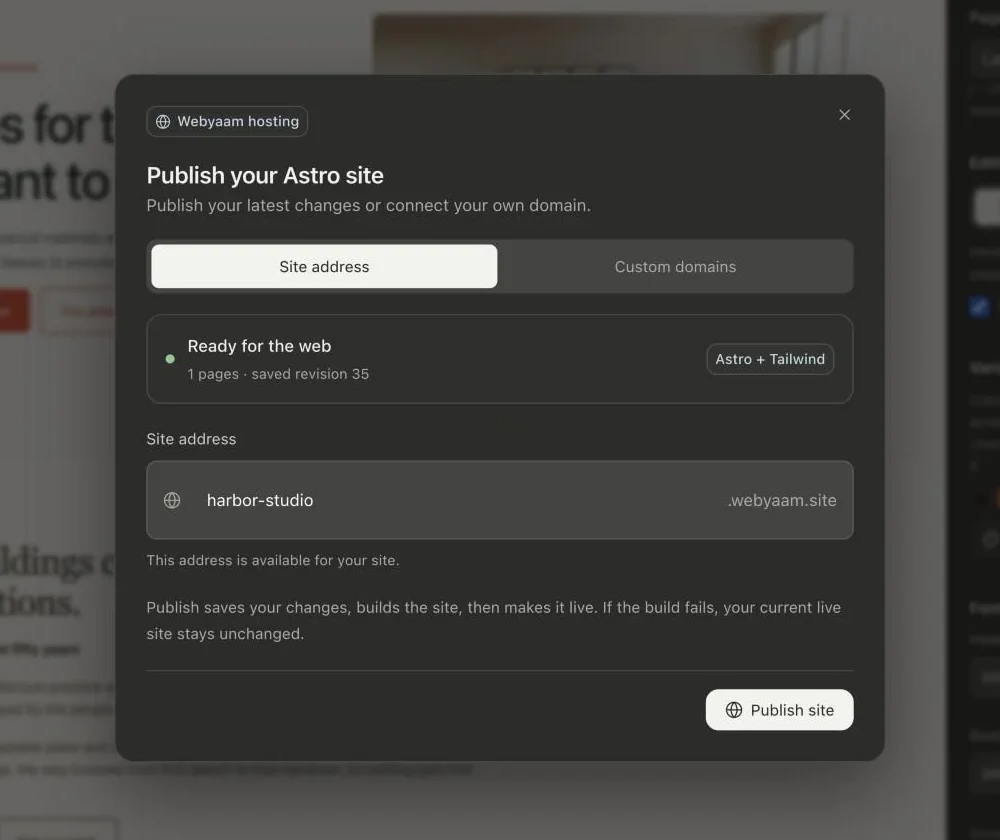
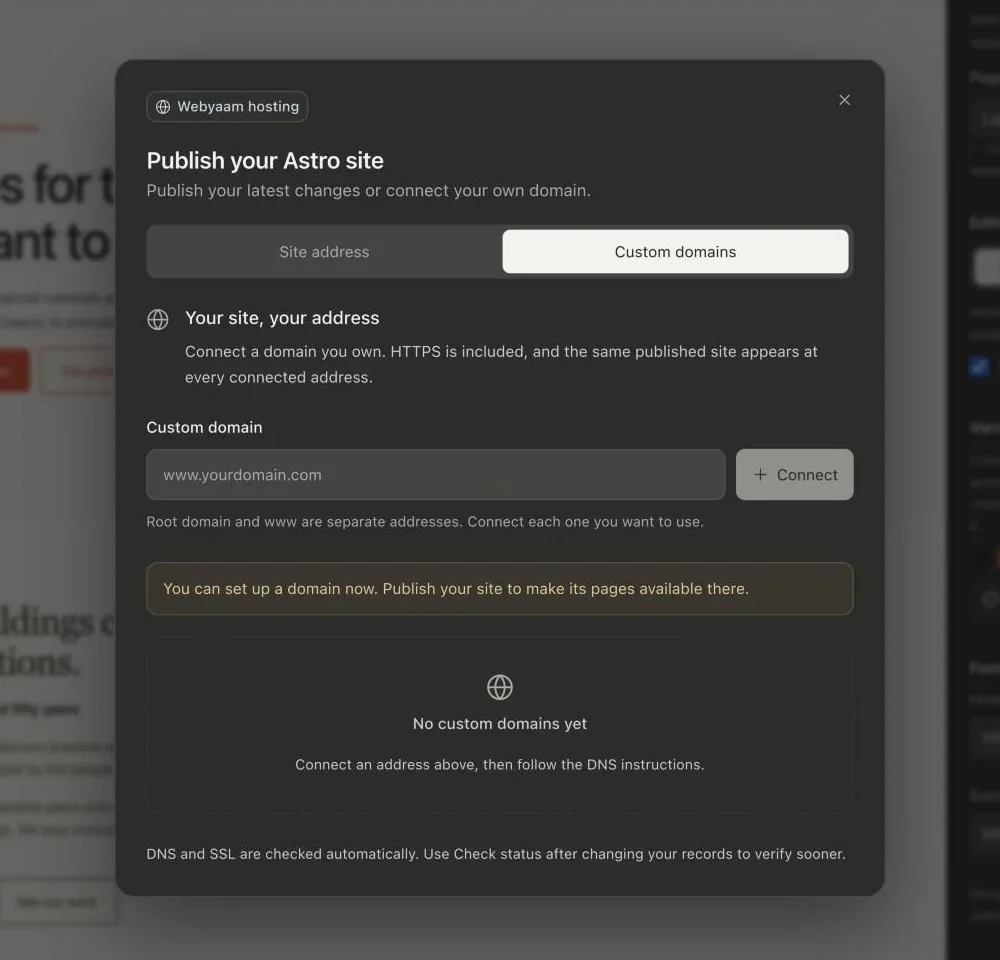
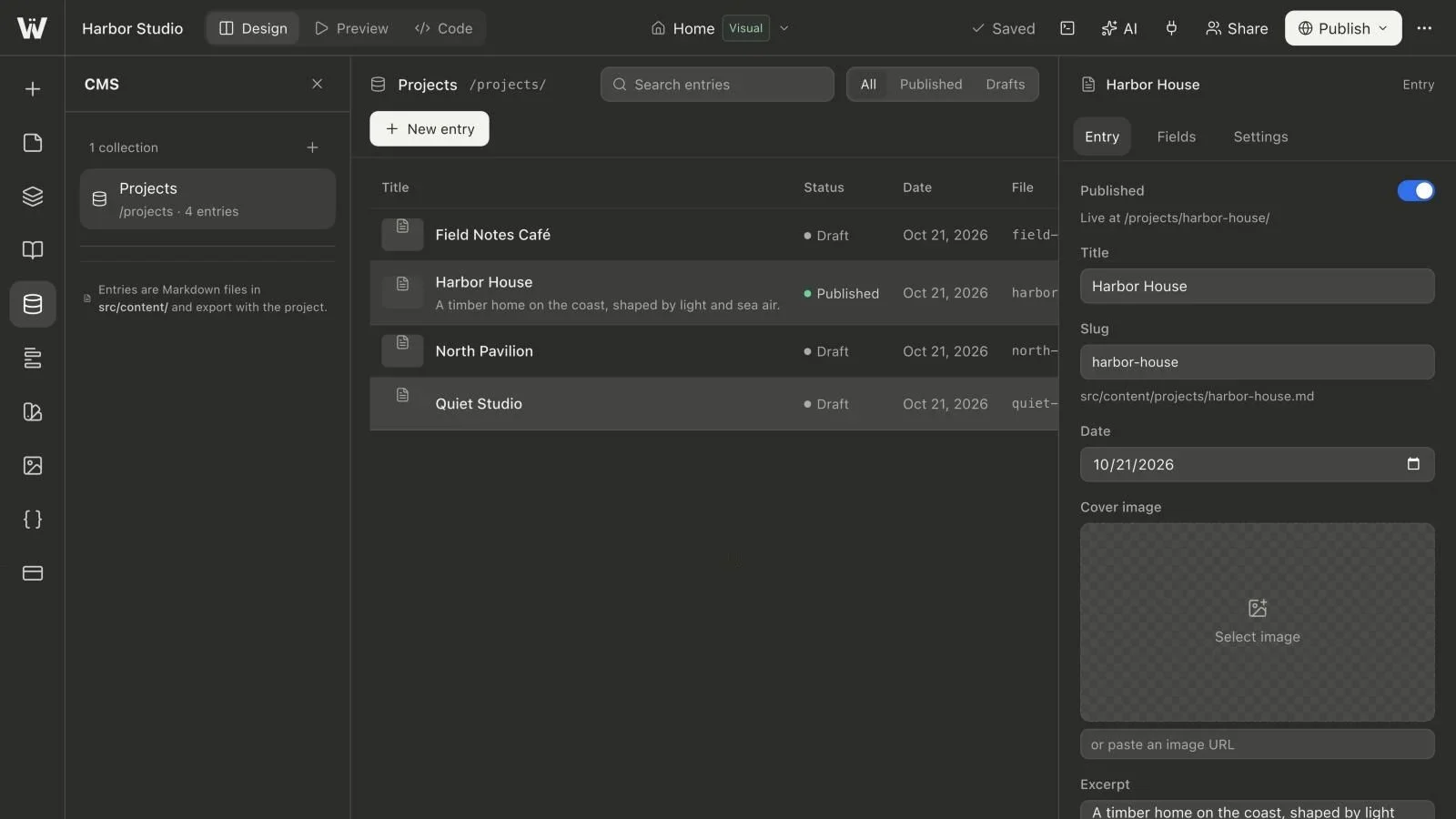
Real screenshots of the Webyaam builder with a demo site.
01 What you get
Write the title and description for every page.
Choose large or small image cards for shared links.
Point search engines at the right URL, or keep a page out.
Turn off indexing or link following per page, and choose what goes in sitemap.xml.
02 How it works
In Preview, each page shows its SEO settings with a live search preview.
Title, description and a social image.
Static Astro pages load fast and stay crawlable.
03 Keep exploring
Your next website starts here
Start free in the builder. Your first site gets a 7-day trial with Grow features, no credit card needed.