Workspace seats
1 seat on Free, 3 on Freelancer and 5 on Agency.
Invite your team to the workspace, share sites with editor or viewer access, invite clients to their own site, and transfer finished sites to client workspaces.
A real look at collaboration in the builder. Scroll to explore.
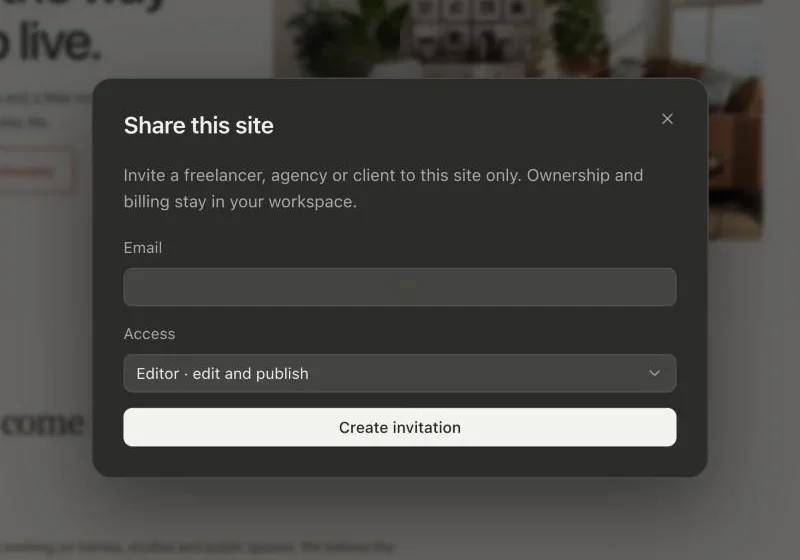
Invite a freelancer, agency or client to this site. Ownership and billing stay in your workspace.
Send an invitation straight from the builder.
Editors can edit and publish. Pick the access each person needs.
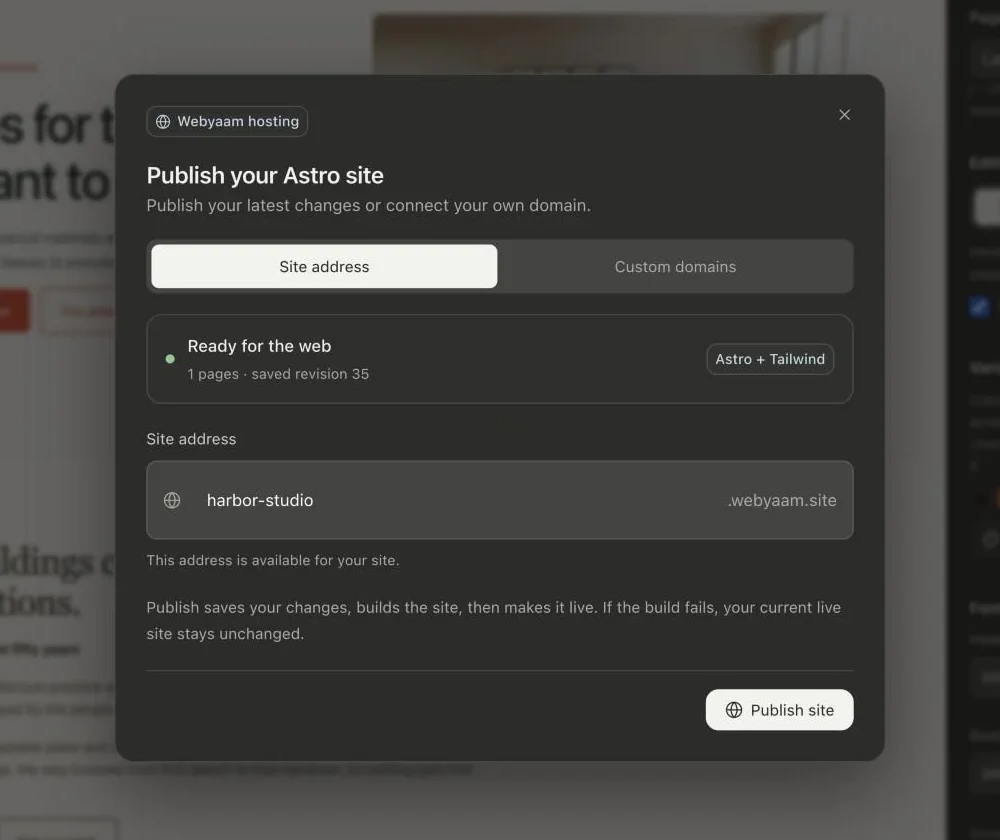
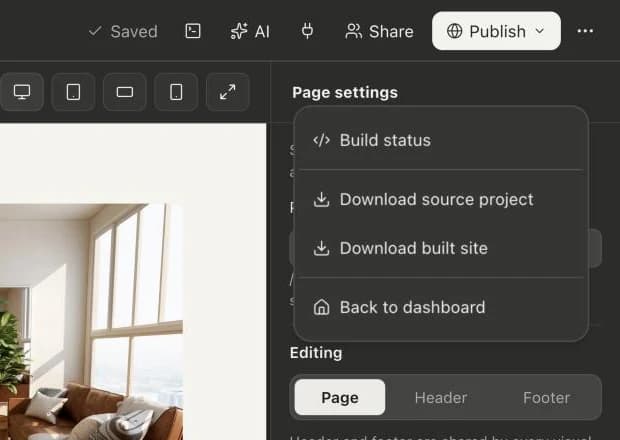
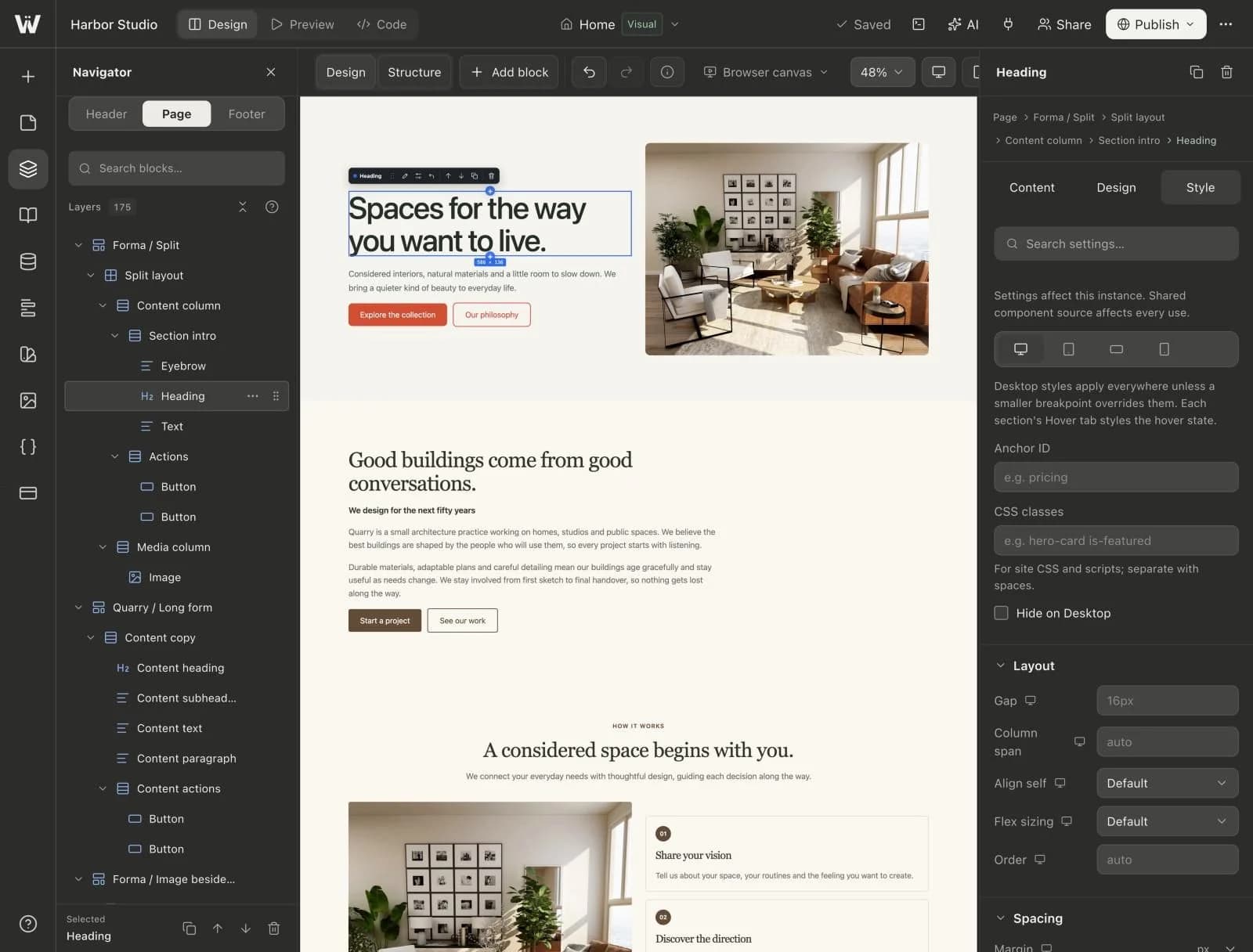
Real screenshots of the Webyaam builder with a demo site.
01 What you get
1 seat on Free, 3 on Freelancer and 5 on Agency.
Share a site with the access each person needs.
Invite a freelancer, agency or client to a single site. Ownership and billing stay in your workspace.
Hand finished sites to client workspaces on Freelancer and Agency.
02 How it works
Add teammates to your workspace.
Up to 50 staging sites on Agency.
Transfer the site when the project is done.
03 Keep exploring
Your next website starts here
Start free in the builder. Your first site gets a 7-day trial with Grow features, no credit card needed.