Submission inbox
Search, read and organize submissions in the builder.
Collect submissions from your published site. Read them in the builder, mark spam, send notifications to your team, and export everything as CSV.
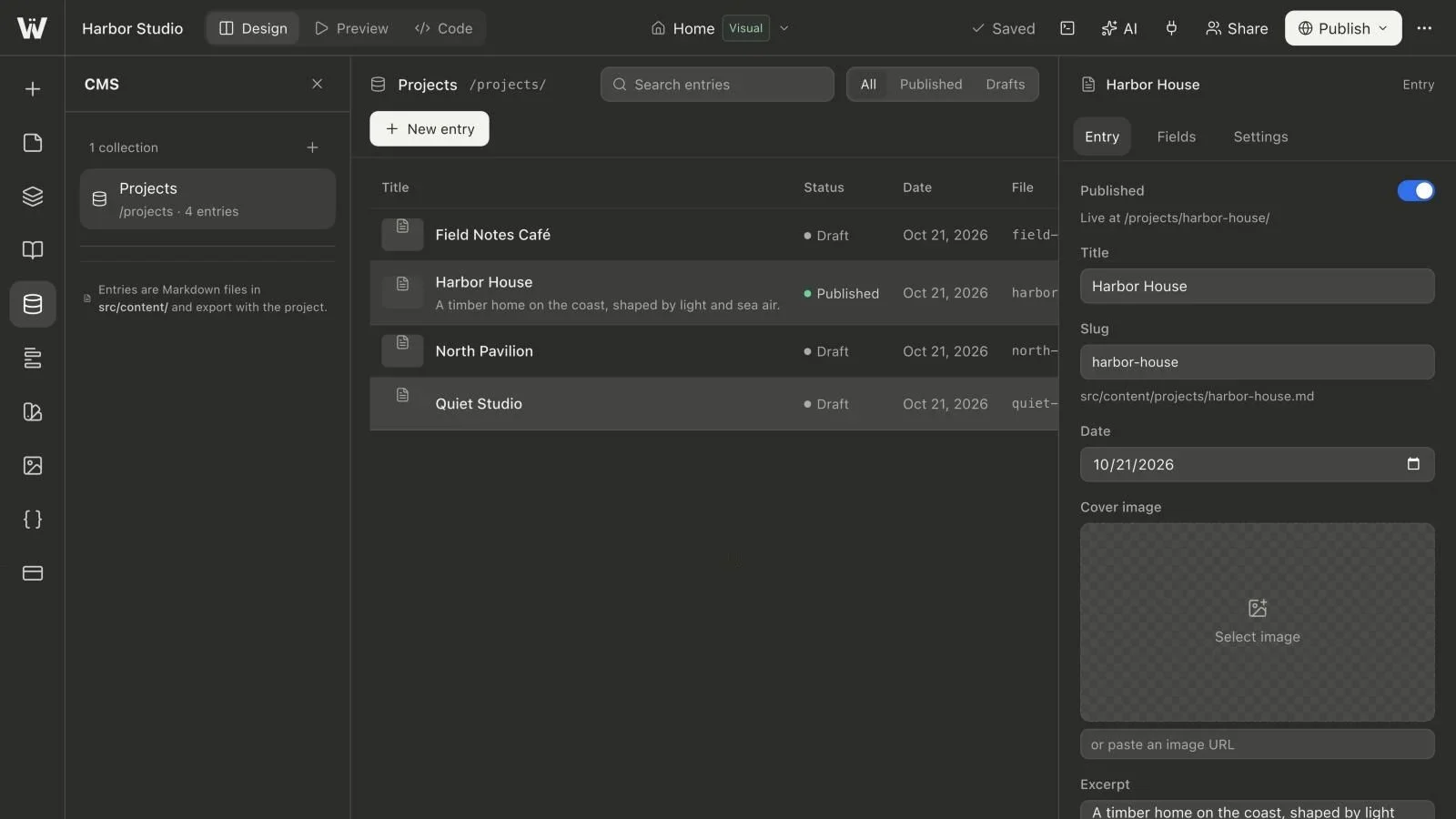
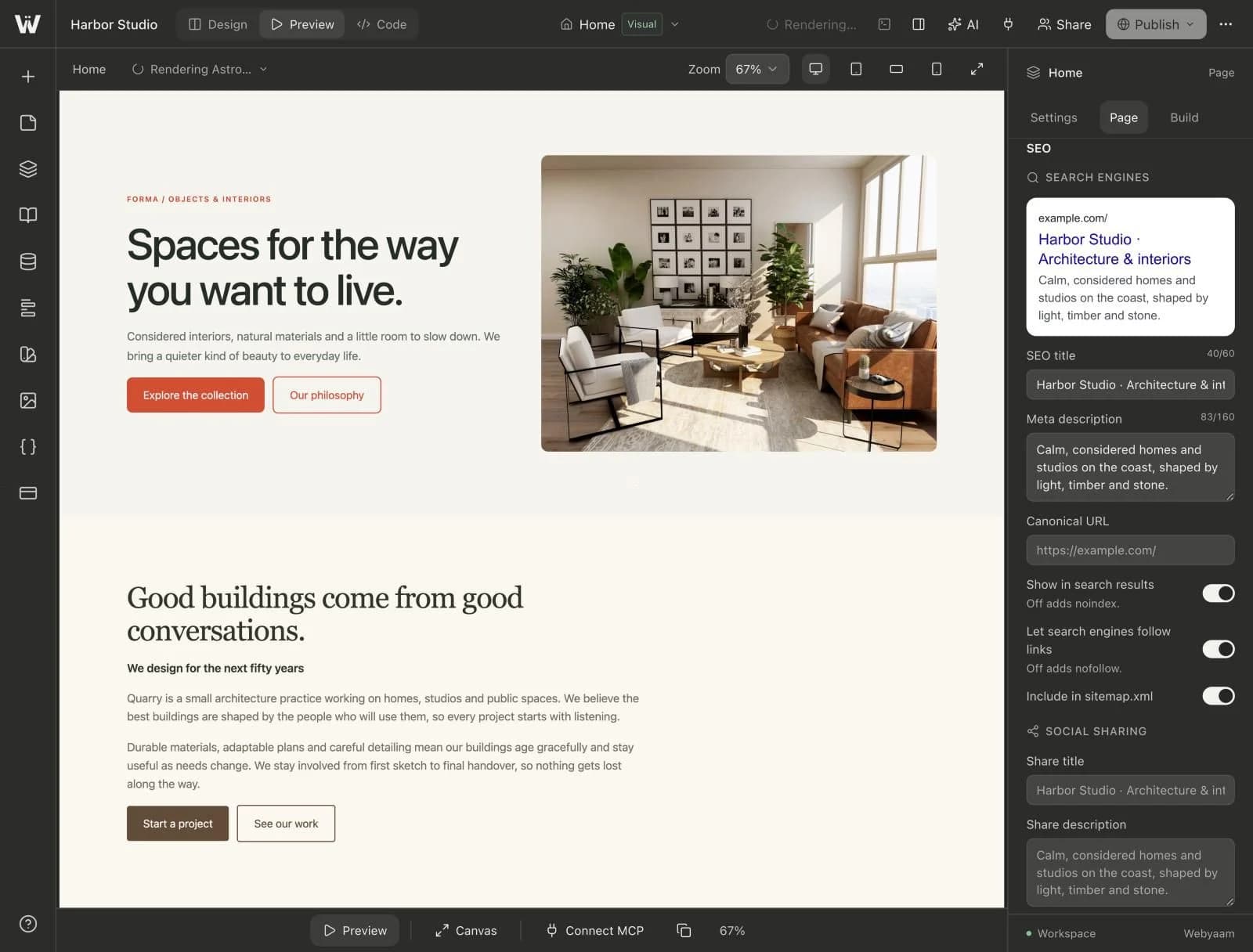
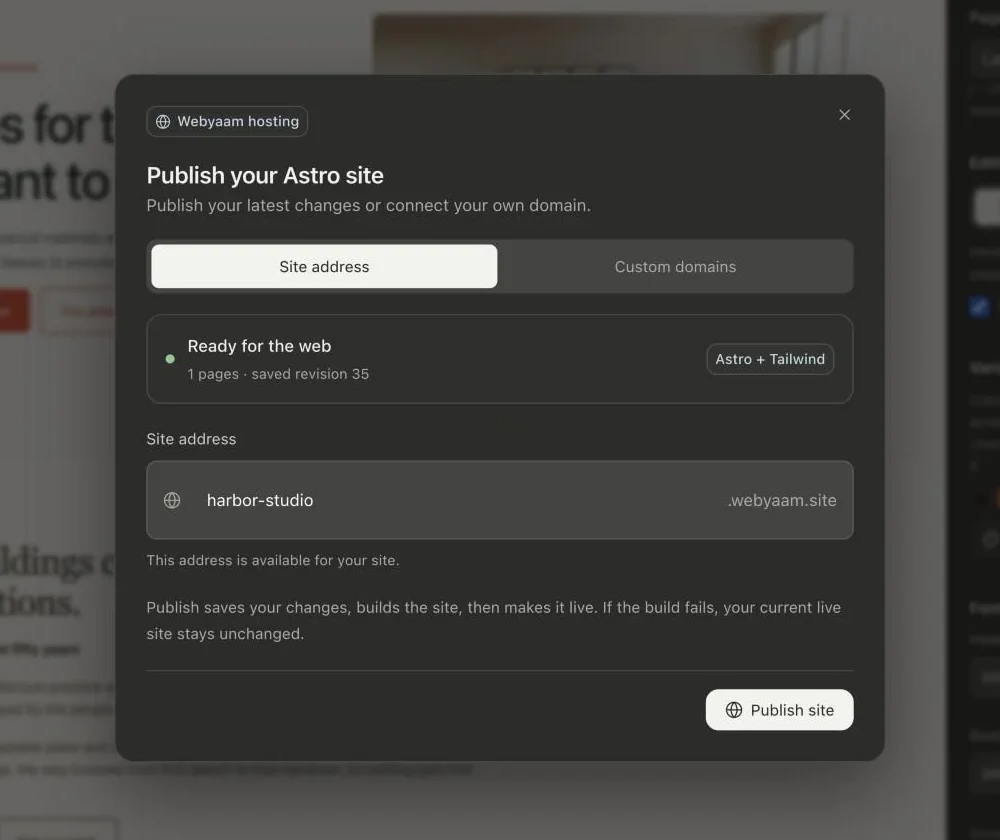
A real look at forms in the builder. Scroll to explore.
Every form gets its own inbox and spam folder.
New submissions go to the site owner, plus up to 5 more addresses.
Show the success message, or send visitors to a page like /thanks.
A hidden trap field, a bot-timing check and per-visitor rate limits.
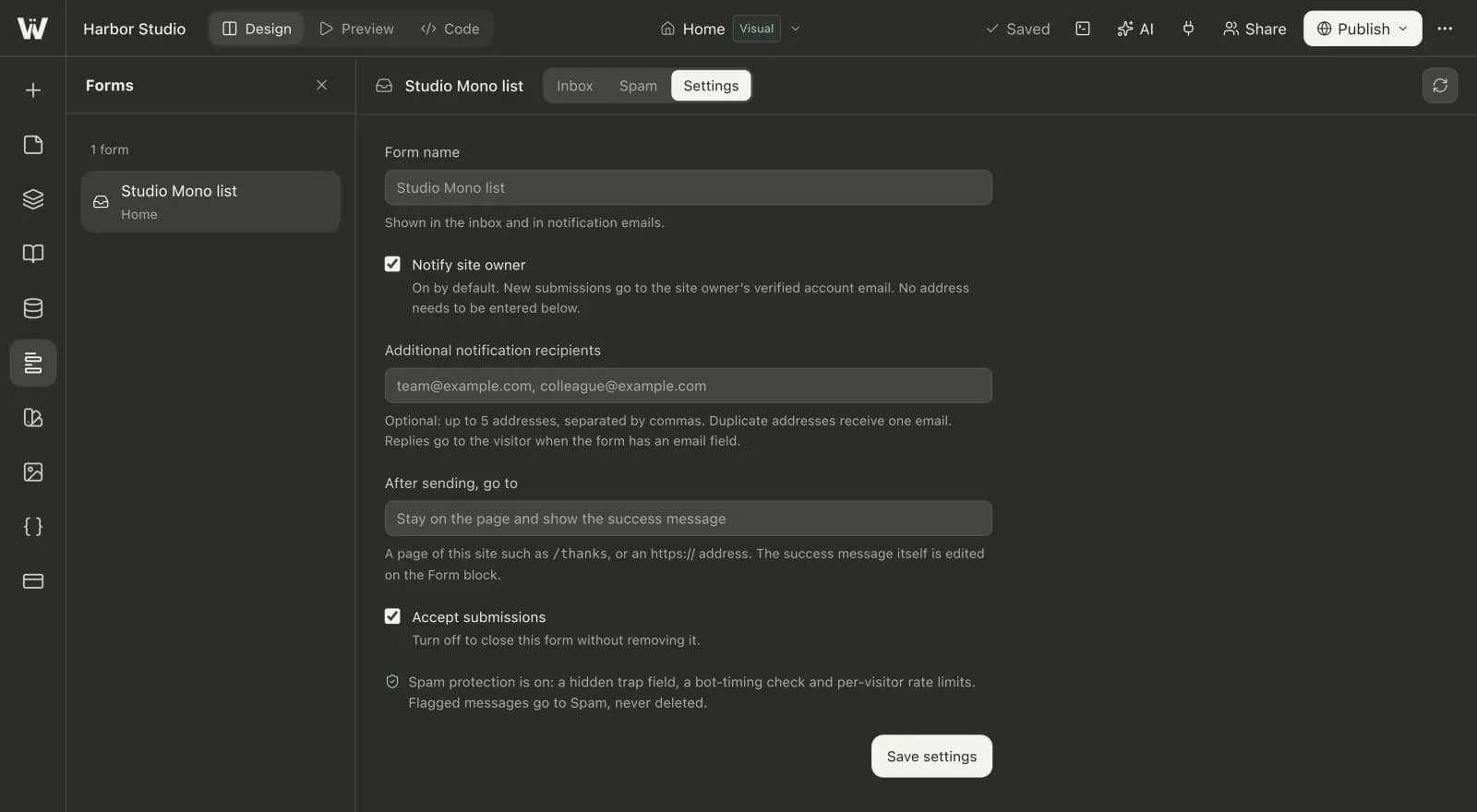
Real screenshots of the Webyaam builder with a demo site.
01 What you get
Search, read and organize submissions in the builder.
A hidden trap field, a bot-timing check and per-visitor rate limits. Flagged messages go to Spam.
New submissions go to the site owner, plus up to 5 more addresses.
Show a success message or send visitors to another page.
02 How it works
Insert a contact or sign-up form from the presets.
Choose recipients and what happens after submitting.
500 submissions a month on Launch, 2,000 on Grow.
03 Keep exploring
Your next website starts here
Start free in the builder. Your first site gets a 7-day trial with Grow features, no credit card needed.