Guided DNS
See exactly which records to add at your DNS provider.
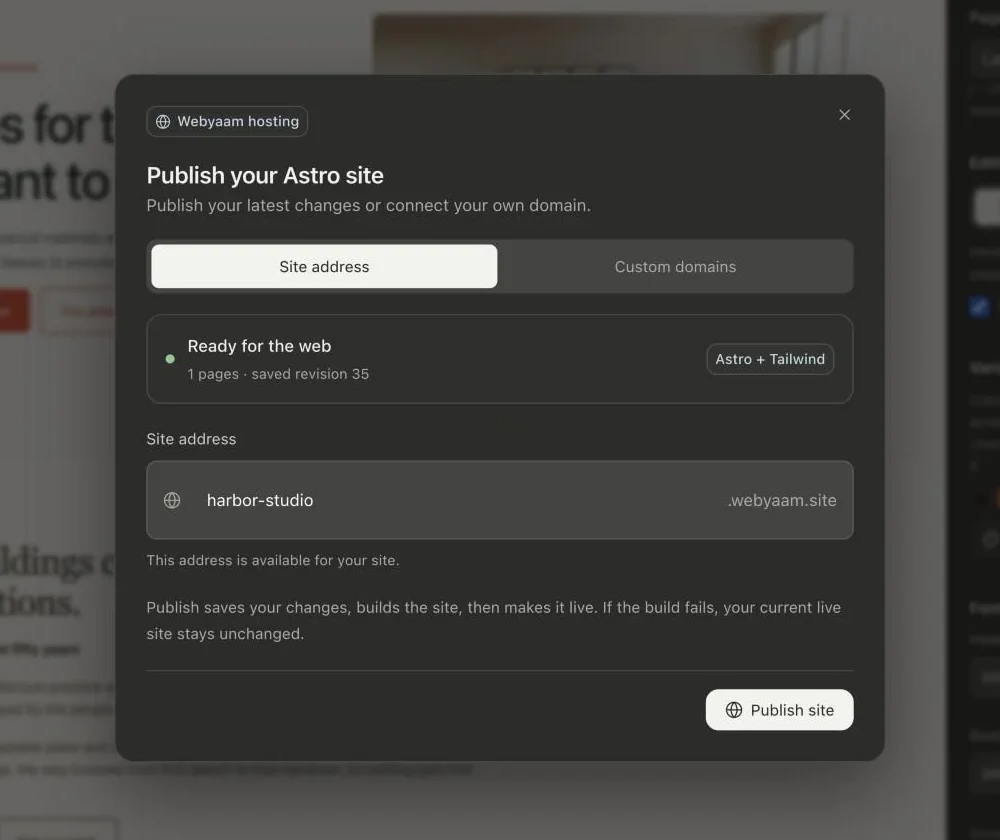
Connect your own domain on Launch and Grow. The builder shows the DNS records to add and checks DNS and SSL for you.
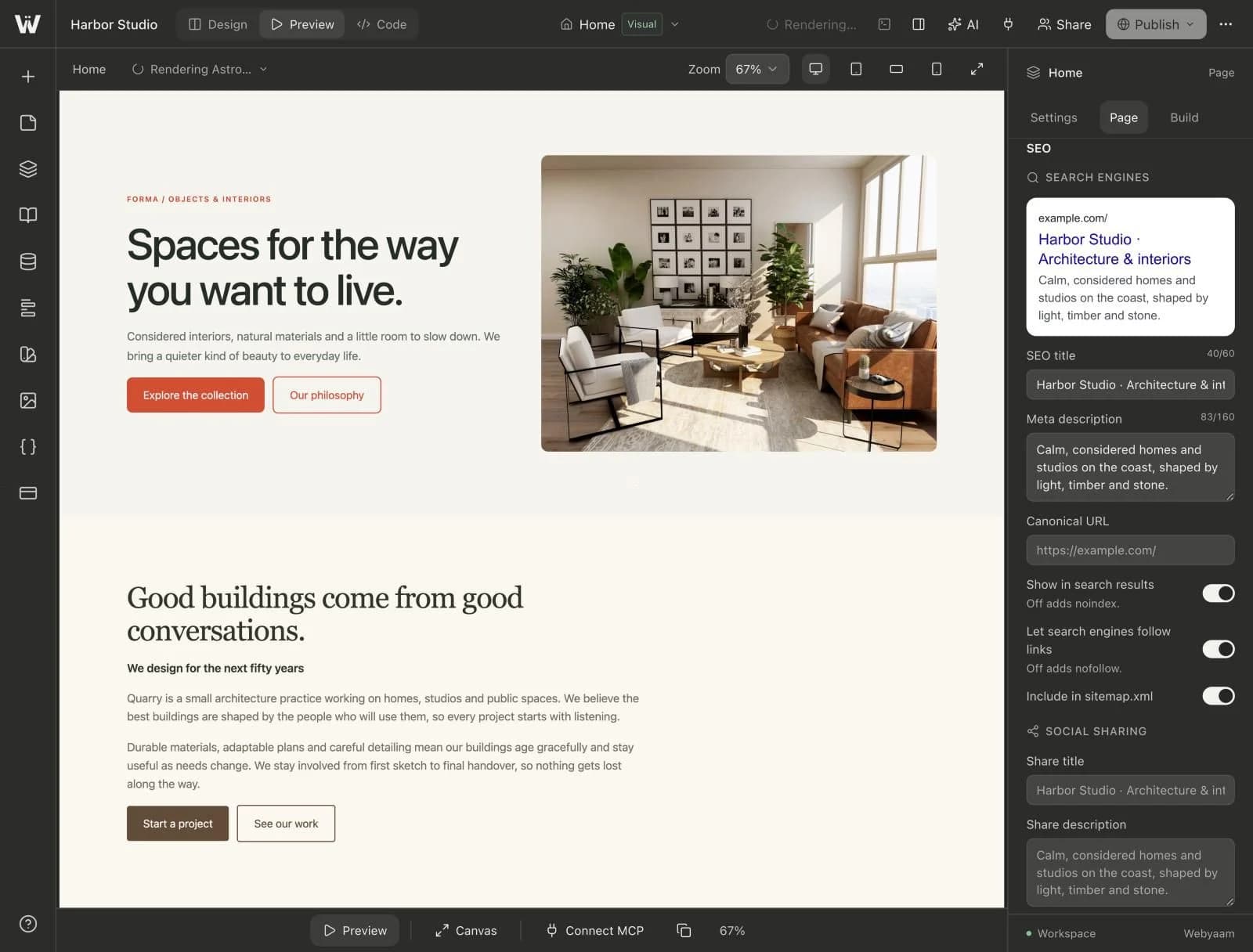
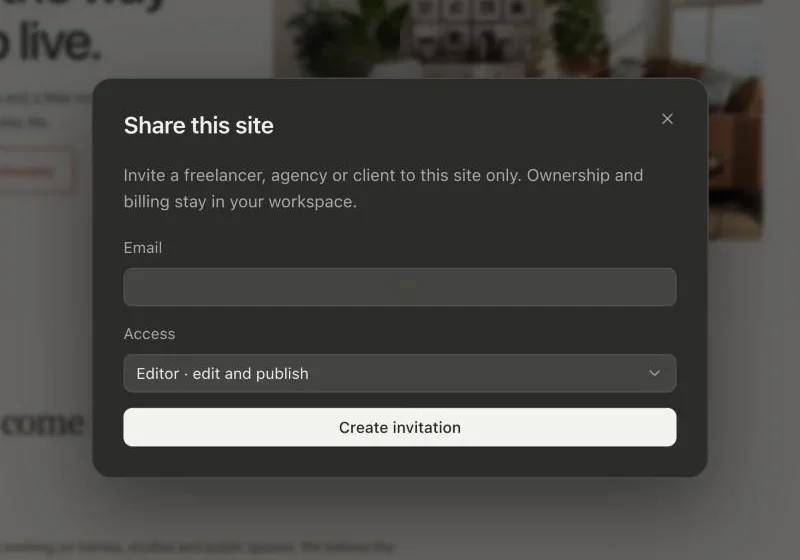
A real look at custom domains in the builder. Scroll to explore.
The same published site appears at every connected address, with HTTPS.
Enter the domain you own. Root and www are separate addresses you can both connect.
DNS and SSL are verified for you. Check status to verify sooner.
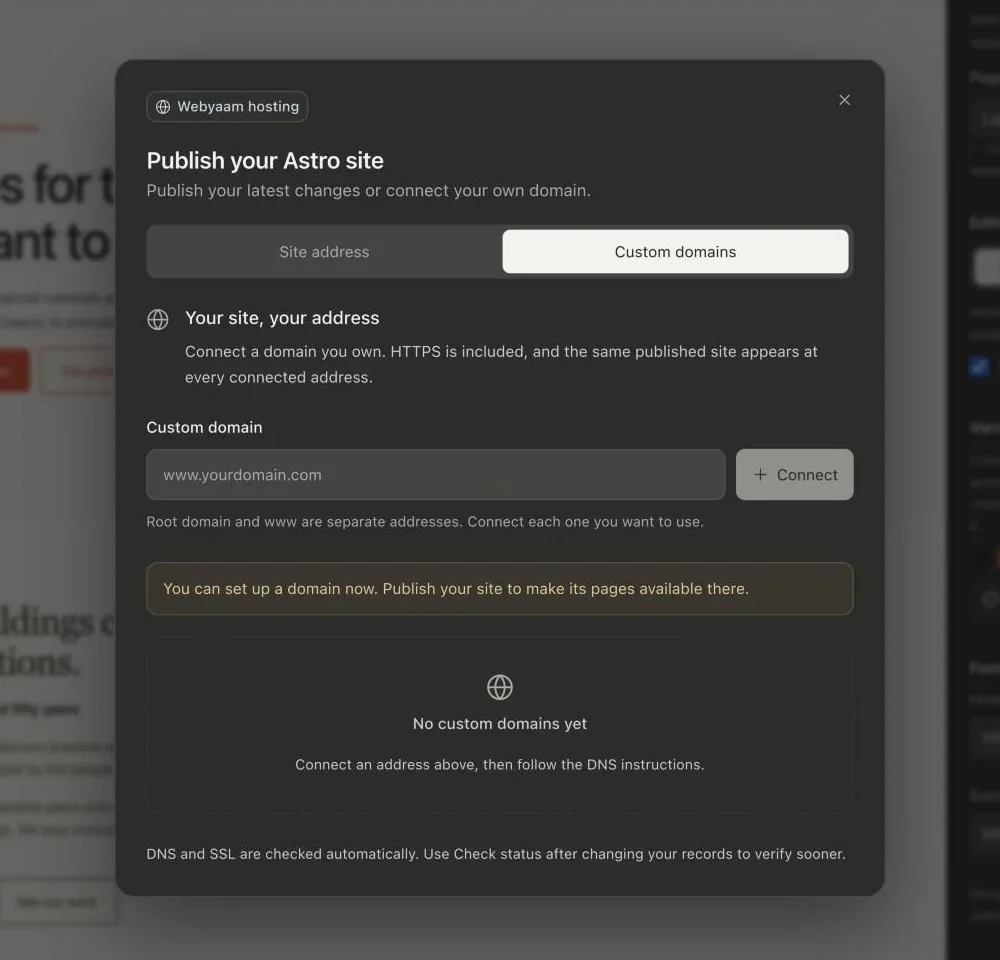
Real screenshots of the Webyaam builder with a demo site.
01 What you get
See exactly which records to add at your DNS provider.
Every connected address is served over HTTPS, checked automatically.
Root domain and www are separate addresses. Connect each one you want to use.
Each domain shows whether DNS and SSL are pending or active.
02 How it works
Enter the domain you own.
Copy the records into your DNS provider.
Once SSL is active, your site is served on your domain.
03 Keep exploring
Your next website starts here
Start free in the builder. Your first site gets a 7-day trial with Grow features, no credit card needed.