Builds with your blocks
The agent prefers built-in blocks and presets over custom code.
The built-in site agent works inside the builder. Ask for a section, a page or a change, and it builds with the same blocks and presets you edit.
A real look at ai site agent in the builder. Scroll to explore.
The agent sees the page you are editing on the canvas.
Build this page, tidy and polish, or improve content and SEO.
Describe the change you want. Usage is shown right in the chat.
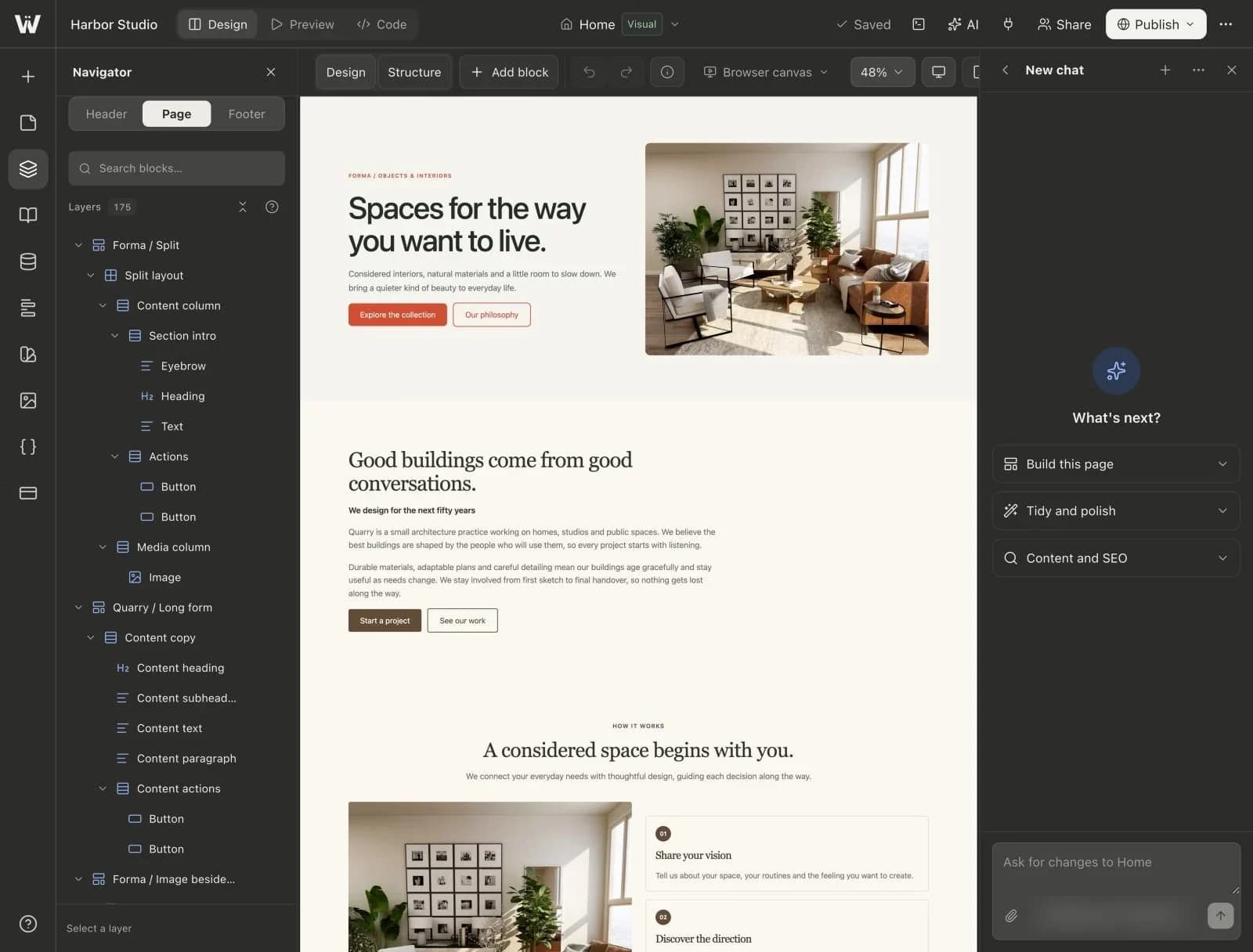
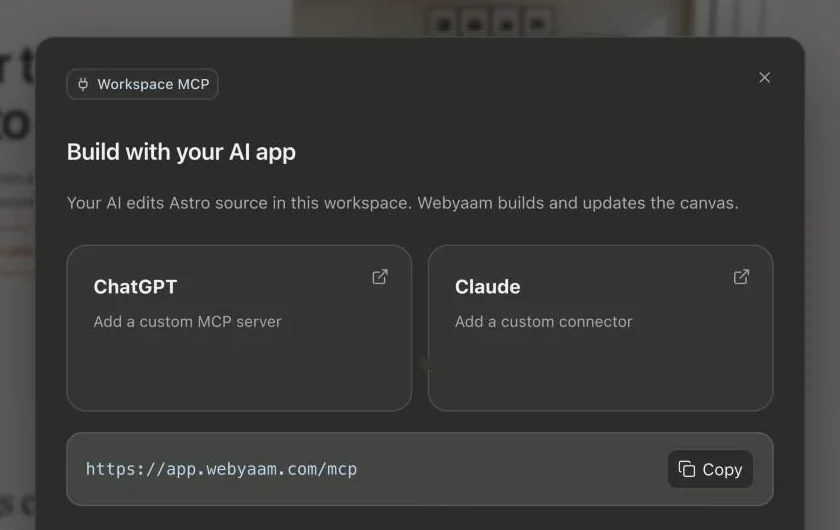
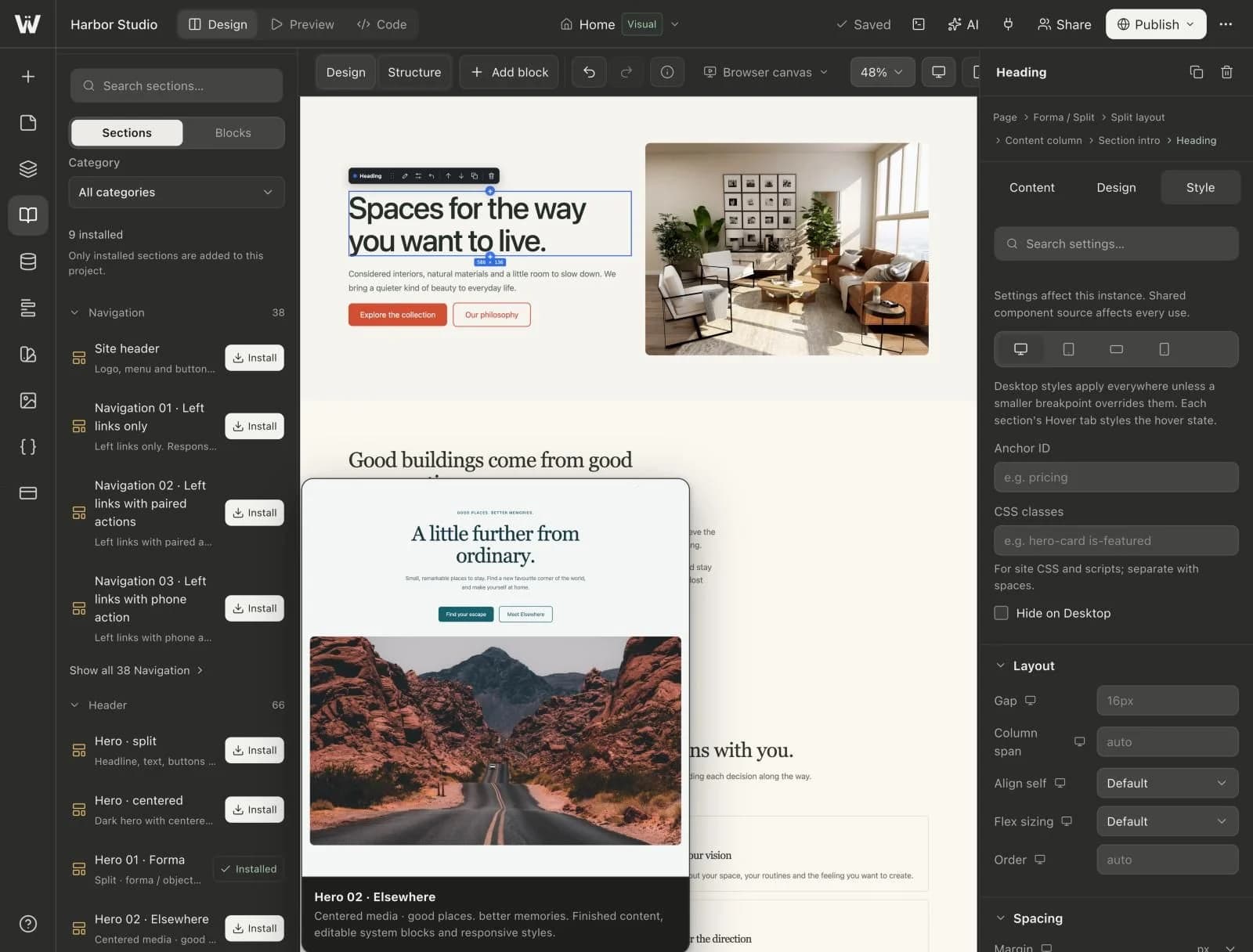
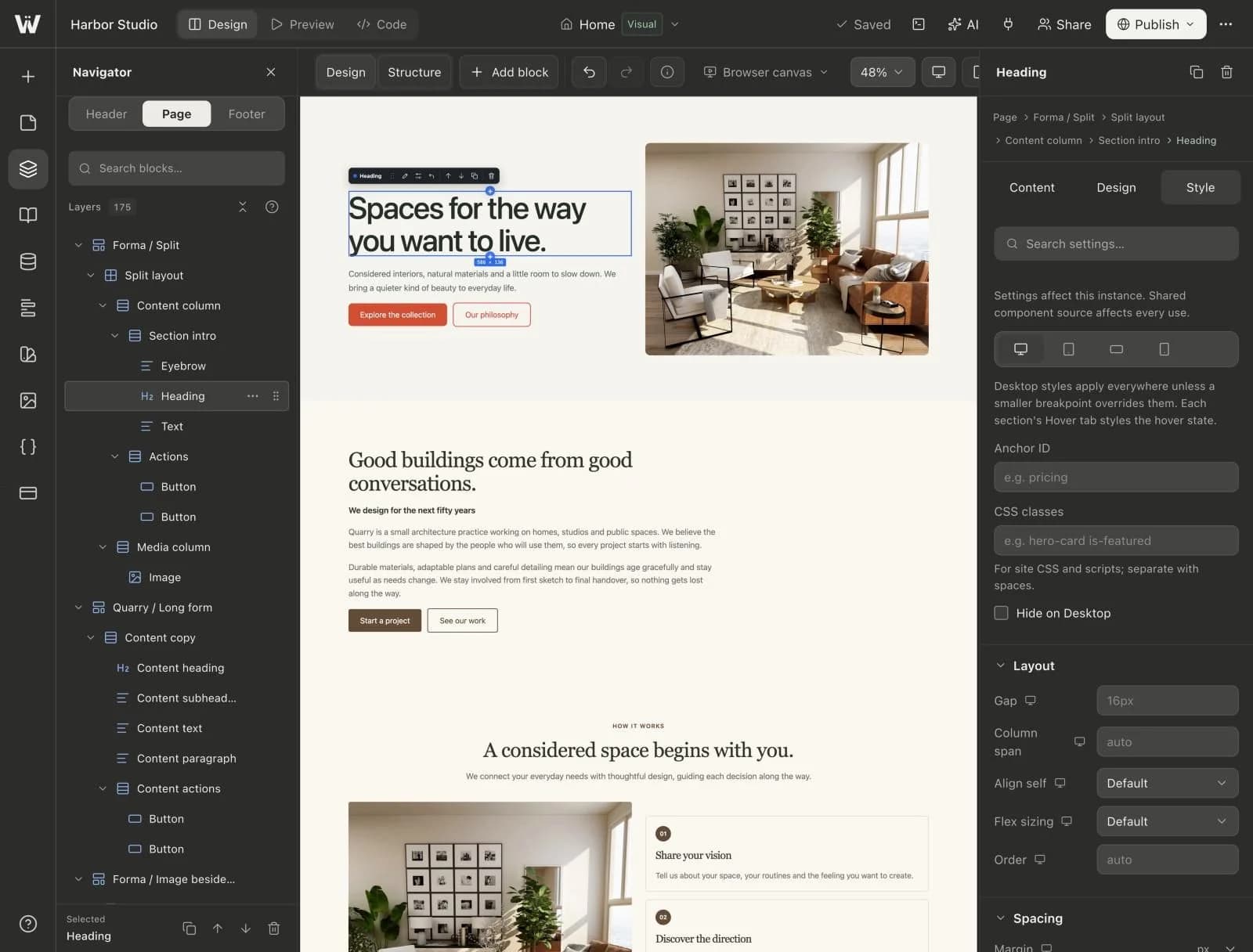
Real screenshots of the Webyaam builder with a demo site.
01 What you get
The agent prefers built-in blocks and presets over custom code.
Chat beside the canvas and review every change as it lands.
50 welcome credits, plus 200 a month on Freelancer and 500 on Agency.
Add credits when you need more. Purchased credits never expire.
02 How it works
Describe the section or change you want.
See the result on the canvas.
Keep chatting, or take over in Design and Style.
03 Keep exploring
Your next website starts here
Start free in the builder. Your first site gets a 7-day trial with Grow features, no credit card needed.