Four variable types
Colors, sizes, fonts and numbers cover the decisions a design system needs.
Variables are named colors, sizes, fonts and numbers. Group them by name, bind them to any block in the Style tab, and update the whole site from one place.
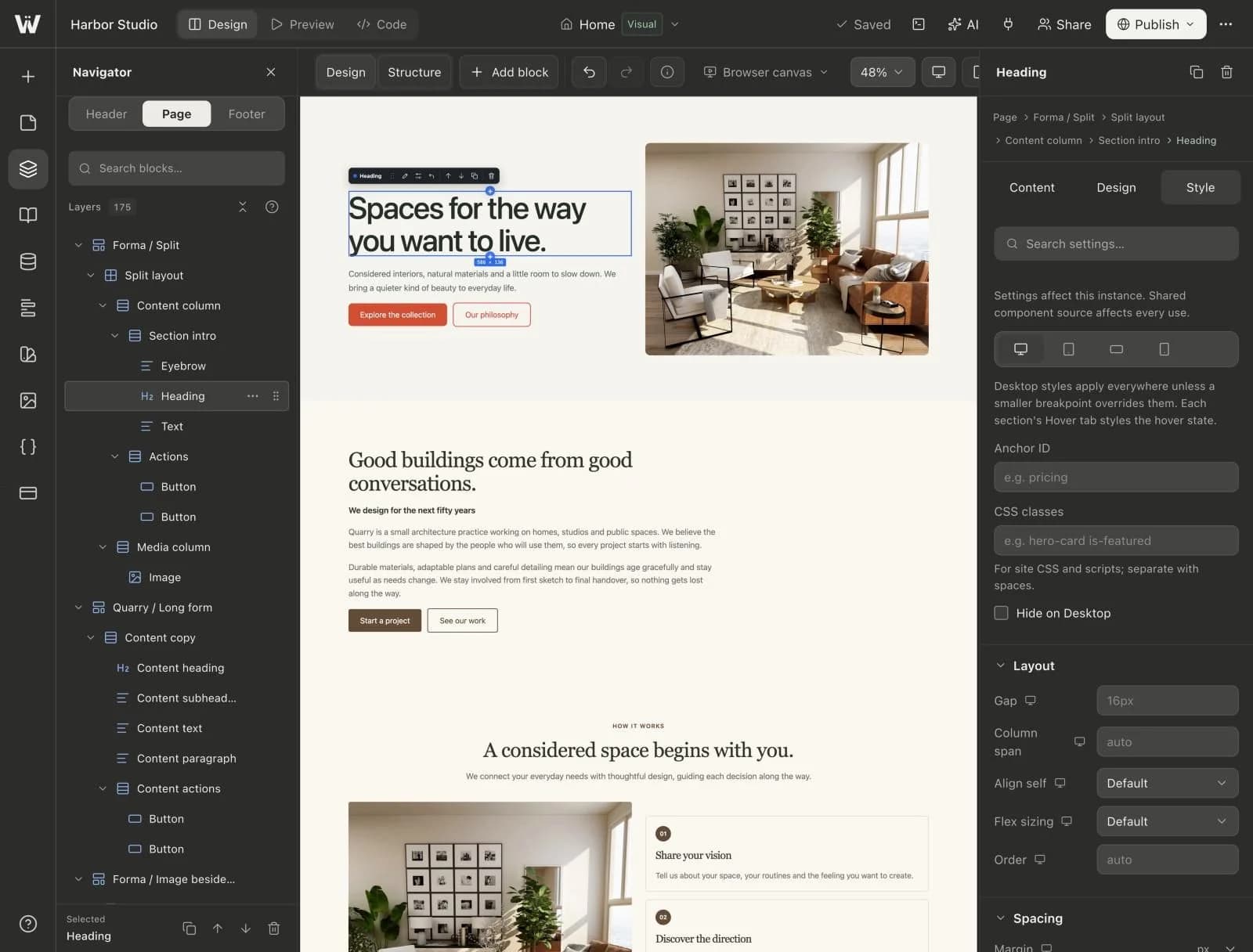
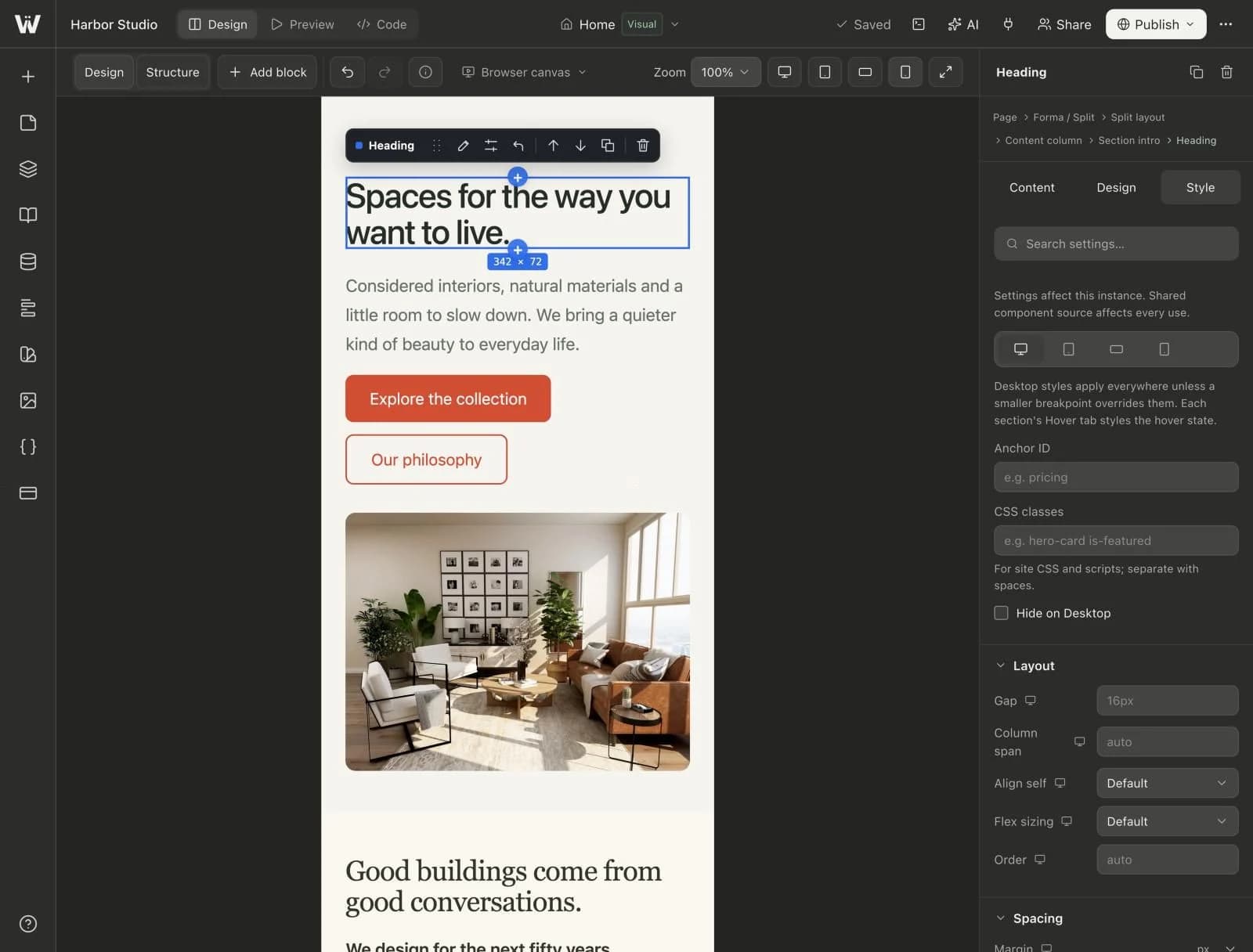
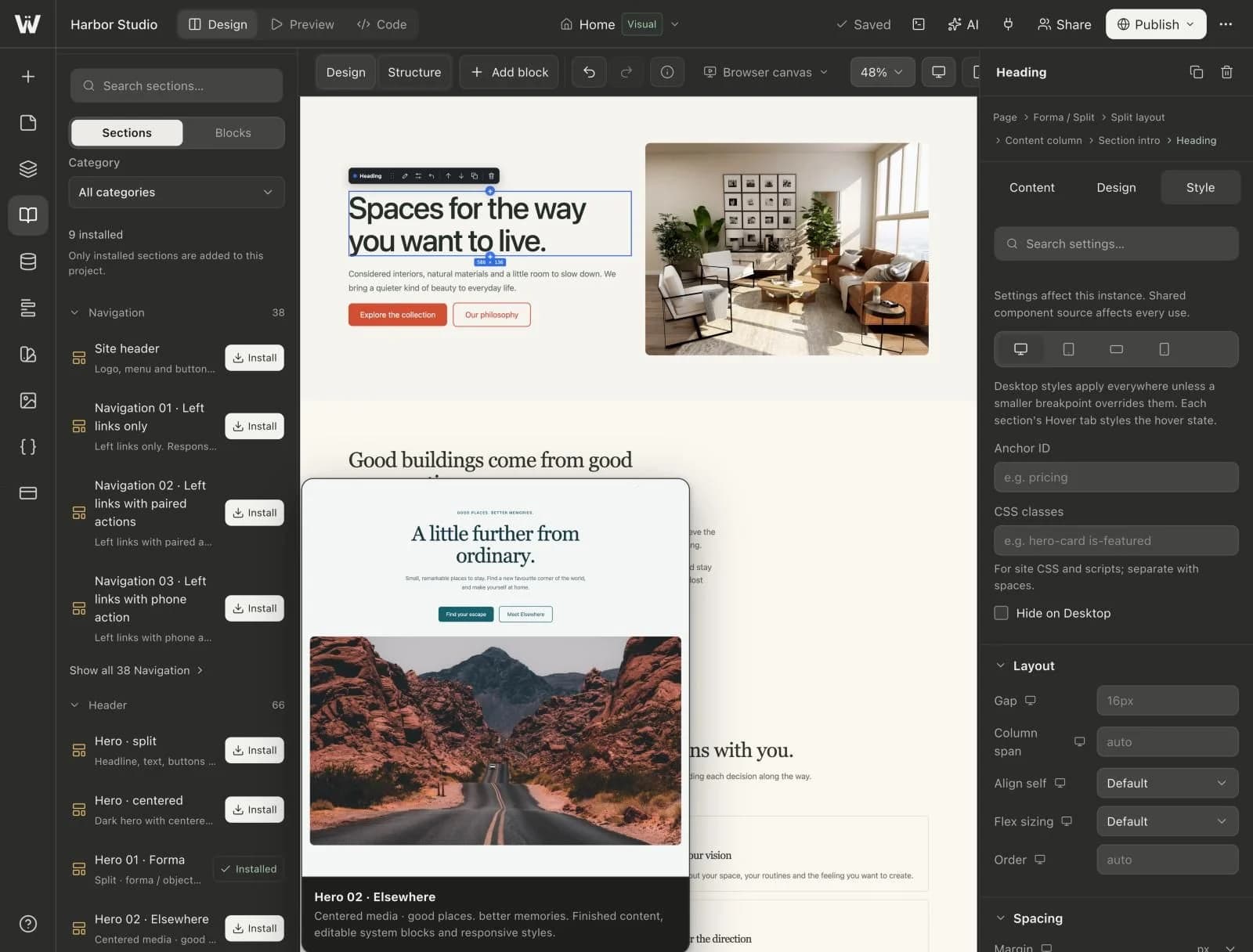
A real look at design variables in the builder. Scroll to explore.
Colors, sizes, fonts and numbers, each with its own list.
Names like Brand/Ink keep large systems organized.
Each variable becomes a --wy-* property you can bind in the Style tab.
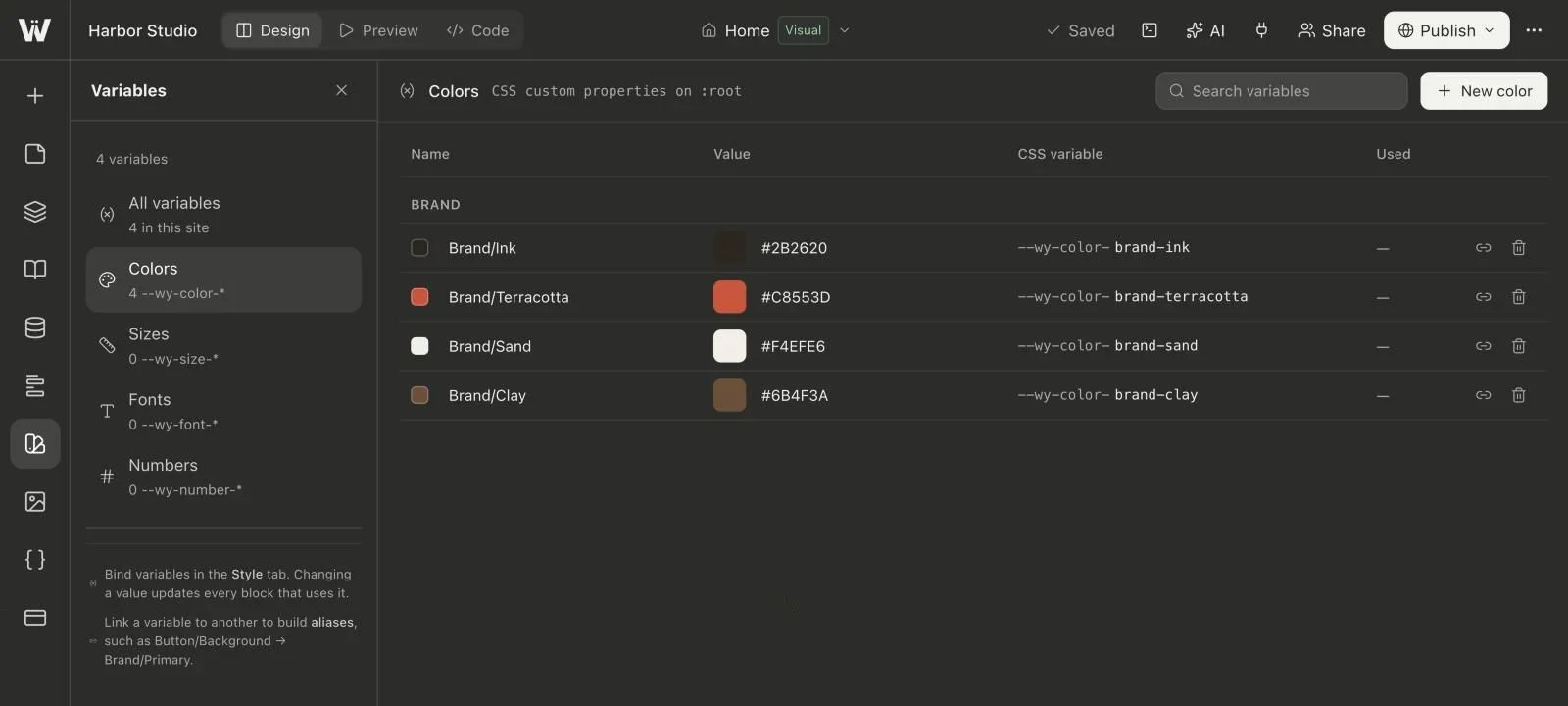
Real screenshots of the Webyaam builder with a demo site.
01 What you get
Colors, sizes, fonts and numbers cover the decisions a design system needs.
Use names such as Brand/Primary to keep large systems organized.
Apply a variable to any block from the Style tab instead of a fixed value.
Each variable becomes a CSS custom property in your Astro project.
Variable types
02 How it works
Create variables for your brand colors, type and spacing.
Pick a variable in the Style tab instead of typing a value.
Change the variable once and every bound block follows.
03 Keep exploring
Your next website starts here
Start free in the builder. Your first site gets a 7-day trial with Grow features, no credit card needed.