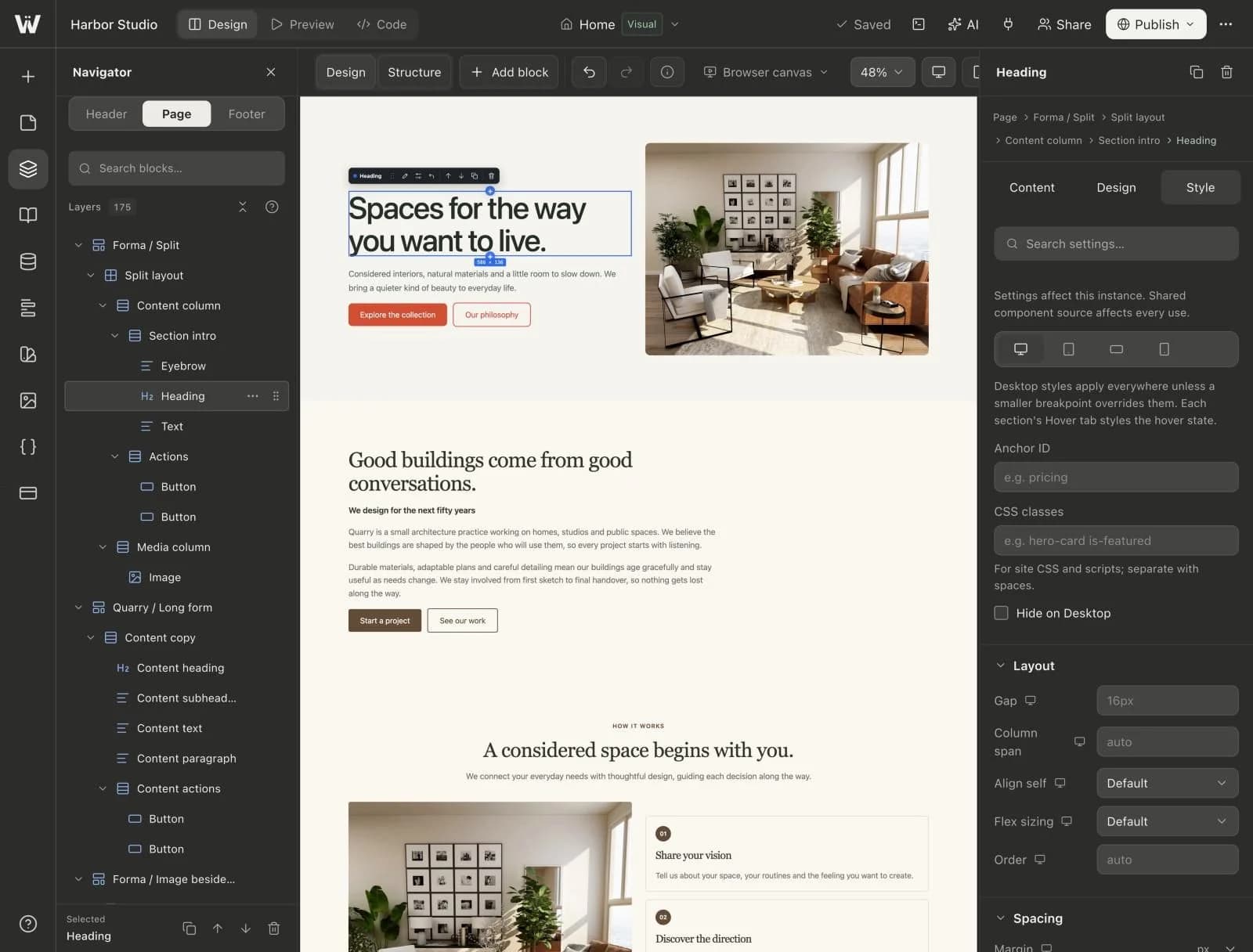
Four breakpoints
Desktop, tablet, landscape and mobile each get their own styles.
Set styles for desktop, tablet, landscape and mobile, and preview the layout as you refine each breakpoint.
A real look at responsive design in the builder. Scroll to explore.
Desktop, tablet, landscape and mobile are one click away in the canvas toolbar.
The canvas renders your page at the selected width, so you edit what visitors will see.
Desktop styles apply everywhere unless a smaller breakpoint overrides them.
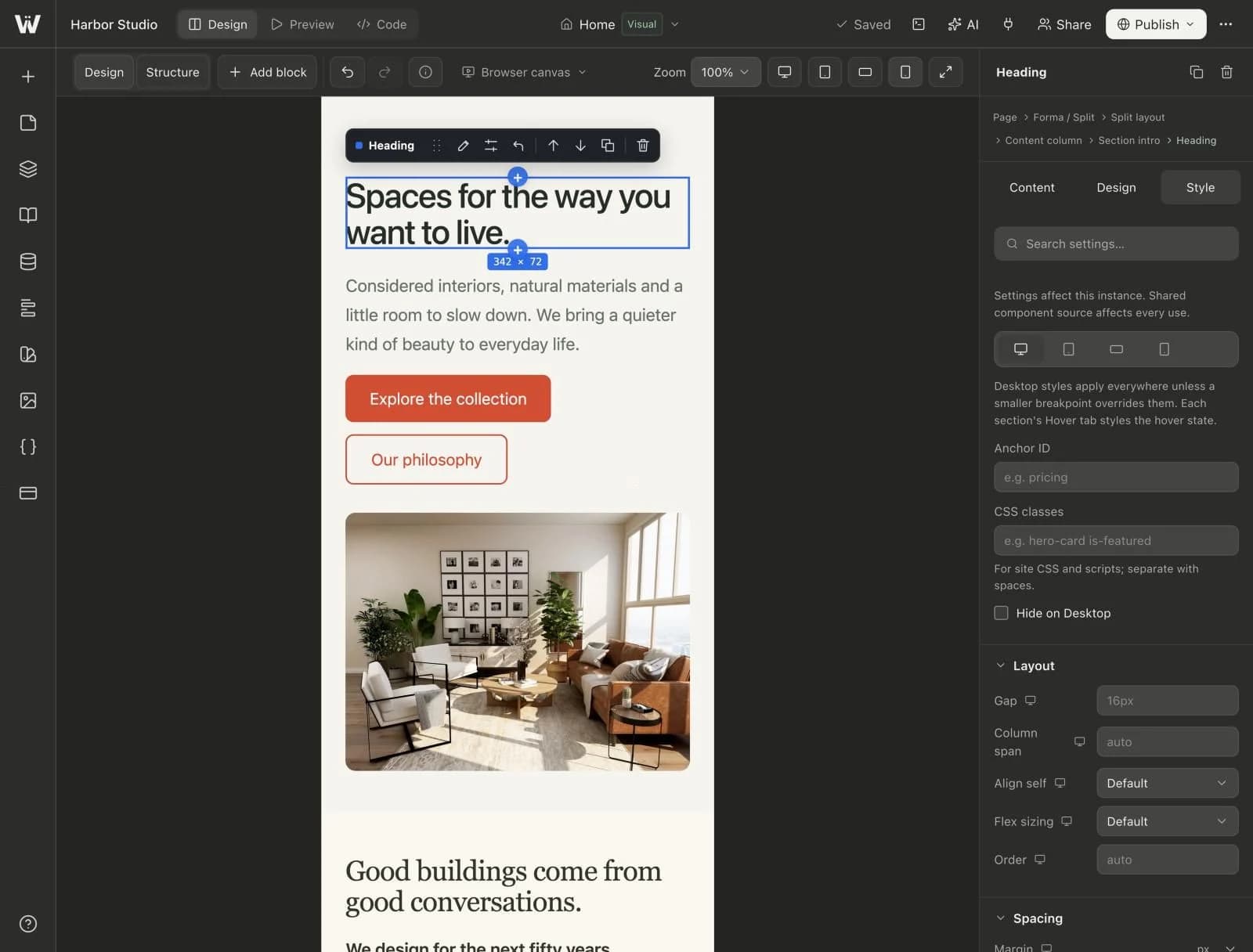
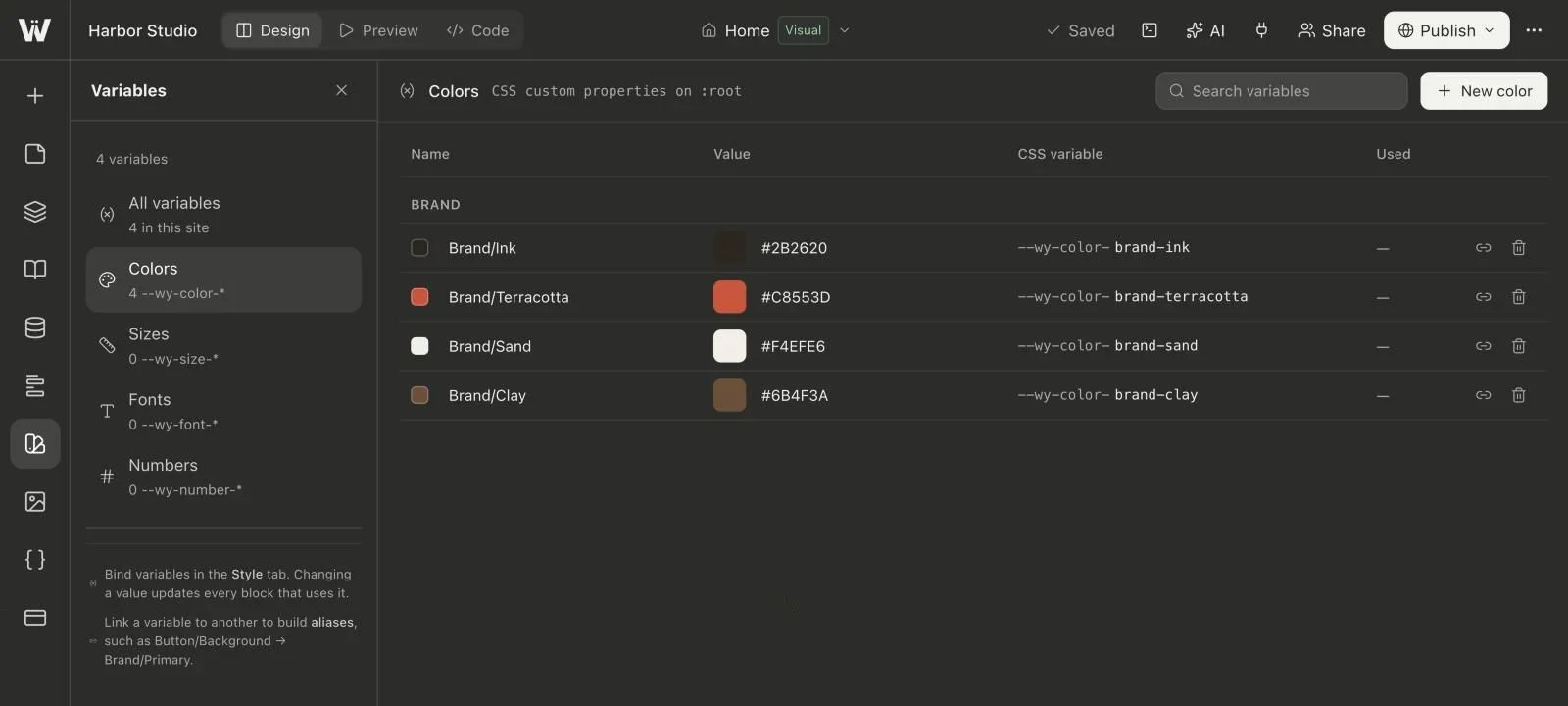
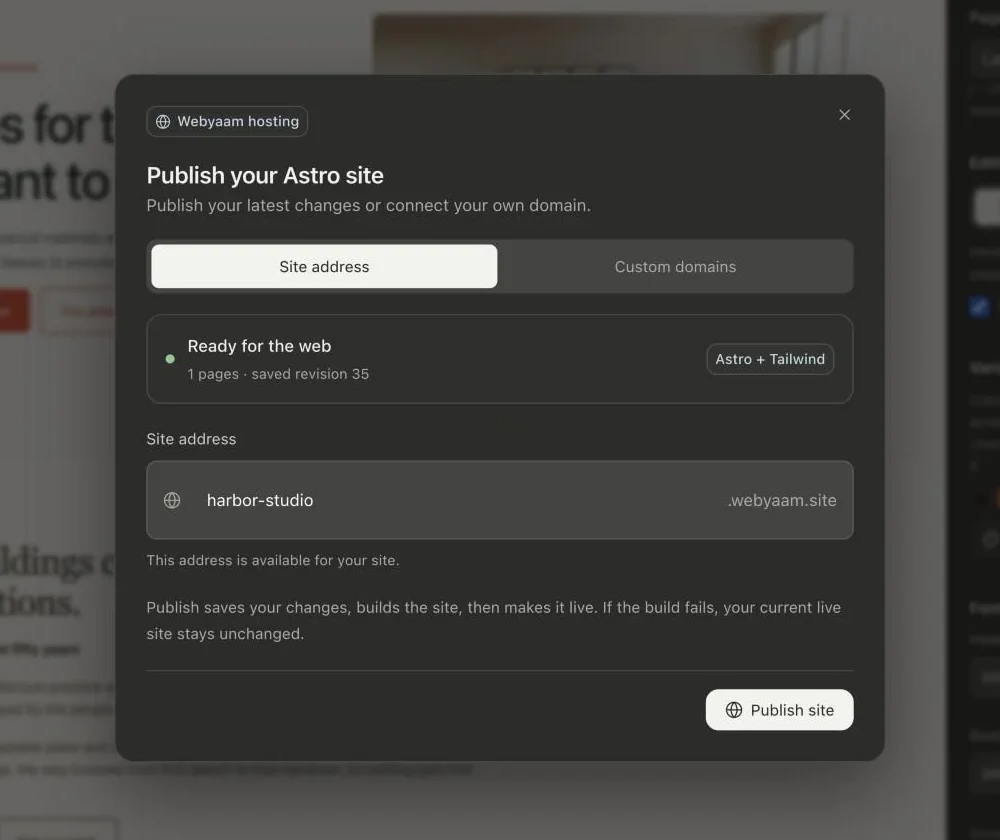
Real screenshots of the Webyaam builder with a demo site.
01 What you get
Desktop, tablet, landscape and mobile each get their own styles.
Switch the canvas between screen sizes while you design.
Adjust spacing, type and layout for one block on one screen size.
Responsive styles ship as standard CSS in your Astro project.
Breakpoints
02 How it works
Lay out the page at full width first.
Pick tablet, landscape or mobile on the canvas.
Override only what needs to change on that screen.
03 Keep exploring
Your next website starts here
Start free in the builder. Your first site gets a 7-day trial with Grow features, no credit card needed.