A portfolio becomes difficult to maintain when every new project begins with copying an old page. Images change shape, headings drift and an editor eventually updates the card on the home page but forgets the detail page.
A collection-based portfolio gives projects a shared structure. This walkthrough uses an illustrative architecture studio called Harbor Studio. The project names and copy below are teaching examples, not a record of client commissions or measured business outcomes.
Separate the three parts of the portfolio
Think of the website as three connected pieces: an index that helps visitors choose a project, the content for each project and a detail layout that displays that content. A CMS entry is the record; a collection list is a view of several records; the detail page is the route for one record.
This distinction makes editing easier. The person adding a project should not need to rebuild the navigation or adjust section spacing. The person improving the detail layout should not need to rewrite every project description.
For a first release, create a home page with selected work and a Projects page with the full collection list. Make sure both pages have a useful introduction. An unexplained wall of images makes visitors work harder to understand what the studio actually does.
Start with a small, usable content model
Use the built-in title, slug, date, cover image, excerpt and body fields. Add only the extra structured values the design needs.
| Field | Type | Purpose |
|---|---|---|
| Project year | Number | A consistent year label or later sorting logic |
| Service | Option | A controlled category such as Residential or Workplace |
| Location | Text | A place name written consistently |
| Credits | Long text | Optional collaborator and photography credits |
| Featured | Switch | A value a custom listing can use if you implement that rule |
The last row is important: adding a Featured field does not automatically implement a featured-project filter in every list block. A field gives you data. The component that displays a list must actually use it. Check the available list controls or implement the rule in a custom Astro component when required.
Avoid storing a year twice without a reason. If the entry date means “published on the website” and projectYear means “completed in,” document that distinction for editors.
Create the collection and review the URL pattern
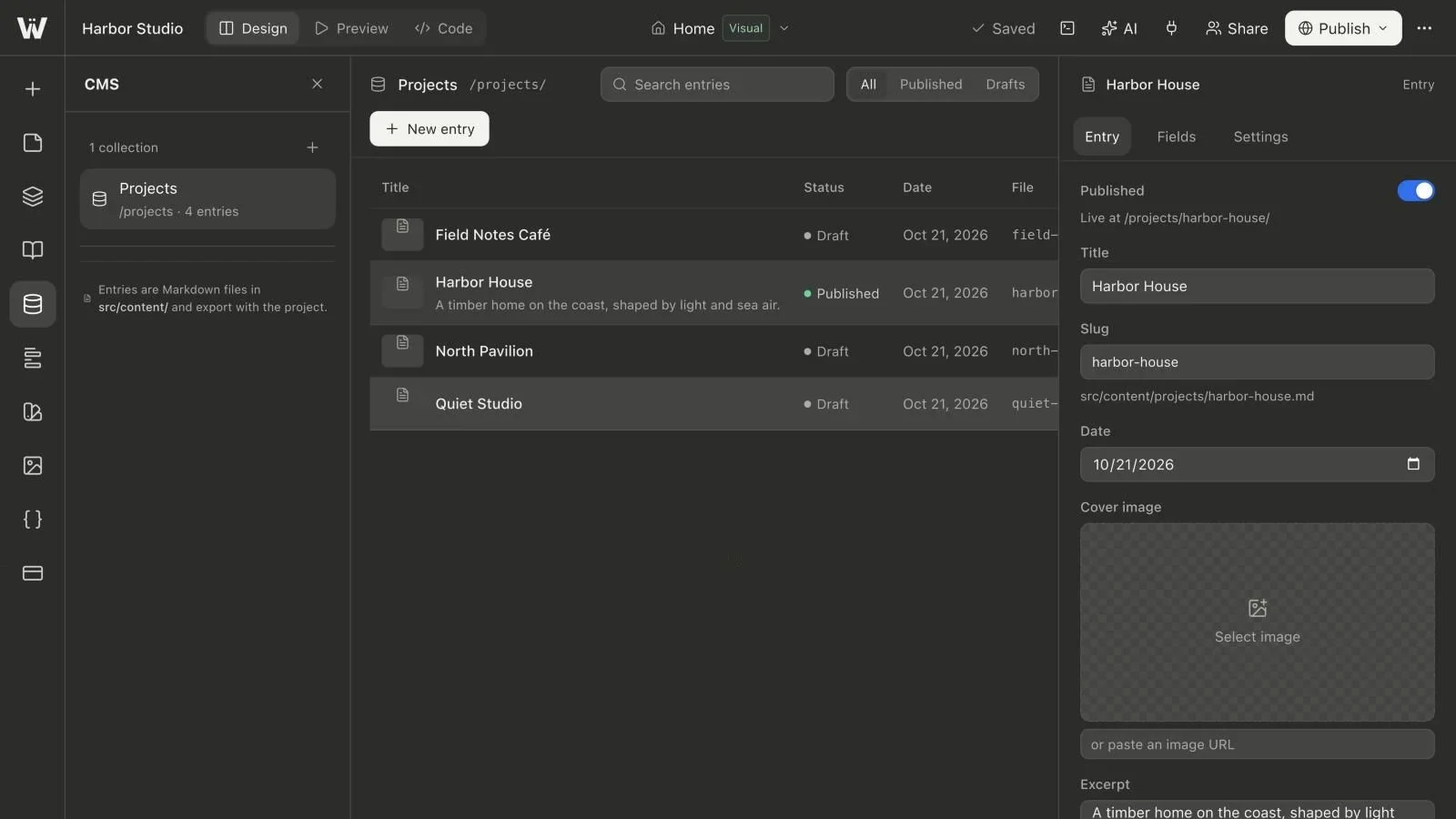
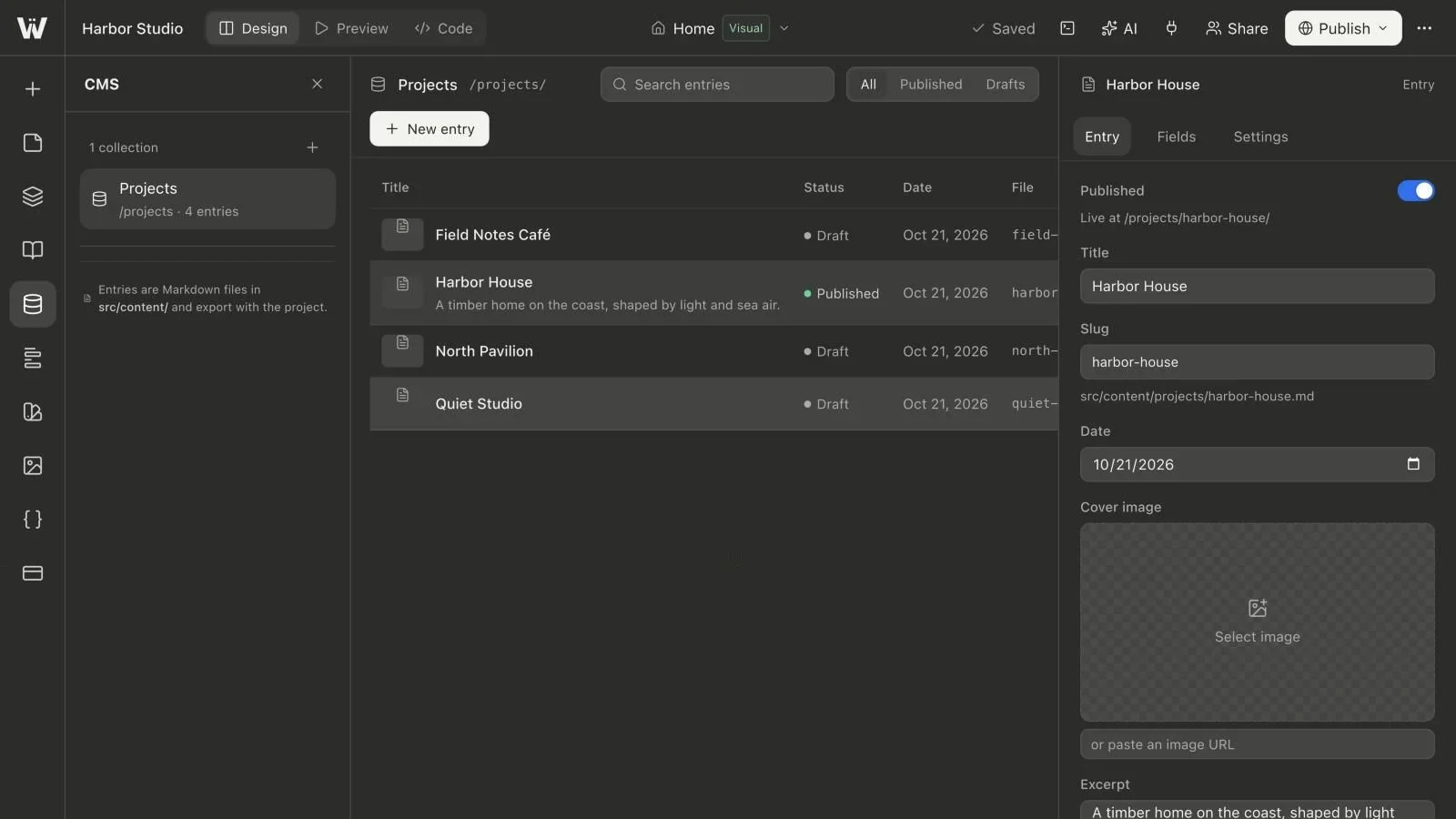
Create Projects in the CMS panel and review the route in collection settings. For this example, an entry with the slug harbor-house appears under /projects/harbor-house/ after it is included in a published build.
Choose descriptive, durable slugs. A temporary phrase such as new-project-final is difficult to share and easy to regret. Do not keep changing a public slug whenever the marketing title changes.
If an older site already has project URLs, create a URL map before rebuilding it. Preserving an existing useful path can be easier than redirecting it. Where a redirect is necessary, implement and test it on the destination host; a CMS route rename is not itself a redirect service.
Add representative entries before refining the layout
Create one draft for a short title, one for a long title and one with a longer excerpt. Use realistic image crops and properly licensed images. This gives the design something more useful to work against than three identical placeholders.
Write an excerpt that explains the project in one or two sentences. Put the longer story in the body. A useful project narrative describes the brief, constraints, decisions and what the completed work actually contains. If a claim is qualitative, say so; do not turn it into an invented metric.
Keep credit information with the record. Image permissions are easier to maintain when the editor does not have to reconstruct where each photograph came from months later.
Build the listing for scanning, not only decoration
Add a collection list to the page and select Projects. Decide what the visitor needs to compare: the image, title, service and a short explanation are often enough. The listing should lead to a useful detail page rather than require visitors to understand the whole project from a thumbnail.
Inspect the longest title at narrow widths. Let text have room to wrap or truncate deliberately. Give every project an understandable link label and make the card's keyboard focus visible.
Do not communicate project state only through a color. Draft and published labels are editing concepts; on the public site, incomplete entries should simply remain excluded from the published list.
Review the detail-page layout
Use an existing page layout when the entry should inherit the site's typography and page structure. Use the standalone setting when a self-contained detail page is a better fit. Check the output after building instead of assuming that a layout designed for a different page type will receive every field it expects.
The body should have a clear reading order. A visitor needs to understand the challenge and the studio's work before being asked to start a similar project. Include a relevant contact action and a way back to the portfolio.
If you need a bespoke gallery, filtering interface or project-specific interaction, inspect the available components and then decide whether custom code is justified. Do not assume that an arbitrary new frontmatter field changes the generated presentation automatically.
Test the complete publishing workflow
Complete required fields, switch the representative entries to Published and save the source. Then build and inspect both the list and a detail URL. Confirm that a draft is absent from the public collection output.
Next, edit an excerpt and save again. Rebuild or republish and verify the visitor-facing result. This tests the full maintenance cycle rather than only the first successful creation of a collection.
Check an invalid detail URL as well. A portfolio should return a useful missing-page response, not silently show an unrelated project. Use the publication guide to distinguish content status from the site's published snapshot.
Prepare the portfolio for the next editor
Write down which fields appear on cards, which are required and what happens when a slug changes. Record the image dimensions or aspect ratios your layout expects. A one-page editorial guide prevents a lot of later layout repairs.
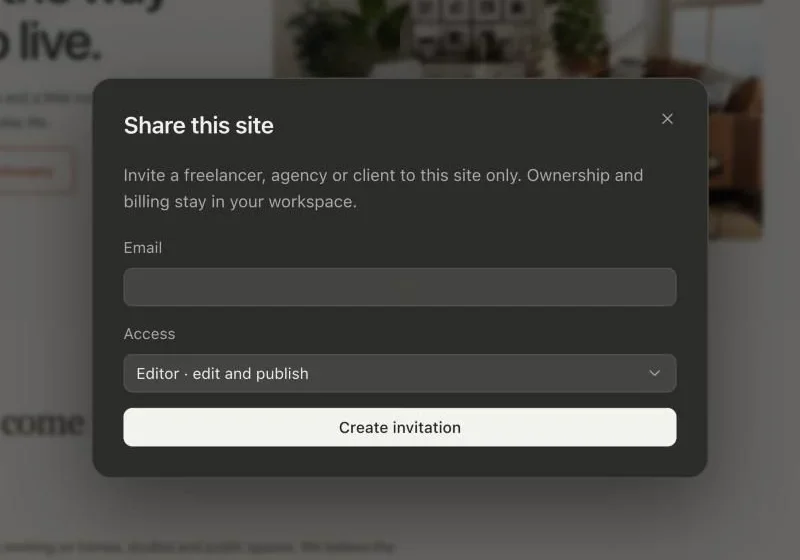
Review the client handoff checklist before inviting another person. Give them the role appropriate to their responsibilities and ask them to make one draft update while you observe the workflow.
The useful result is not just a portfolio that looks complete on launch day. It is a repeatable way to add, review and release the next project. Continue with the Astro CMS hub for schema design, draft handling and the source files behind that process.