A website handoff is complete when the next person can make an ordinary change, release it safely and identify who owns the accounts and services behind the site. Sending a login link or a ZIP archive is only one part of that work.
This checklist is intended for freelancers and agencies delivering a Webyaam site. Adjust it to the actual client agreement, the client's technical ability and the responsibilities your agency is retaining.
Agree on the operating model before inviting anyone
Decide who owns the website, which workspace organizes the work, who pays for the site and which people maintain content. Treat those as separate questions. A person receiving collaboration access does not automatically become the owner or billing contact.
Write down whether the client is expected to manage CMS entries, edit page layouts, publish releases or simply review the work. A narrowly defined responsibility is easier to train and support than a general instruction to “manage the website.”
Also decide whether ongoing maintenance is included. The right handoff for a managed agency service differs from the handoff for a client who will operate the whole project independently.
Choose the correct access scope
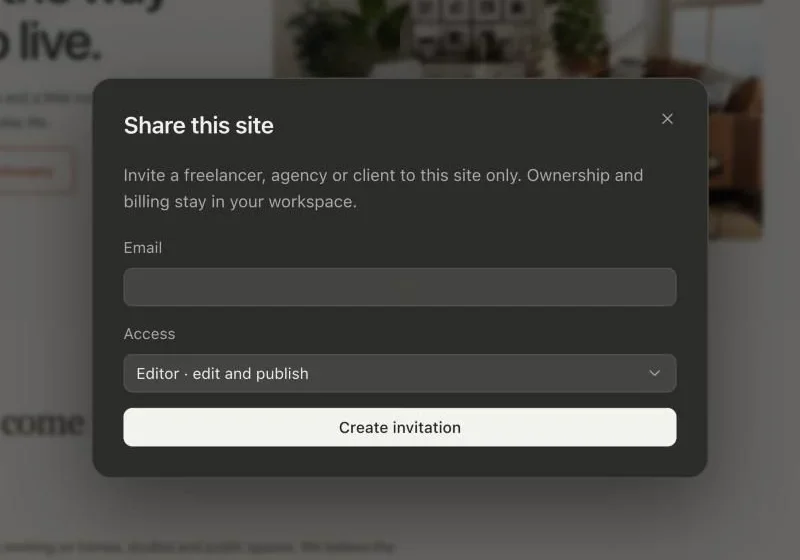
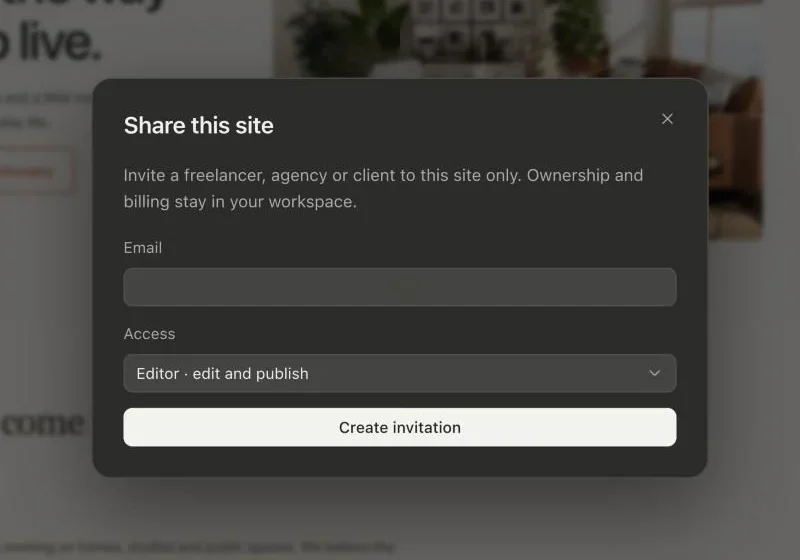
Workspace membership and site collaboration are different scopes. Workspace access can be appropriate for a team that works together across several sites. Site-specific collaboration is useful when a person should work on one project without joining the wider workspace's client portfolio.
Use roles according to the intended job. A viewer is suitable for review; editing requires an appropriate editing role. Ownership, billing and administrative responsibilities should stay with the people actually responsible for them.
Send an invitation to the intended email address and verify that the recipient can sign in and see the right site. Do not share an agency password as a substitute for individual access. For the exact product workflow, use the sharing documentation.
Write a one-page map of the website
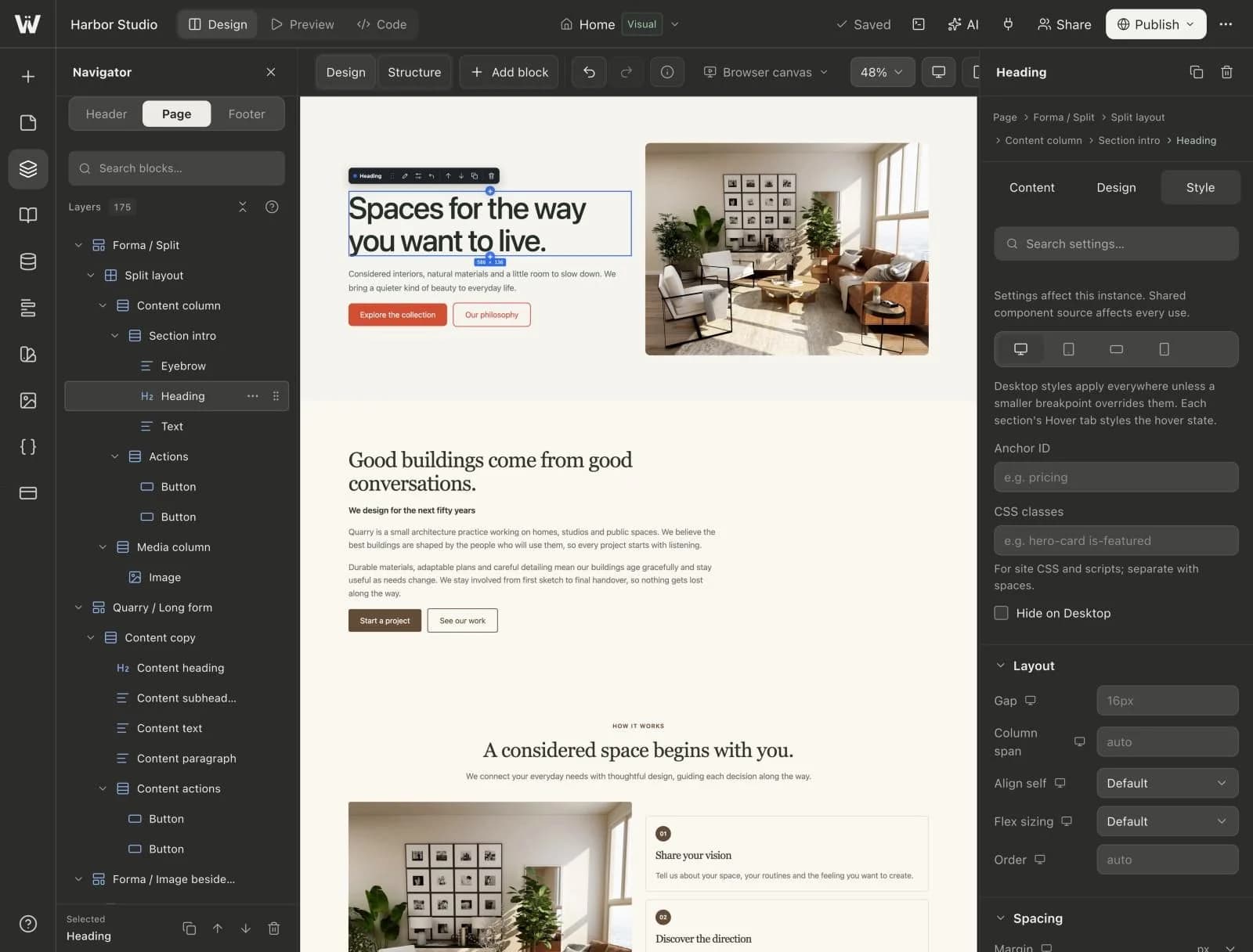
List the important pages, collections, shared header and footer areas, linked components and design variables. Explain where a typical change belongs.
For example: a new project belongs in the Projects collection; changing the navigation belongs in the shared header; replacing the title of one service card is a local content edit; changing every service card's spacing belongs in the shared component design.
This is more useful than asking the client to memorize the entire builder. Link to the reuse guide when a shared-versus-local change needs more explanation.
Train using a real maintenance task
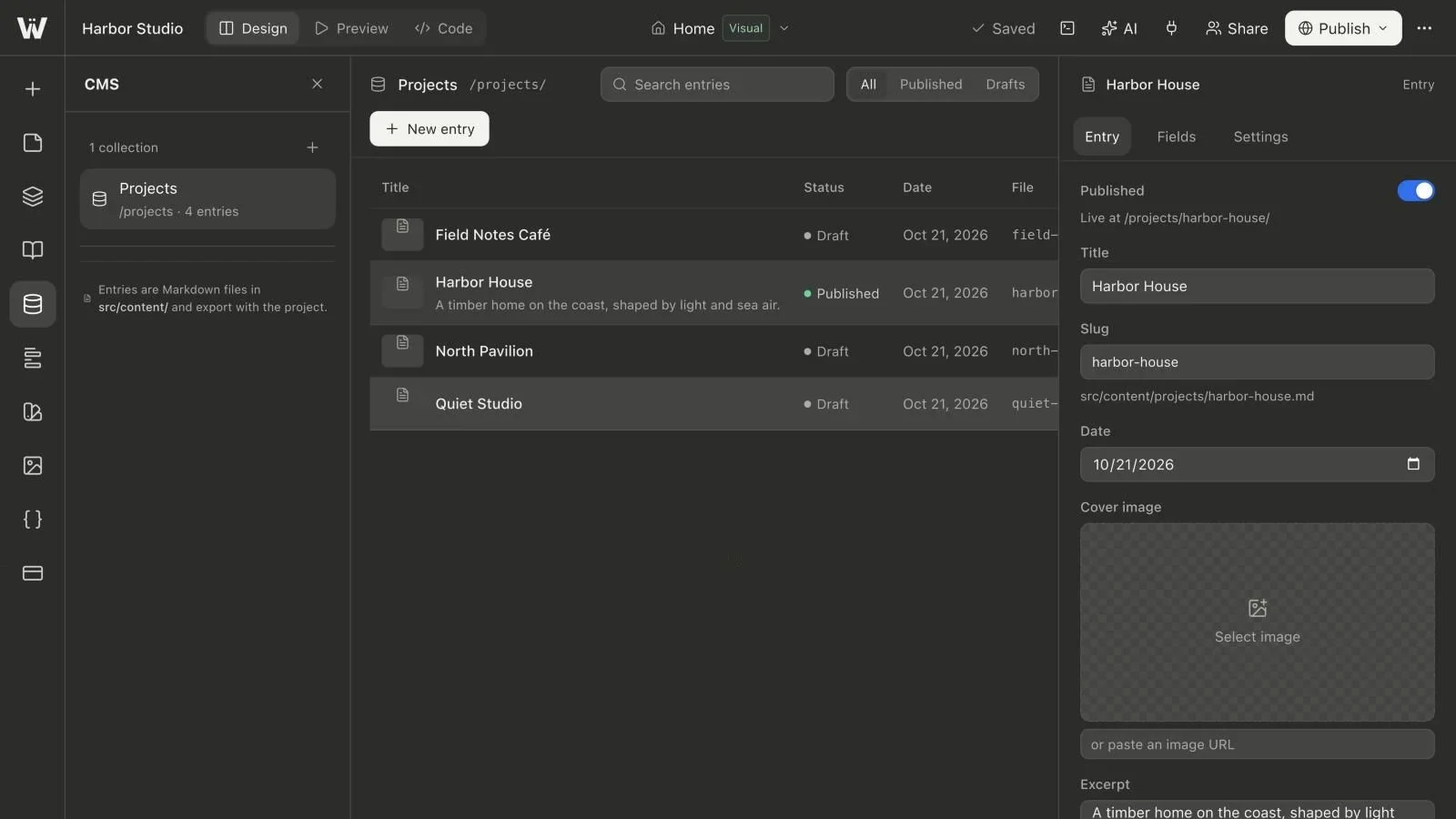
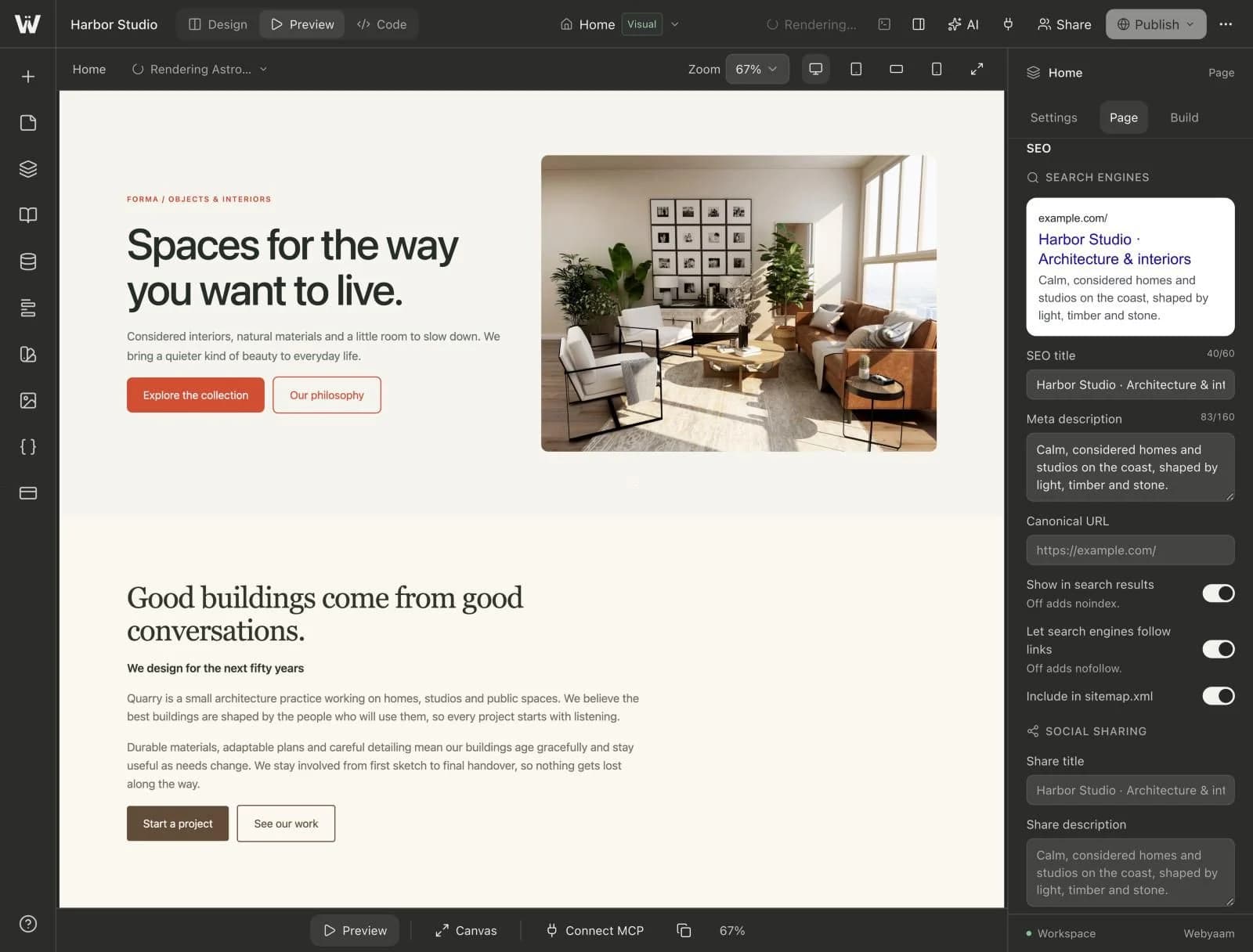
Ask the client to create an illustrative draft entry, fill its required values, add properly licensed media and save it. Reload the editor to confirm that the content is there. Then have them inspect the preview and explain what would need to happen before it becomes public.
Do not treat the training entry as real customer work. Remove or retain it as an explicitly labeled draft according to the client's preference.
The client should also practice correcting a mistake. Show the difference between restoring an input value, reverting a source change and replacing the published site with a new approved build. A confident editor knows what evidence to check after a problem rather than repeatedly clicking Save.
Separate content approval from site publication
Explain the difference between a CMS entry marked Published and the site snapshot visitors receive. A saved entry can be ready for inclusion while the released website still shows an earlier build.
Give the final release decision a clear owner. If several people can edit content, agree on how they signal that a change is ready for review. Avoid a process where one person's publish action unintentionally releases someone else's unfinished page changes.
Use the draft and publication guide as the editorial reference. A short checklist works well: required fields complete, source saved, preview approved, correct build published and public URL verified.
Transfer the account and service knowledge
Maintain an inventory of the domain registrar, DNS provider, website hosting, form destination, analytics property and any other service the site uses. Record the owner and renewal responsibility for each. Store credentials in an appropriate password manager, not a CMS entry or a project README committed to source control.
Check that the intended organization has access to its own domain and analytics data. An agency can provide administration without making a personal employee account the only route to those assets.
For forms, test where a real submission arrives and who receives a notification. Verify the failure path as well. A visually correct contact form is not sufficient evidence that the client's enquiries reach the intended inbox.
Decide whether an export is part of the agreement
If source delivery is included, supply the Astro project, a known-good build where appropriate, installation instructions and a list of hosted service dependencies. Ask someone other than the original implementer to follow the instructions if practical.
An exported static site does not include a running Webyaam dashboard or automatically recreate the form backend on another host. The export guide explains what to verify before a client relies on an archive as their independent operating copy.
Make clear which copy will receive future updates. A client editing an exported repository and an agency editing the builder need an explicit synchronization or ownership policy.
Define how AI assistance may be used
If the client will connect an external assistant through MCP, document the authorized workspace, the role it follows and which actions require review. Avoid leaving an agency employee's personal AI connection as an unexplained dependency of the client's workflow.
A helpful task policy might allow copy changes in drafts while requiring review for shared component changes, deletion, URL changes and publication. Revoke connections that are no longer needed.
Finish with evidence, not just a meeting
Record the agreed URLs, the last approved release, access checks, the maintenance task the client completed and any open limitations. Include an escalation contact and the boundary of your support agreement.
The handoff is stronger when the client can demonstrate the workflow themselves. Continue with the visual Astro learning hub, CMS hub and AI/MCP hub for the specific parts they will maintain.