A repeated design can mean several different things. Sometimes you want a convenient starting point. Sometimes every copy should follow a shared master. Sometimes an element belongs on every page, while its individual text still needs to vary.
Choosing the right reuse mechanism is a maintenance decision. It determines what changes later, who can safely edit it and how much work an agency has to repeat. This guide explains the choices in Webyaam's visual Astro workflow.
A preset is a starting point
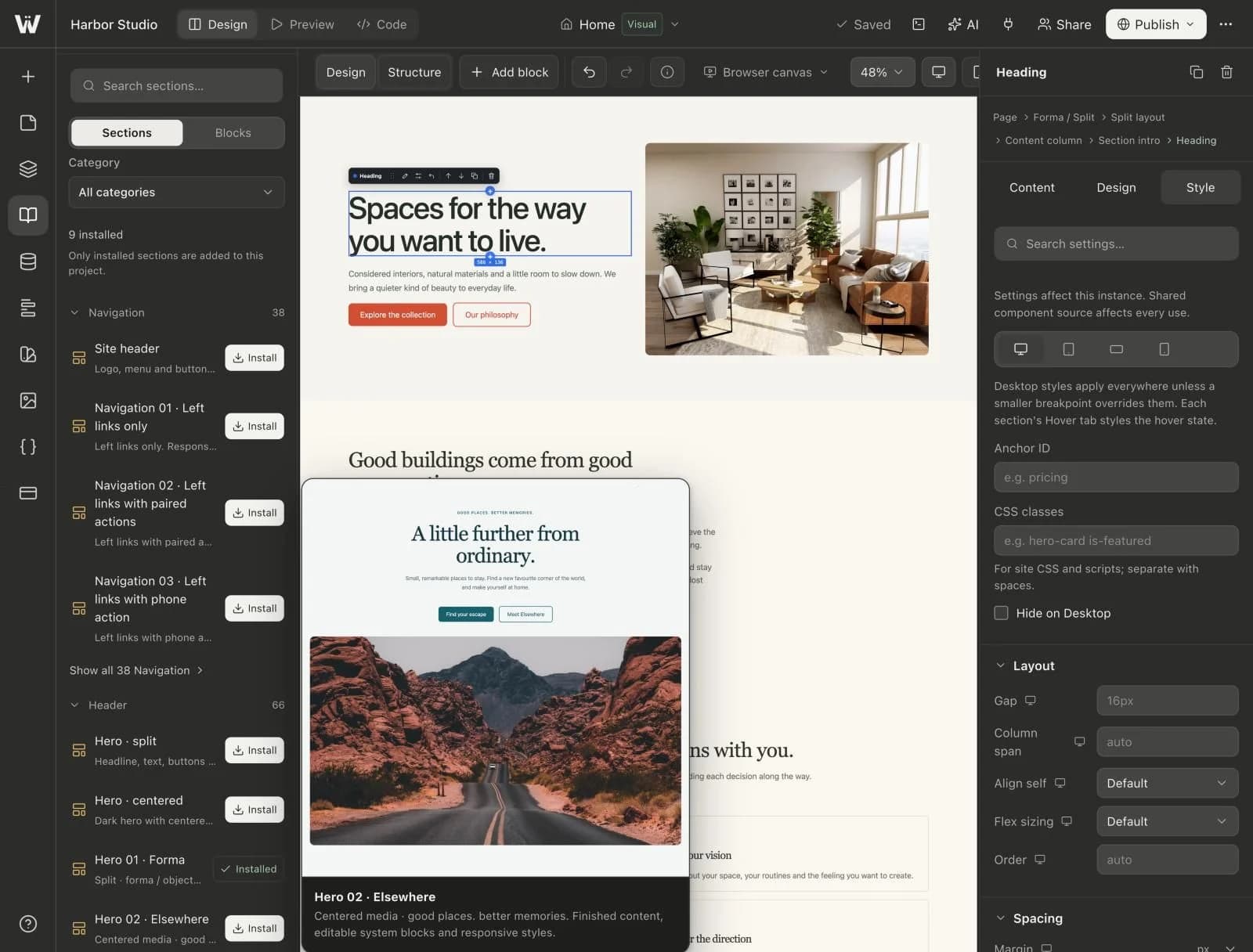
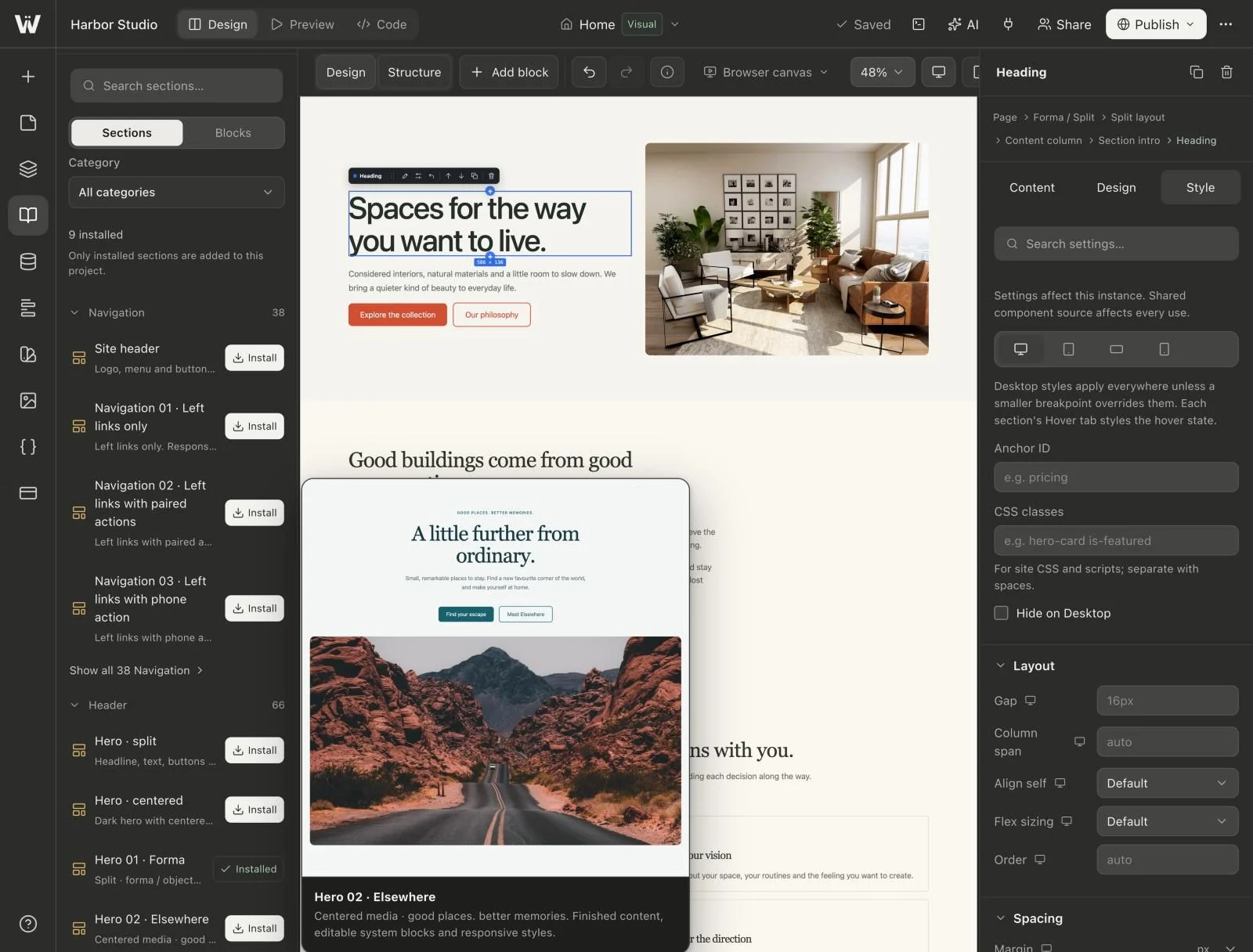
A section preset gives you a prepared layout to insert and adapt. Use it when a hero, FAQ, pricing section or other pattern is a good foundation for new work.
Once inserted, the section becomes part of the page. Editing that instance should not be confused with editing a central master that automatically changes every other page where you previously inserted the preset.
For example, two service pages may start from the same hero preset and then develop different compositions. That independence is useful. The mistake is to expect a later adjustment to the saved preset to update every older insertion as though they were linked instances.
A linked visual component is a shared design
Use a linked visual component when several instances should follow one design. A service card is a good example: the structure, spacing, image treatment and button appearance may be shared, while each card needs its own title, description and destination.
Webyaam stores a visual component master in the composition and keeps its instances linked to that design. Treat instance content and shared design as different editing scopes. Before changing a master, inspect where it is used.
If a particular instance must evolve independently, detach it deliberately. Detaching should be a decision with a reason, not a workaround for uncertainty about which scope you are editing. A detached copy will no longer receive the master's future design updates.
Shared header and footer areas are site-wide structure
Navigation and footer content usually belong in the site's shared areas. A separate, manually copied navigation bar on every page makes a simple link change into a multi-page maintenance task.
Decide which pages should use the shared areas. A campaign page may intentionally omit the normal site header, but that should be an explicit exception. Keep the global elements small enough to maintain and test them at multiple widths.
Shared areas are not the same as a collection. Navigation is site structure. A collection holds records such as articles or projects. Both may affect several pages, but they solve different problems.
A design variable shares a value
A design variable is useful when several otherwise independent elements should use the same color, font, size or numeric value. Changing a brand color should not require turning every button, badge and heading into one giant linked component.
Variables can work alongside presets and linked components. A preset may use your spacing variables, and a linked card master may use your color variables. This separates the question “which value is shared?” from “which complete design is shared?”
Name variables for their role. A name such as Brand/Primary or Type/Body is easier to maintain than a long collection of labels that describe only their current appearance. Document any variable that editors should avoid changing without a broader review.
A custom Astro component is an implementation boundary
Custom code is appropriate when the built-in visual blocks cannot express the required behavior or when you are integrating a specialized interface. It is not necessary merely because a card appears more than once.
A custom Astro component brings code maintenance responsibilities: props, dependencies, source changes and a testing strategy. The ability to inspect and export normal Astro source is valuable, but it does not remove those responsibilities.
Before adding custom code, inspect the available blocks, presets and visual component tools. The simpler mechanism is often easier for a client or teammate to maintain.
Choose based on the next likely change
| Expected change | A useful starting choice |
|---|---|
| Use a similar layout, then customize it independently | Section preset |
| Change the design of every service card together | Linked visual component |
| Update the navigation across the website | Shared header or footer |
| Change a color used by unrelated elements | Design variable |
| Add behavior the visual system cannot represent | Custom Astro component |
| Add another article with the same content structure | CMS collection |
The point is not to maximize the number of reusable objects. It is to make predictable future changes easy without coupling unrelated parts of the website.
Test the behavior before using it everywhere
Create two representative instances. Give them different titles and images. Change one instance's content and confirm the other keeps its own content. Then change the shared design and confirm that the expected instances follow it.
Test a long title, missing optional content and a narrow layout. A master that works only for its first sample is not ready for reuse across a site.
Also test the exception you intend to allow. If one card is detached, make a later master change and verify that the detached copy remains independent. This gives editors a concrete understanding of the difference.
Be explicit when an AI assistant makes the change
Give the assistant a scope such as “change only this instance's copy,” “update the card master's spacing everywhere” or “save an independent preset for a future page.” Avoid “make these cards consistent” without saying whether their content should remain different.
Ask it to inspect the selected element and existing component usage before writing. Do not let it respond to an ordinary text edit by replacing the whole section with new custom code.
The Claude and MCP workflow shows how to separate discovery, implementation and review. The same scope rules help human editors working directly on the canvas.
Leave a small reuse map for the next person
Document the shared areas, linked component masters, important variables and intentionally independent presets. Include examples of a local content change and an all-instance design change.
This short map is more useful than a vague instruction to “keep the design consistent.” Add it to the client handoff, and use the visual Astro building hub to connect it to the larger page-building workflow.