An Astro website needs clear content, discoverable pages and a deployment that serves the intended URLs. Choosing a framework or filling in a description field does not establish that Google has crawled, indexed or ranked the site.
This checklist is for reviewing a small Astro marketing site, including one built in Webyaam. Use it before launch and after significant changes to routes, content collections or hosting. It is a working review process, not a guarantee of a search position.
Assign one clear purpose to each important page
Write down the reader and question for each page. A product feature page helps someone evaluate a capability; a tutorial helps them complete a task; a comparison helps them make a choice. Pages can link to one another without repeating the same introduction and targeting the same intent.
Start with the information people actually need to decide or act. Use your own examples, screenshots and explanations. If you publish a demonstration site, identify it as a demonstration rather than imply a customer result.
Google's people-first content guidance is a useful editorial review. A page should leave the reader better equipped to do the job, not send them searching again because the promised answer was missing.
Verify important URLs return the right response
Request the home page, a nested page, a collection detail page and a deliberately invalid URL. Confirm that the real pages work directly, not only when reached through client-side navigation.
A missing page should not silently return the contents of an unrelated page with a successful status. Review redirect chains and ensure the final destination is the intended URL.
For a site created in Webyaam, distinguish a saved preview from the public release. Run these checks against the published address after the correct build has been released.
Check crawl and indexing controls on the deployed site
Inspect the deployed robots.txt and page-level robots directives. Make sure a launch has not inherited a staging noindex setting. Conversely, do not expose private or unfinished environments merely because you want public pages indexed.
A robots file and a noindex directive do different jobs. Consult Google's technical requirements when choosing the control rather than use them interchangeably.
Do not use search visibility controls as authentication. If content must be private, protect access through the appropriate application or hosting mechanism.
Use a deliberate canonical URL
Choose the preferred public origin and page path. Check that canonical tags do not point to a preview domain, an old host or every page's home page. Keep the preferred version consistent with internal links and sitemap entries.
When duplicate variants exist, such as filtered views or tracking parameters, decide which page represents the primary content. A self-contained topic hub with original guidance is different from a query-string filter that simply rearranges a blog list.
Google's canonicalization documentation explains the signals used to consolidate duplicate pages. Declaring a canonical is a signal; it does not turn unrelated content into a suitable duplicate.
Review titles, descriptions and headings together
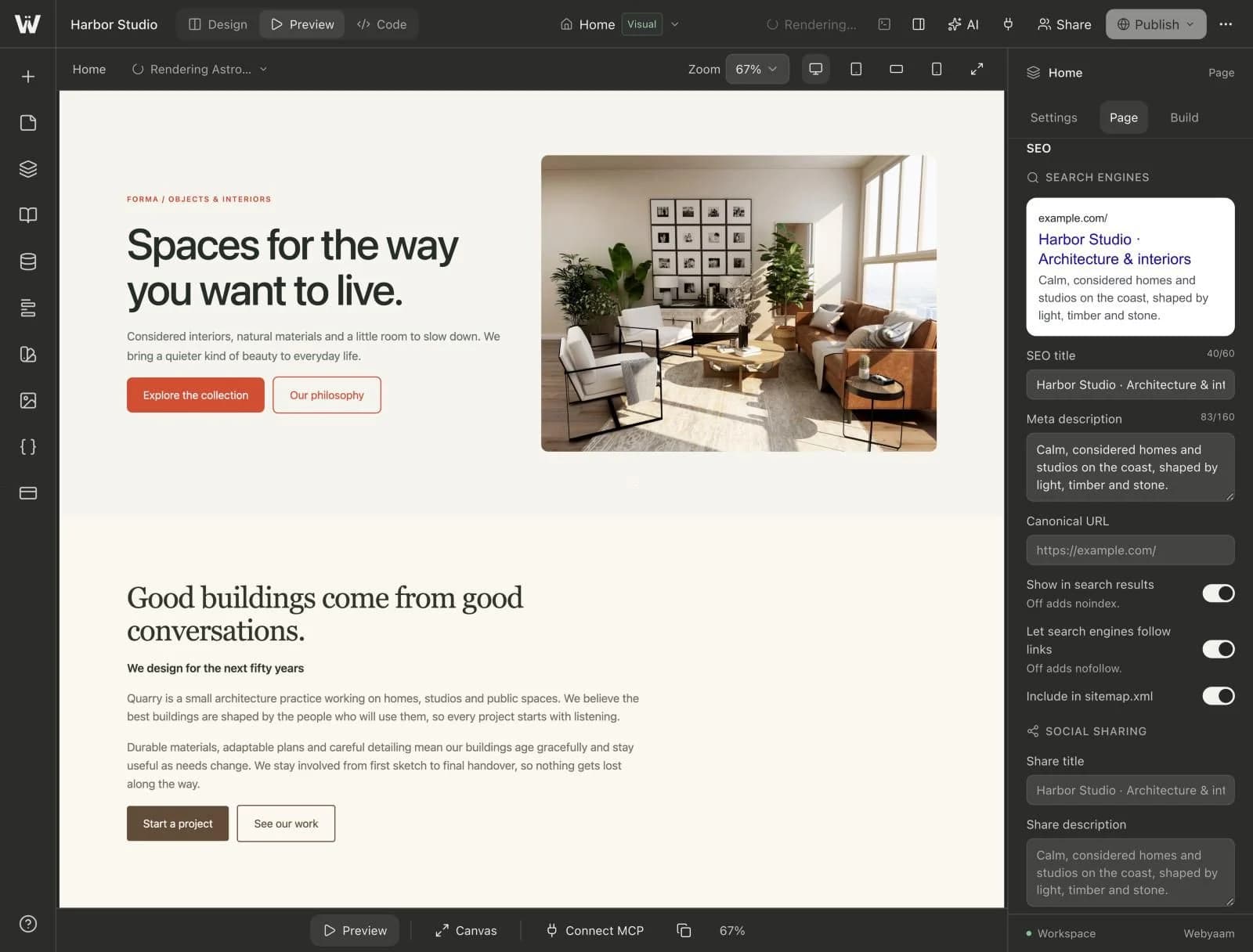
Give each important page a specific title and a description that matches its content. The description should help someone understand the result; it should not be a list of repeated phrases.
Use a clear page heading and organize the body with meaningful subheadings. Keep the visible content consistent with the metadata. Avoid changing the year in a title merely to make an unchanged article appear newly researched.
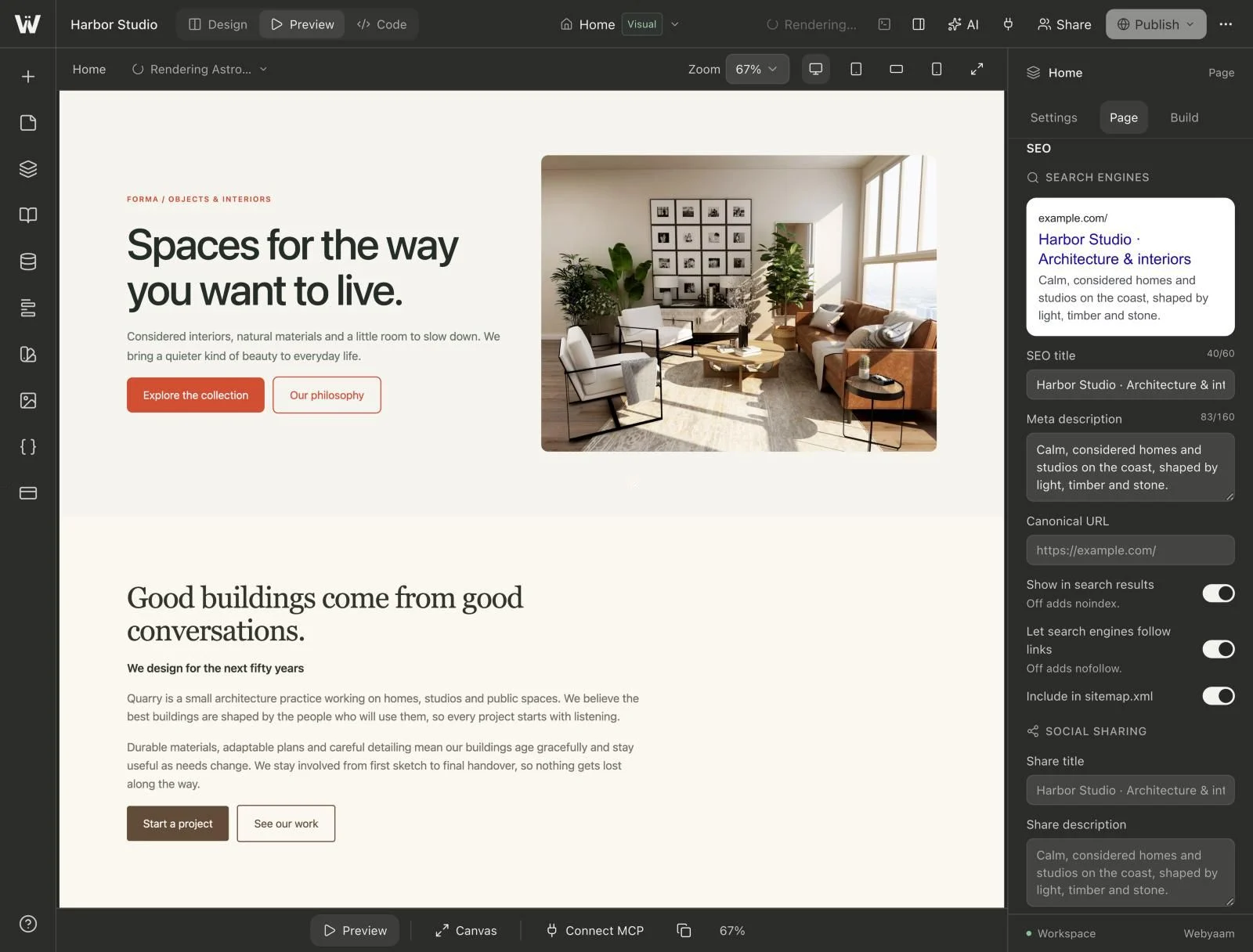
In Webyaam, review the available page SEO settings and then inspect the generated head on the actual output. Check collection detail pages separately: their metadata depends on the generated or custom layout, so a good home-page title does not prove that every entry has a good title.
Make the site's useful pages discoverable
Link from navigation, relevant articles, collection lists and topic hubs using understandable anchor text. Important content should not depend on someone guessing a URL or using an internal search box.
For a content cluster, link the hub to its supporting guides and link those guides back to the hub where that next step is useful. Add a related guide when it answers the next likely question. There is no need to force every article to link to every other article.
Use ordinary crawlable links. Google's link guidance explains why meaningful links help both discovery and understanding.
Check the sitemap against what is public
Review whether the site produces a sitemap; do not assume that every new project or host adds one automatically. Include the canonical public URLs you actually want discovered, and exclude drafts, missing pages and private administration routes.
When modification dates are supplied, make them reflect meaningful content changes. A sitemap that announces every page as newly updated on every request is not a useful record of editorial changes.
Submit the sitemap through the appropriate Search Console property and inspect reported errors. Google's sitemap documentation makes clear that a sitemap aids discovery without guaranteeing indexing.
Review structured data and social previews honestly
Use structured data that describes the visible page: an article should identify its real headline, author, dates and image; a breadcrumb should match the site's actual hierarchy. Do not invent reviews, ratings or business facts to make the markup look more complete.
Validate the output and inspect Open Graph/social preview metadata as well. These previews serve sharing workflows, which are separate from organic ranking. Correct markup alone does not guarantee a rich result.
Test the experience people receive
Inspect responsive layouts, keyboard navigation, readable text, image alternatives and the contact flow. Check page weight and performance on the built site using a recorded test method rather than infer a score from the framework name.
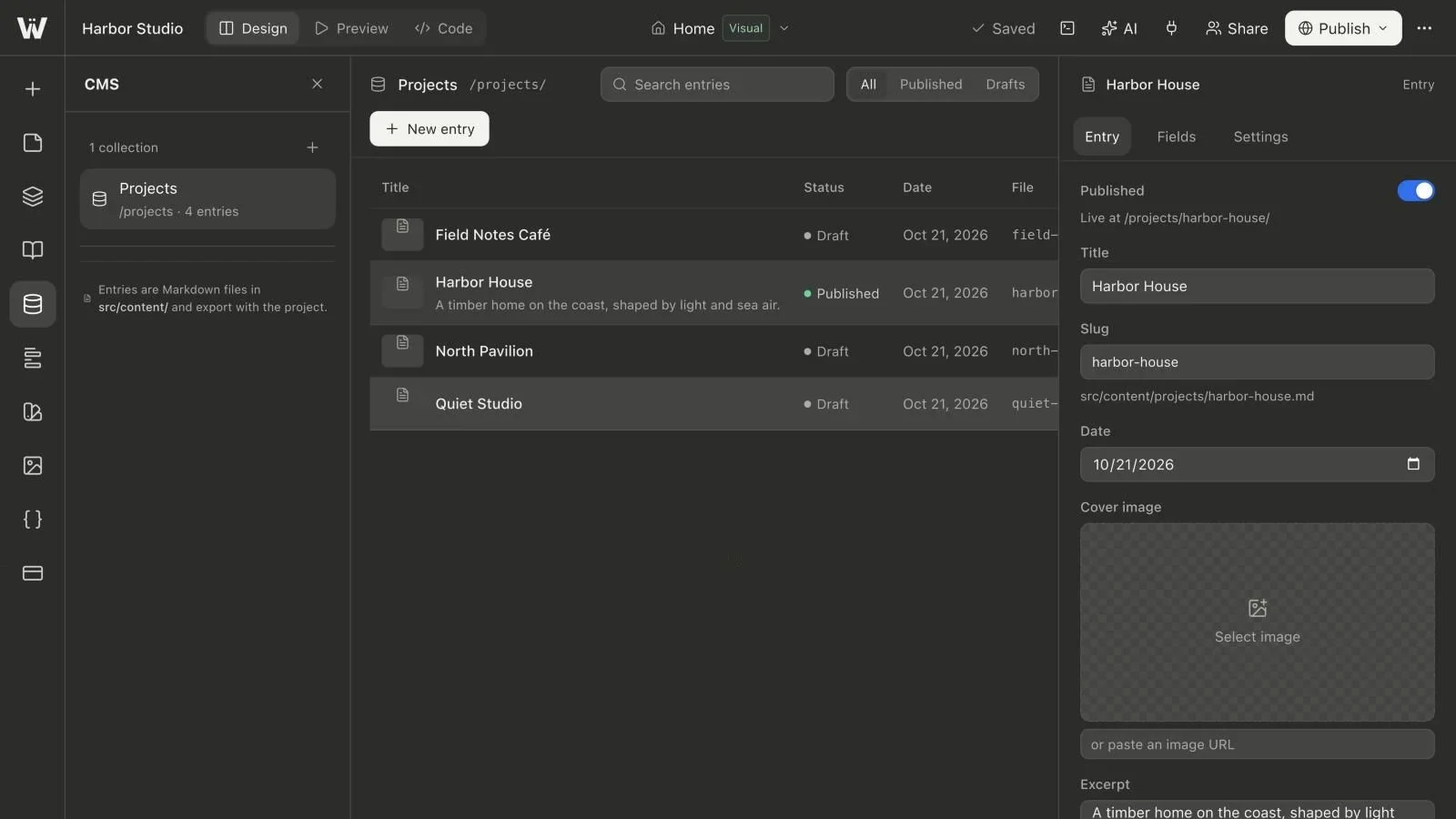
Review redirects and missing pages after a migration. When a public CMS entry becomes a draft, publish the intended new build and test whether the old URL is still being served by an earlier release or cache.
Measure after publication and improve the right page
Use Search Console's indexing reports and URL Inspection to diagnose a particular URL. Then review impressions, queries and clicks alongside useful business outcomes, such as qualified enquiries or signups.
If a page gets impressions for the intended question but few clicks, review its promise and presentation. If visitors arrive but cannot complete the task, improve the content or workflow. Avoid multiplying near-identical pages without understanding what the existing page is missing.
Continue with the visual Astro hub, CMS publication guide and responsive walkthrough to connect the technical checks to the website's day-to-day maintenance.