Choosing between Webyaam and Webflow starts with the website you need to operate, not a checklist of features with different names. Both decisions involve design work, content management, collaboration and the responsibilities that remain after launch.
This comparison focuses on a practical brief: a small business or agency website with several marketing pages, a portfolio collection and a client who needs to maintain content. Webyaam is our product, so this is our assessment of the tradeoffs, not an independent product test. The export documentation linked below was reviewed on October 31, 2026.
Start with the required operating model
Ask who will design the site, who will update it and where it must be hosted. A client who wants a managed platform and an established existing workflow may value a different setup from a developer who needs a normal Astro project in an independent deployment pipeline.
Write down the non-negotiable requirements before comparing interfaces. Examples include structured content, external hosting, client access, required integrations, localization, a store or a membership application. Do not assume that success on a brochure-site brief proves suitability for every other type of application.
Use a small representative project to test the choice. A home page and three realistic CMS records tell you more than a blank-canvas demo with placeholder text.
Compare what you are editing and delivering
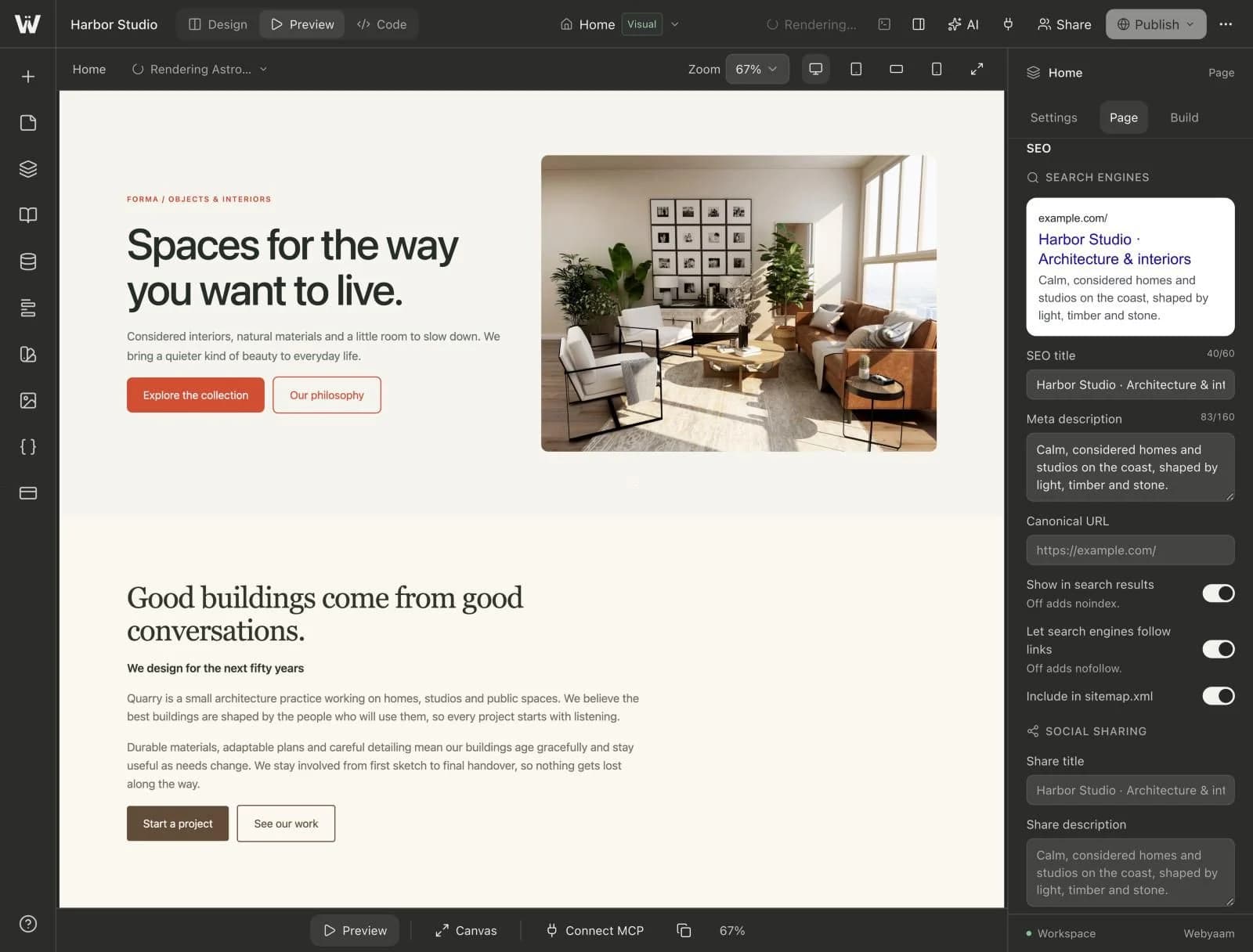
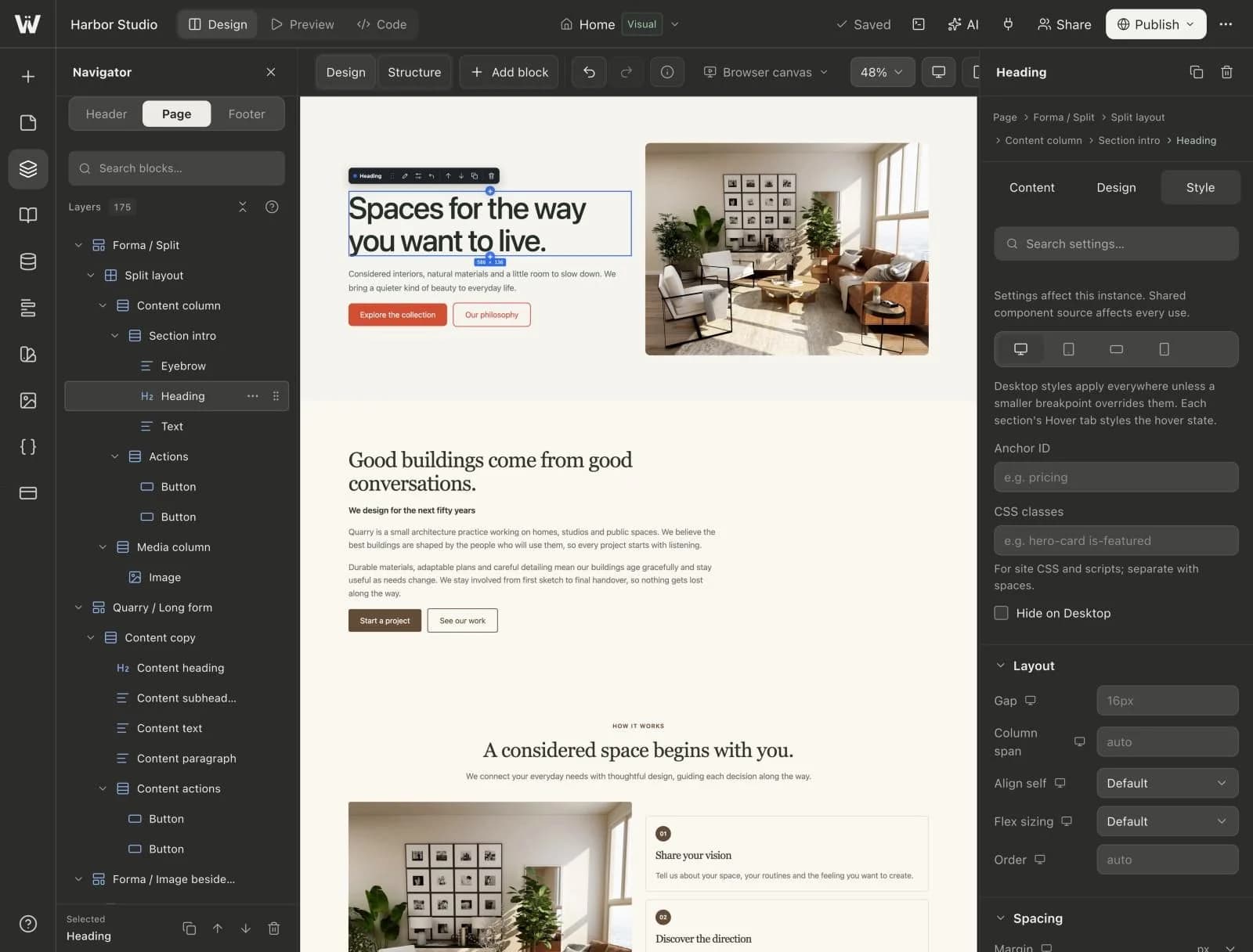
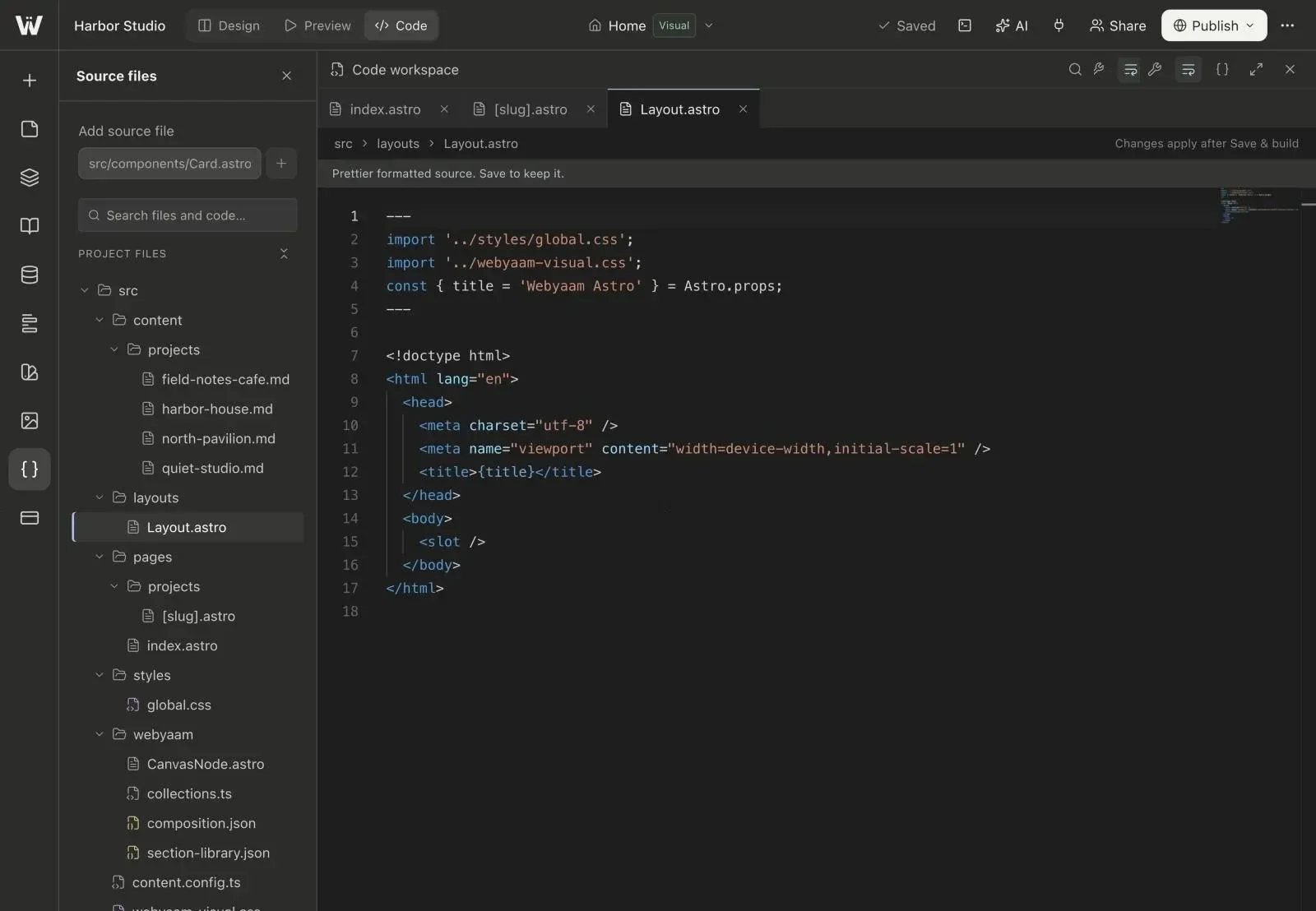
Webyaam's active builder creates Astro and Tailwind projects. The visual workflow is connected to pages, components and content files that can be inspected and exported with the appropriate entitlement.
Webflow provides a visual website workflow with its own design and hosted content environment. An exported website needs to be evaluated separately from the features running inside that managed environment.
For Webyaam, the source and static export distinction is central: one archive is the development project and the other is a built snapshot. Neither archive independently recreates the running Webyaam editing dashboard on a different host.
Understand the export difference precisely
Webflow's official code-export documentation says eligible paid Workspace plans can download HTML, CSS, JavaScript and assets; a Site plan alone does not include that export entitlement. Its exported code does not carry the hosted CMS runtime, Ecommerce functionality, form processing or site search. Collection data can be backed up separately as CSV.
The practical implication is that “Webflow supports export” and “my complete hosted CMS will work unchanged on another host” are different statements. Inspect the exact requirements of the site before treating an export as a finished migration.
Webyaam's source export includes an Astro project and file-based content. That can suit a team that wants to keep developing with Astro. Its static output still requires a plan for external services such as forms when you self-host.
Use the same content model in your evaluation
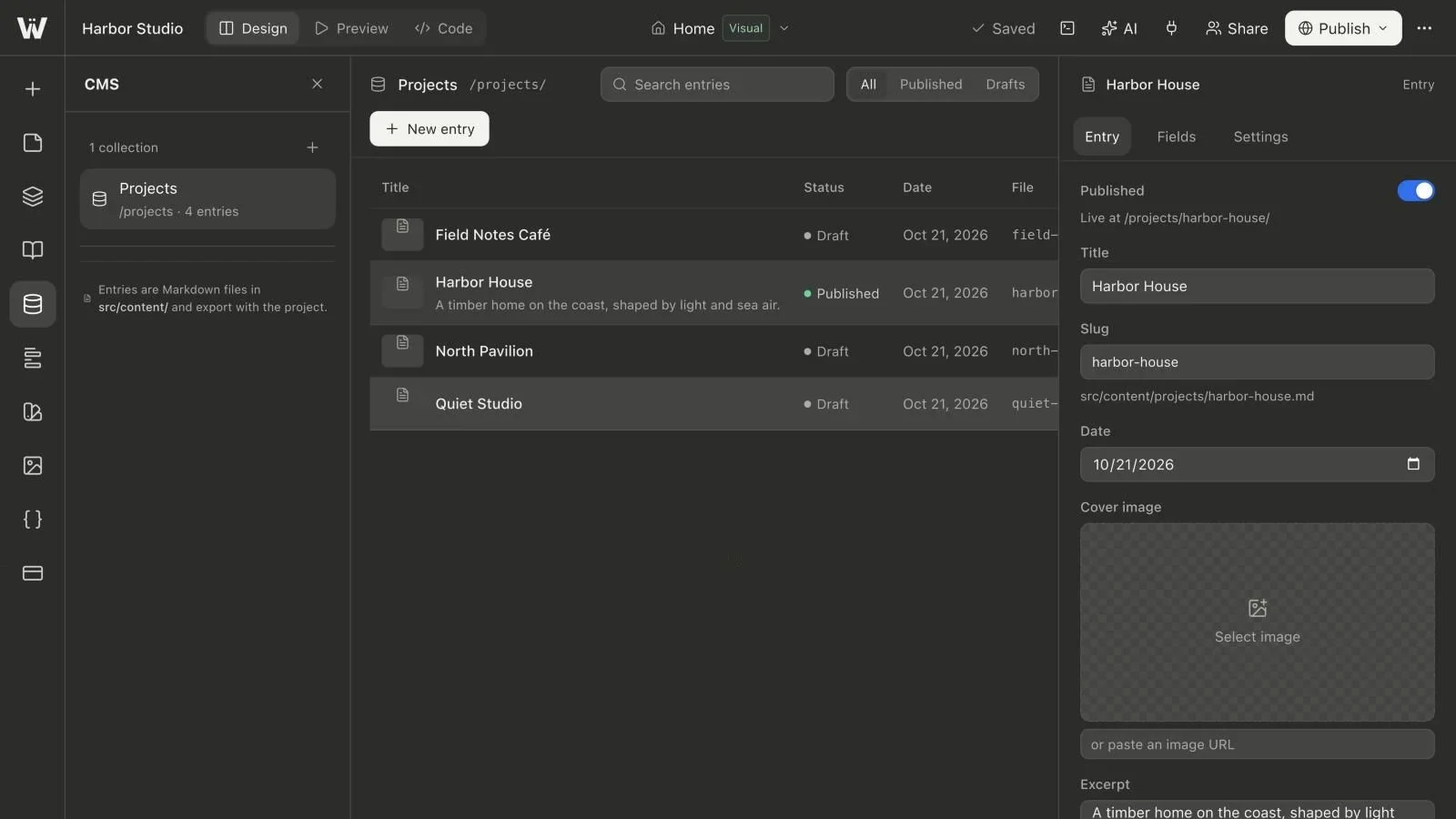
Create the same illustrative Projects collection in both evaluations: title, cover image, excerpt, body, year and a controlled service category. Add a draft, a long title and a record with optional content missing.
Then perform the ordinary maintenance tasks. Create a record, edit its fields, change its status, inspect a detail page and verify the result after a release. Include a route change in the exercise if that is likely to happen during the project's life.
In Webyaam, entries live as Markdown files with a generated Astro schema and route. The CMS guide explains how that fits together. Decide whether that file-based model is an advantage for your team or whether a different content operating model better matches the brief.
Evaluate design reuse through an actual change
Do not judge reuse only by whether the interface has a button called Component. Create two cards with different content, change their shared design and inspect what follows. Then make an intentional local exception.
In Webyaam, a section preset is a starting point, linked visual components share a master design, variables share values and header/footer areas carry site-wide structure. Our reuse comparison helps you choose between them.
Give the next maintainer the same task. A design system is useful only if the people operating the site understand which changes are local and which affect several pages.
Include AI in the test without making it the whole decision
Webyaam has a built-in site agent and an MCP endpoint for compatible external clients. Ask an assistant to inspect the existing project, propose a small change and preserve the site's reuse decisions.
Do not assume that one product is the only platform with AI or connected tooling. Compare the current tools against the same task and the same review standard. Ask what the assistant changed, how it handled stale edits and what it actually verified.
A successful generated hero is not enough evidence for content operations, client access or an independent deployment requirement.
Compare costs using your complete delivery model
Include the people who need access, the number of sites, content capacity, hosting, external services and code/export requirements. A headline monthly figure is not the full cost of operating a client portfolio.
Review Webyaam's current plans and Webflow's current plan documentation when making the decision. We avoid freezing a competitor's price into this article because eligibility and packaging can change independently of the website you are evaluating.
Allow time for maintenance and training. Saving a small amount on a subscription is not useful if every content change requires a developer who was not included in the budget.
Treat a move as a rebuild and content migration project
Do not assume a one-click conversion that preserves every layout, integration and content behavior. Inventory URLs, assets, content, forms and scripts. Prototype one representative page and one collection detail page before estimating the whole move.
Preserve public URLs where reasonable; plan and test redirects where paths change. Confirm image rights and identify which hosted features need a replacement. Keep the existing site available until the replacement passes the agreed checks.
Which direction should you investigate first?
Investigate Webyaam when a visual workflow connected to native Astro source, file-based content and a deliberate export path is important to your team. Investigate retaining or choosing Webflow when its managed workflow and the team's existing implementation meet the actual brief, especially if a migration would create more work than value.
For either choice, finish a representative content and handoff exercise before committing the whole project. Continue with the visual Astro hub, CMS hub and client handoff checklist to define that exercise.