An Astro website can start on a canvas and remain a normal code project. The important question is how the visual editing workflow maps to pages, reusable design decisions, content and the files you eventually publish.
This guide walks through that process in Webyaam. We will use an illustrative studio website with a home page, a projects collection and a contact section. It is a teaching example, not a customer case study or a promise that every website takes the same amount of time.
Decide what the website needs to do
Write a short brief before selecting a hero section. For a small studio, the main job might be to turn a visitor into a qualified enquiry. That suggests a clear service description, a small selection of work, a trustworthy explanation of the process and a contact route.
List the pages and repeating content separately. Home and About are pages. Projects are entries in a collection. A shared navigation bar is a reusable site element. Making these distinctions early prevents a portfolio from becoming twenty manually copied pages.
A useful first brief contains the primary audience, the action you want them to take, the pages required at launch, the content that changes regularly and the person who will maintain it. Save features such as memberships or a shopping cart for an explicit requirements discussion; a static marketing site is not automatically a complete application backend.
Create the site and understand the editing areas
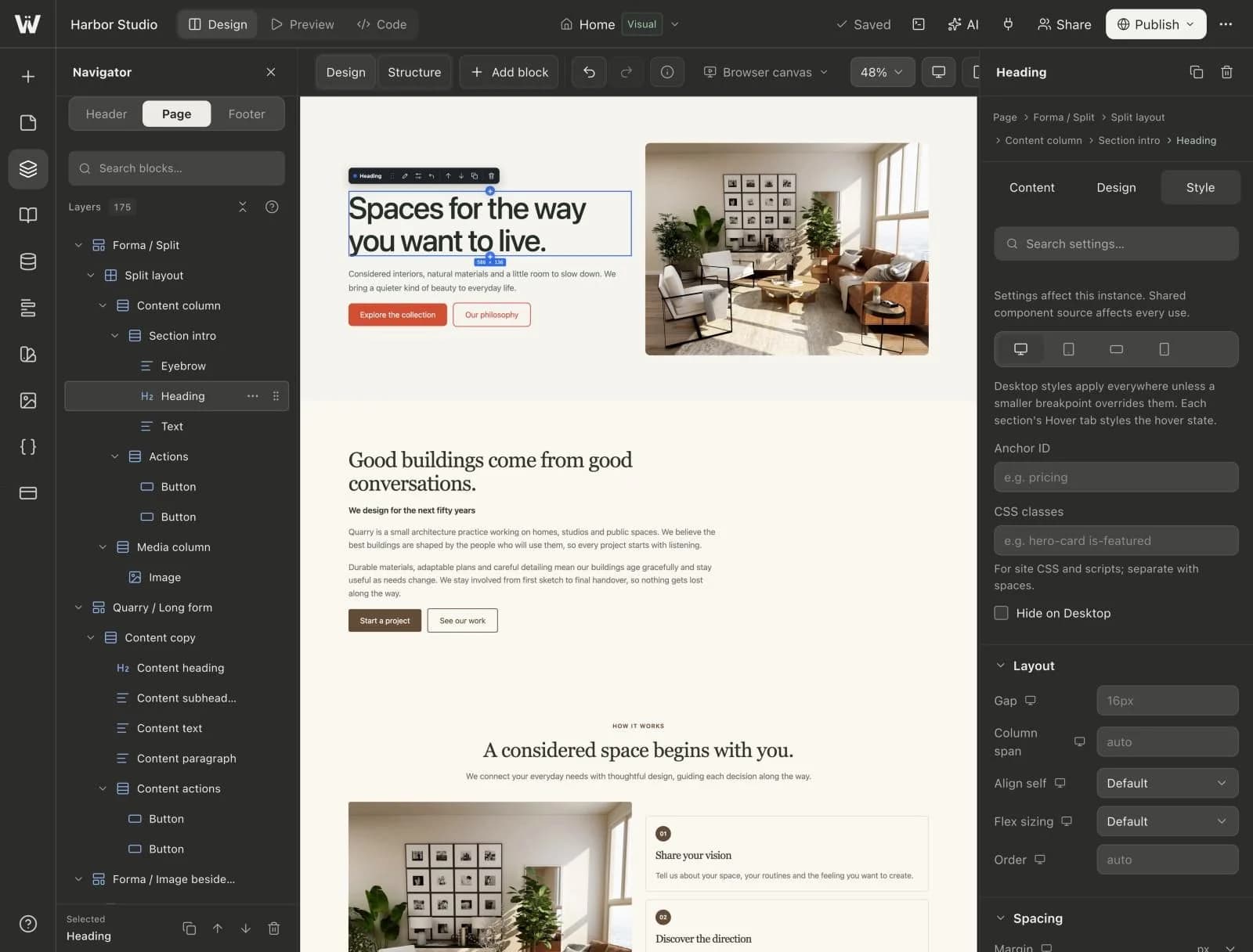
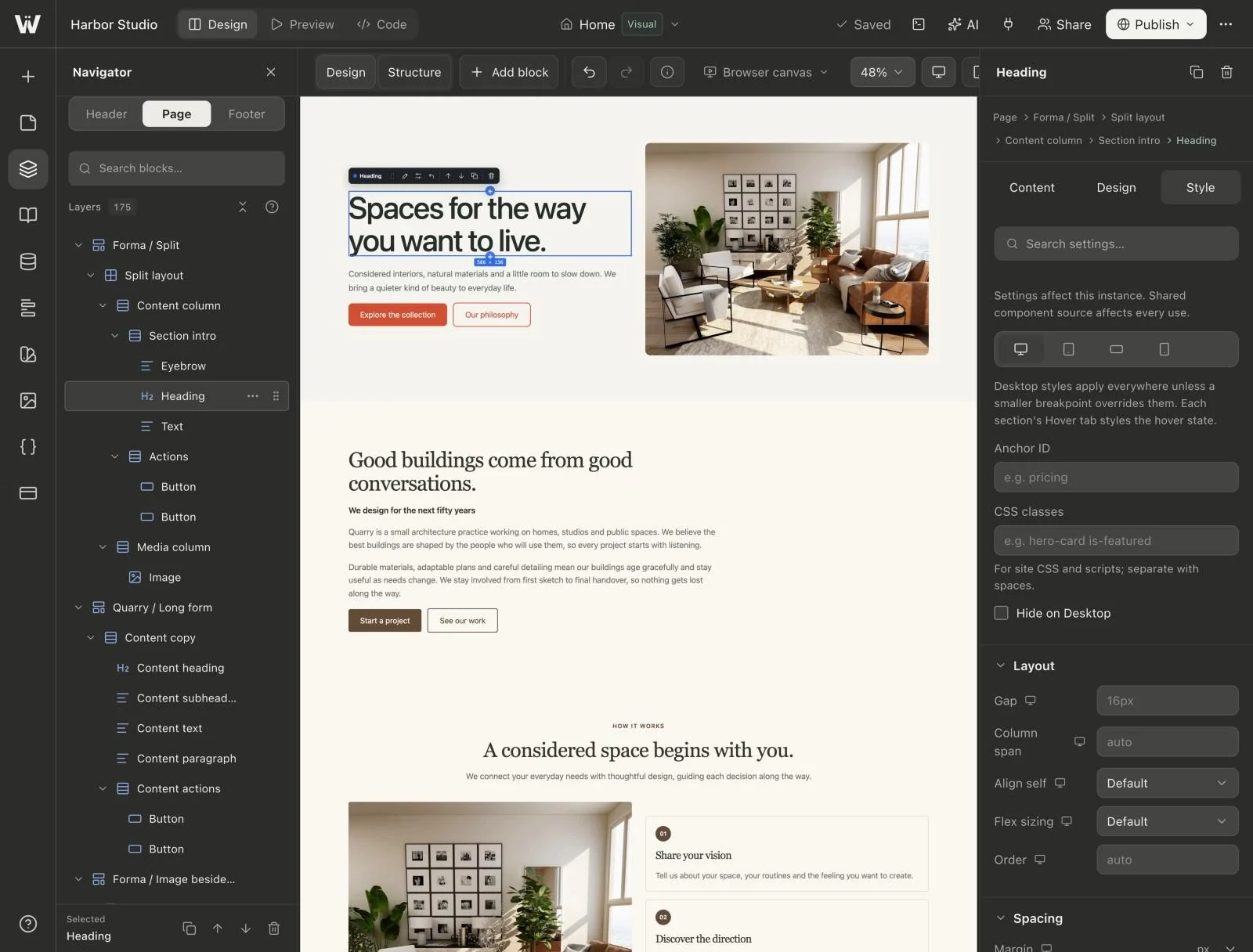
Create a workspace or choose the one that owns the project, then create a site. Open the builder and identify the page selector, Navigator, canvas, inspector and CMS panel. Our builder tour explains the individual controls.
The Navigator is useful when a page contains nested stacks, columns and cards. Select an element there when clicking on the canvas keeps selecting a child. The inspector changes the selected element's content and presentation; it is not a separate copy of the website.
Webyaam produces an Astro and Tailwind project. Pages, components and content have files behind them. That matters when a developer later needs to inspect an implementation, run the project outside the platform or add behavior that is not covered by the visual blocks.
Establish the design rules before filling every page
Set a small set of colors, type choices, spacing values and content widths. Use design variables for decisions that should stay consistent. For example, define a primary text color and section spacing instead of typing slightly different values into every section.
Choose a maximum content width that makes body copy comfortable to read. A wide screen does not require a paragraph to stretch across the entire canvas. Decide how buttons, links and section headings behave, then reuse those decisions.
This is also the right time to make the shared header and footer. Site-wide navigation belongs in the shared areas. A repeated promotional card with linked design changes may belong in a reusable component. A one-off hero is usually just a section.
Build the first page from a content outline
Arrange the page in the order a visitor needs information: what the studio does, a few relevant projects, how the work happens, answers to practical questions and a clear contact action. Use a section preset when it is a useful starting point, then replace its copy and imagery.
Do not choose a preset solely because it looks dramatic with placeholder content. Put in the longest real project title and a realistic service description. If the layout breaks, adjust the layout now rather than shortening every sentence to fit the demo.
Use a sensible heading hierarchy. The page title should describe the page, section headings should organize the story and buttons should explain their destination. “View our residential projects” is more informative than a row of unrelated “Learn more” buttons.
Put repeating content into a collection
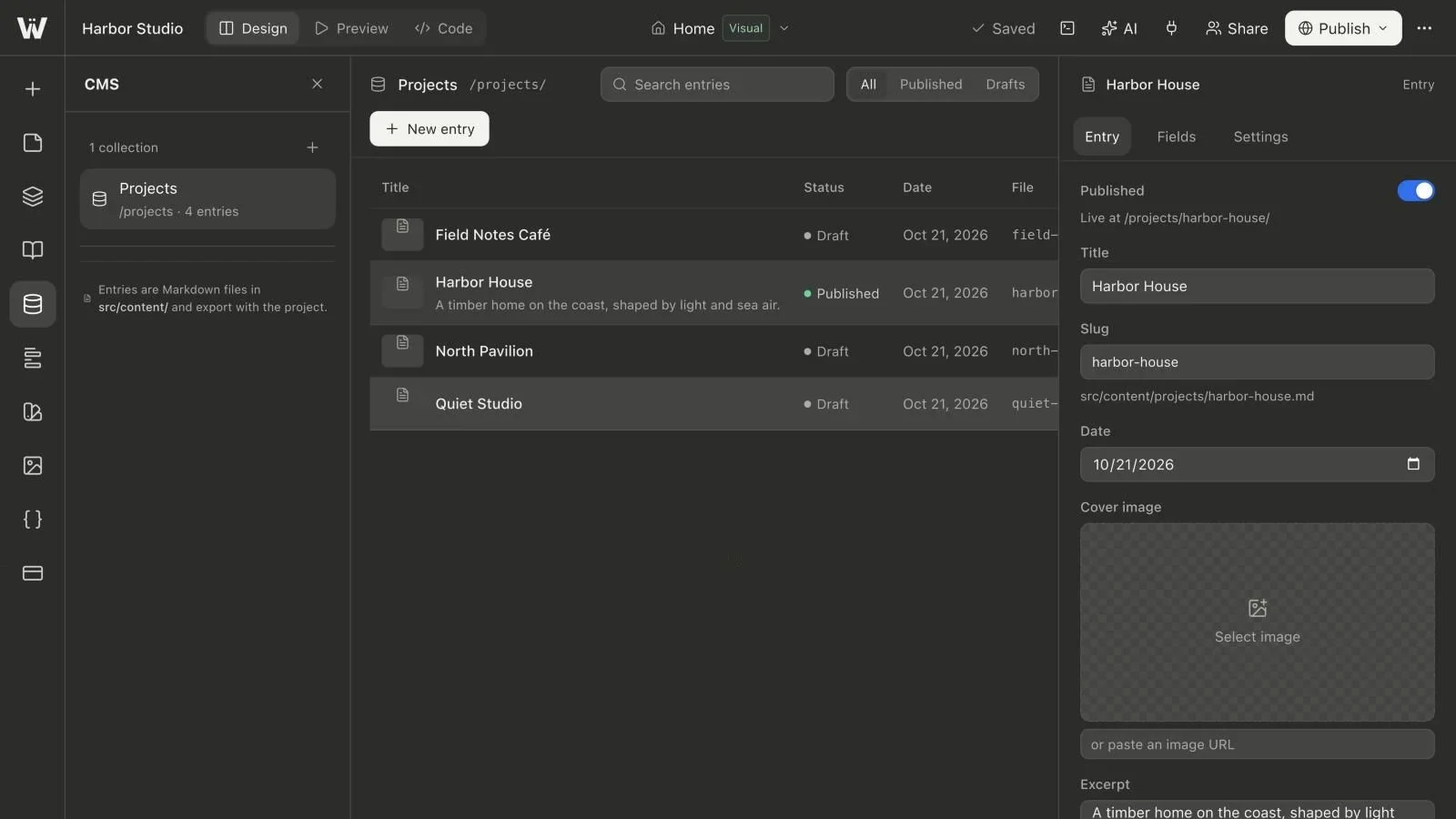
Create a Projects collection when several pages will share fields such as title, cover image, year and description. An entry can then supply its own detail page while a collection list displays the published work on the home page.
Keep the layout separate from the entry data. Changing a project's summary should not require duplicating or editing a complete page design. Start with our Astro CMS setup guide if you have not modeled a collection before.
Do not publish an unfinished sample entry just to make the list look populated. Draft content gives you a place to work without treating an incomplete project as part of the finished site.
Check the page at several widths
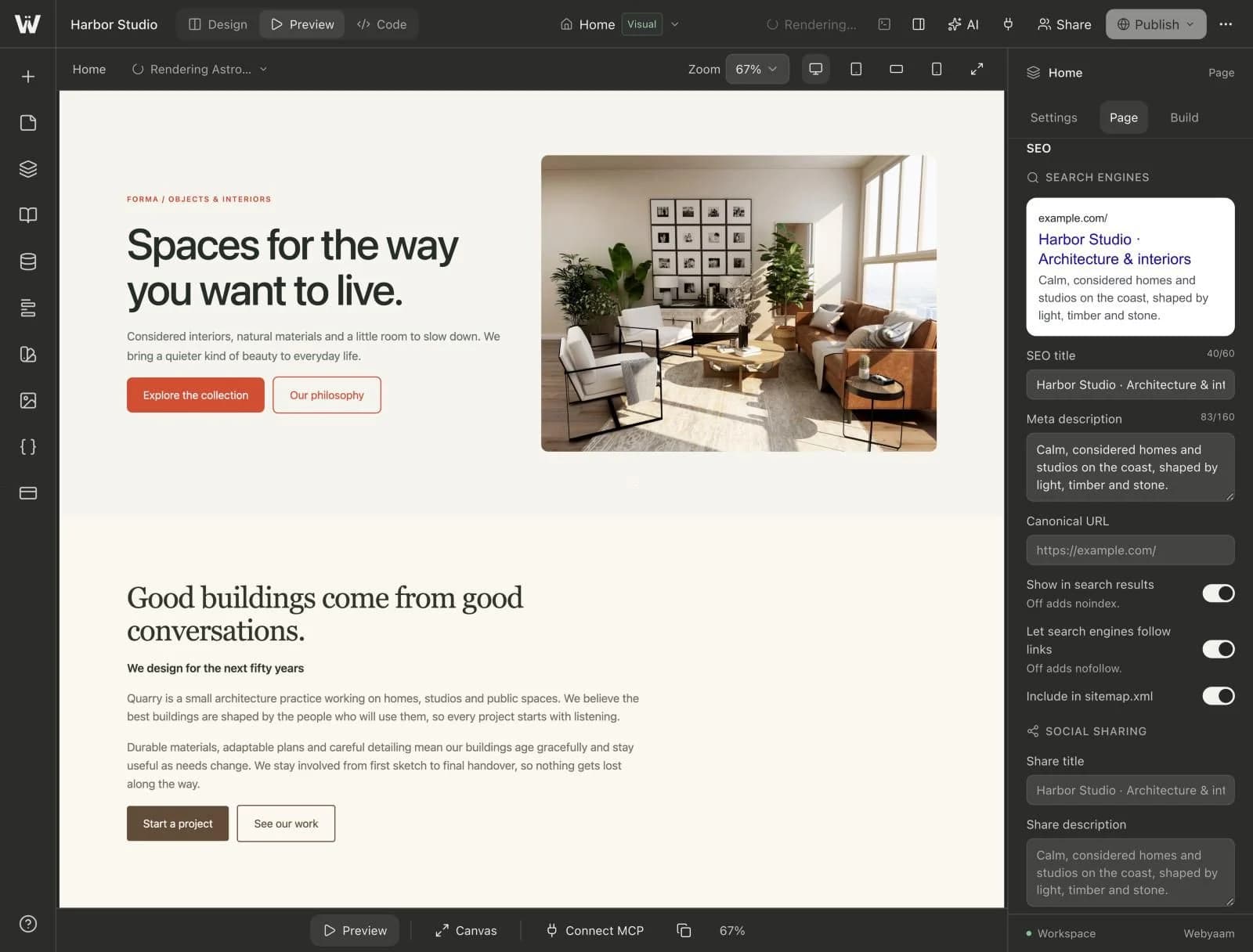
Switch between desktop, tablet and mobile views. Look at the layout order, navigation, image crops, long titles and touch targets. Responsive work is more than reducing the font size: a two-column introduction may need a different reading order on a narrow screen.
The responsive landing-page walkthrough gives a repeatable inspection sequence. Also test a published or saved preview in a real browser. A canvas preview is useful for designing, but it does not replace keyboard testing or checking how a form behaves.
Save, build and publish as separate decisions
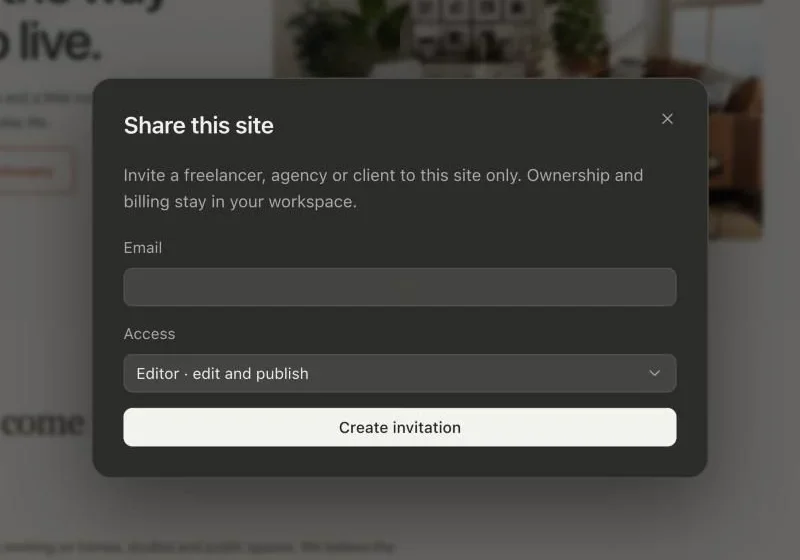
Saving preserves source changes. A build turns the project into output that the browser can serve. Publishing chooses the version visitors should receive. Treat those as separate steps, especially when several people are editing the same site.
Before publishing, verify the title and description for each page, check internal links, complete the contact flow and review the published collection entries. If a build fails, read the actual error rather than repeatedly clicking Publish. Finish or stop an unnecessary live preview or terminal if the project's available development sessions are already occupied.
Connect a custom domain only after confirming the site works on its initial address. DNS and HTTPS activation have their own status; a successful source save does not prove that a custom domain is ready.
Know what remains your responsibility
A visual builder can make layout changes easier, but you still need accurate content, licensed assets, an accessible interface and a maintenance plan. A static export also does not carry a running CMS dashboard, payment service or form inbox onto another host.
If portability is part of your brief, read source export versus static export before handoff. For the broader learning path, continue with the visual Astro building hub. You can then open Webyaam and build a small, complete site before expanding the design.