The canvas
The canvas renders your real Astro project. Click a block to select it. Selection stays in sync with the Navigator.
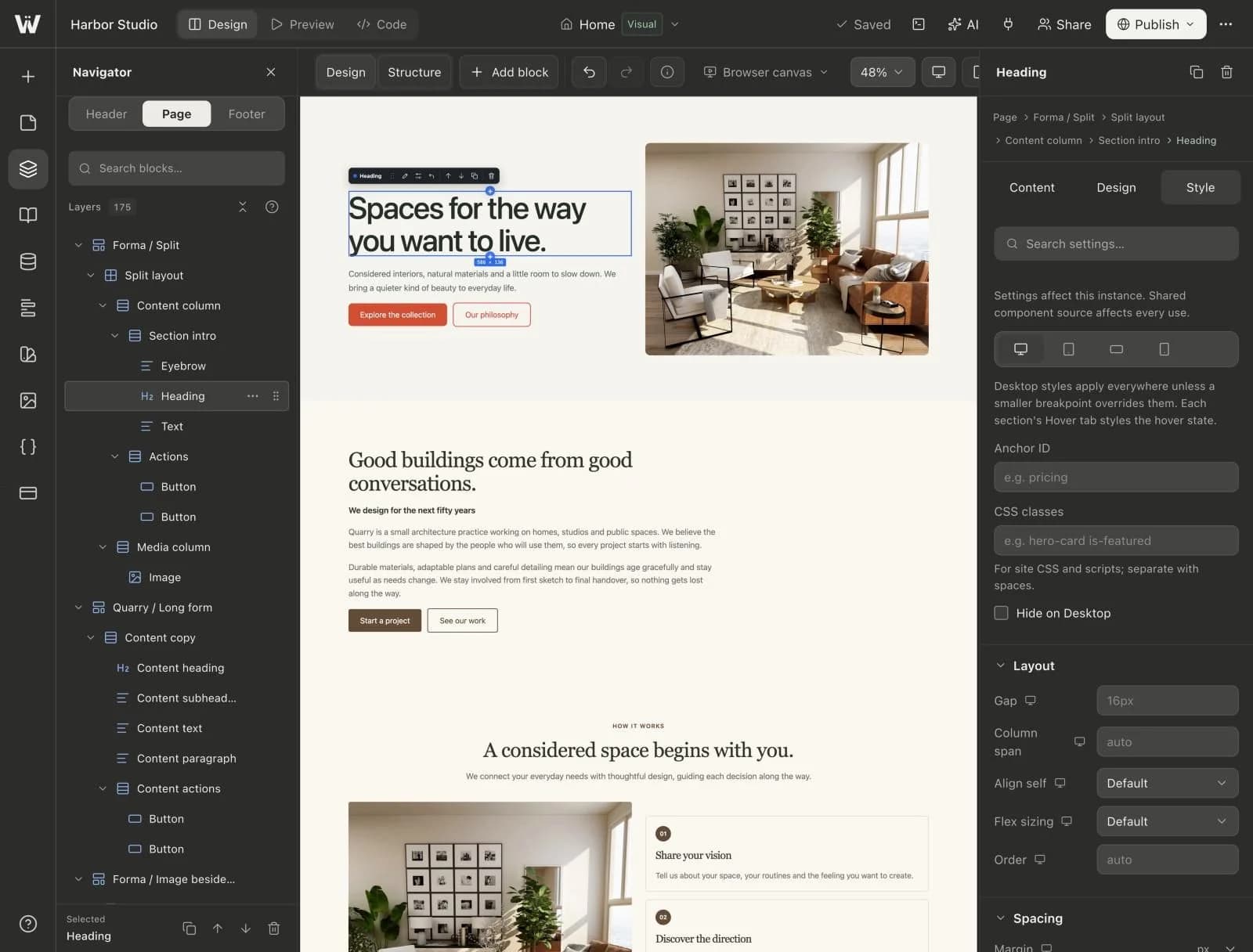
Design and Style tabs
- Design: the content and layout of the selected block, such as text, links, images and arrangement.
- Style: typography, spacing, color, borders and effects, per breakpoint.
Preview and Code view
Preview shows the page as visitors see it. Its page inspector holds the page's SEO settings. Code view opens the Monaco editor and a terminal, on plans that include code access.