Code view
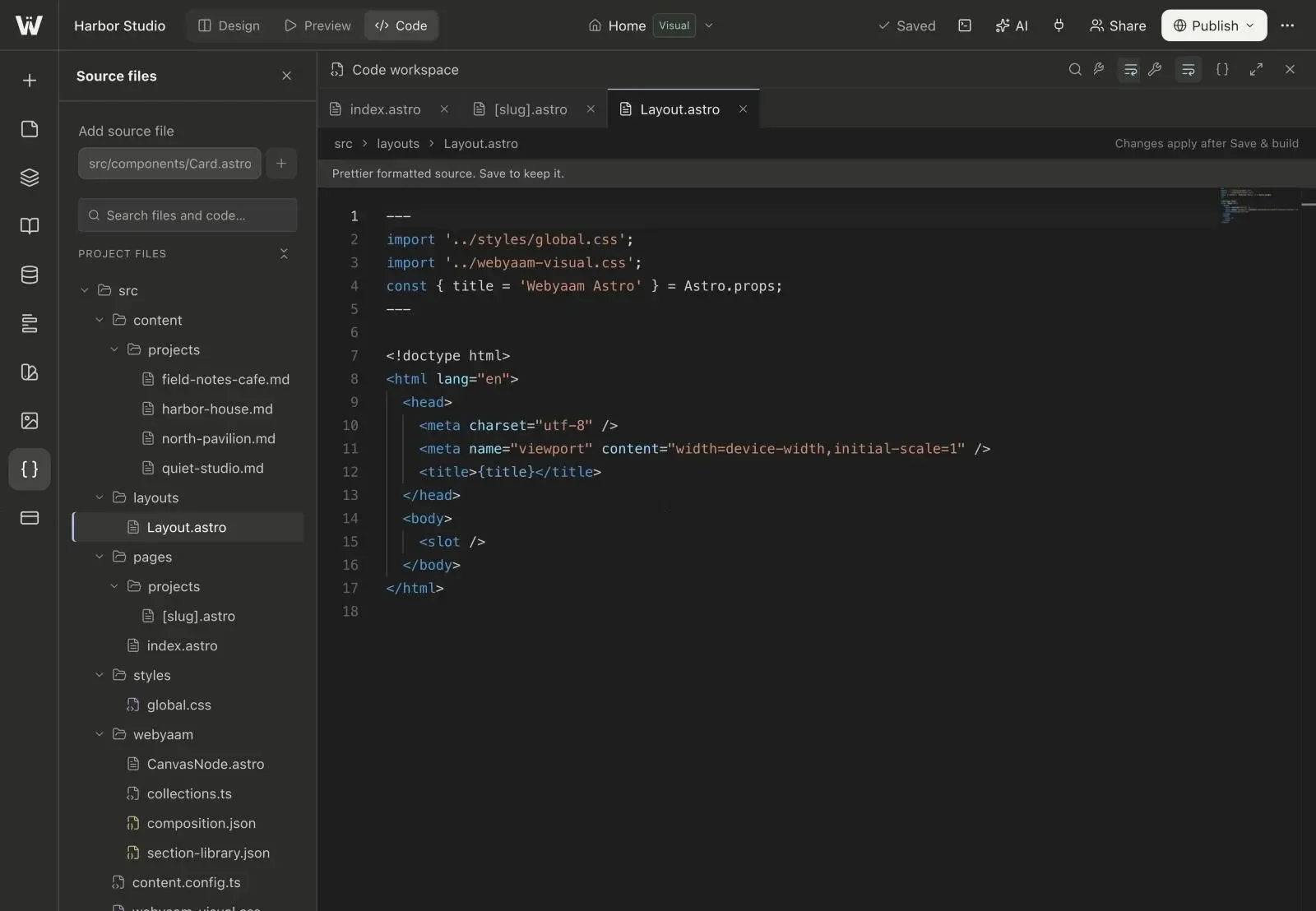
Switch to Code view to edit project files in Monaco, the editor behind VS Code. It provides Astro syntax diagnostics and formatting.
Terminal
Open Terminal for a full npm runtime in an isolated sandbox. Full Astro type checking runs there.
npm install
npm run dev
npm run check
Who has access
| Plan | Code editor and terminal |
|---|---|
| Free workspace, no active trial | Locked |
| First-site 7-day trial | Available until it ends |
| Launch or Grow site | Available |
| Freelancer or Agency workspace | Available within staging limits |