Before you start
Custom domains are available on the Launch and Grow site plans. You can set up a domain before publishing, but its pages appear only once the site is published.
Connect a domain
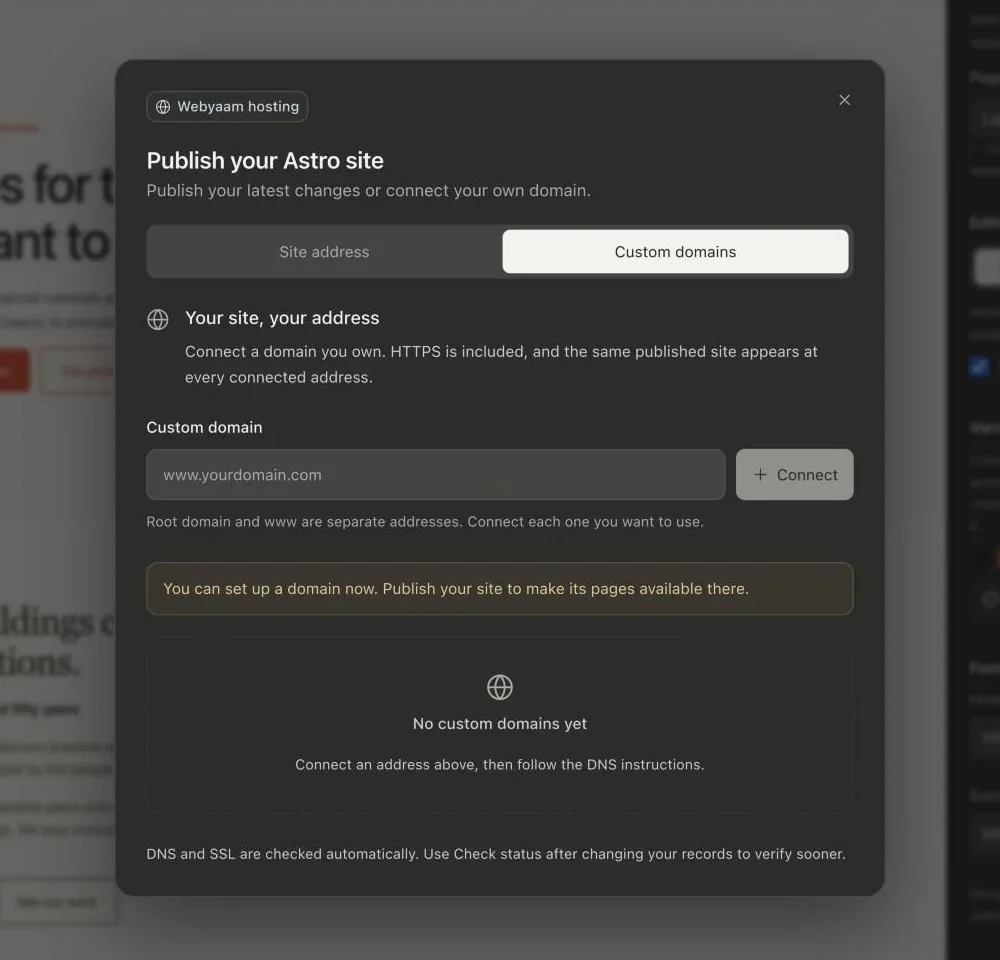
- Open Publish, switch to the Custom domains tab, enter the address, such as
www.example.com, and select Connect. - Copy each record shown (routing, domain ownership and SSL verification) into your DNS provider.
- Wait for the status to move from Waiting for DNS to Activating HTTPS, then Connected · HTTPS active.
Root domain and www
example.com and www.example.com are separate addresses. Connect each one you want to use.
For a root domain, your DNS provider must support an ALIAS, ANAME or flattened CNAME record (Cloudflare DNS does). Otherwise connect www and redirect the root domain at your provider. Use DNS-only mode for a subdomain CNAME while connecting.