The server URL
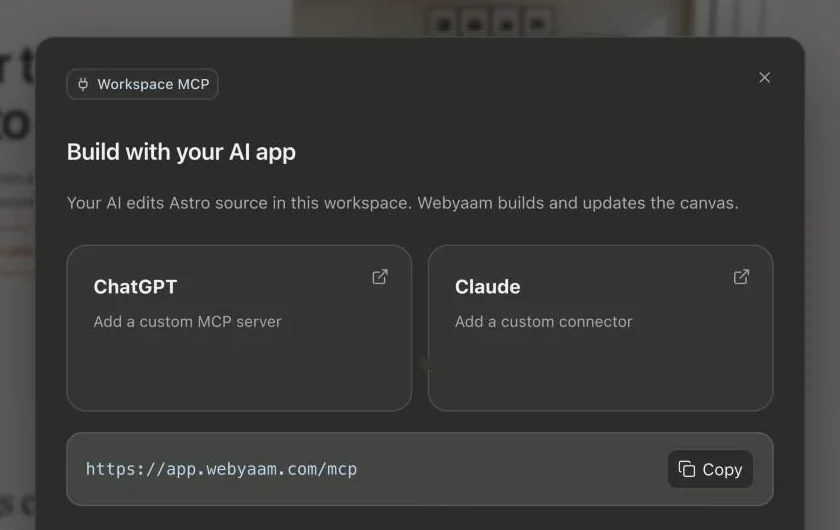
https://app.webyaam.com/mcpYour AI edits the Astro source in your workspace. Webyaam builds the project and updates the canvas.
Claude
- In Claude, open Settings → Connectors and add a custom connector.
- Paste the server URL.
- Sign in to Webyaam and choose the workspace to connect.
ChatGPT
- In ChatGPT, open the plugins directory and add a custom MCP server.
- Paste the server URL.
- Sign in to Webyaam and choose the workspace to connect.
What your AI can do
More than 50 tools cover pages, layouts, styles, CMS, variables, SEO, forms, assets and builds. Your AI can audit pages and take screenshots at desktop and mobile widths to check its own work.
Permissions
Connections follow your role and are limited to the workspace you authorize. Stale edits are rejected, and revisions can be restored. Revoke a client any time from Connected clients.