Publish your site
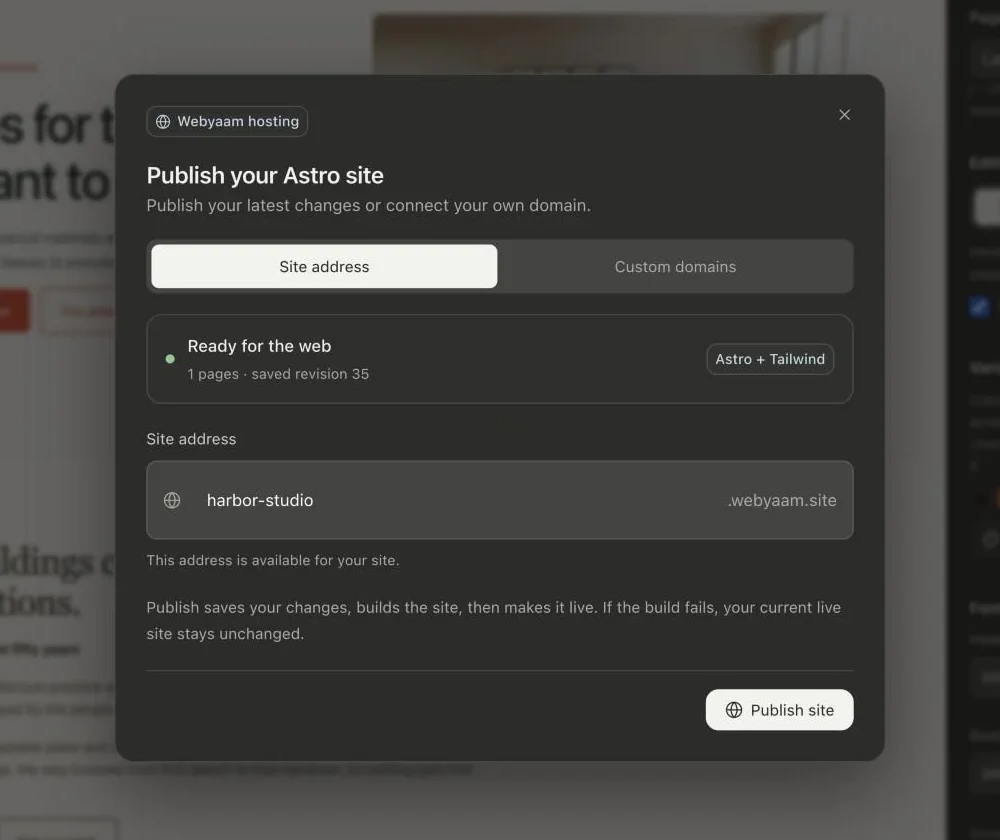
- Select Publish in the builder.
- Choose a site address. Use lowercase letters, numbers and hyphens. The builder checks that it is available.
- Publish. Webyaam saves your draft, creates a production build and updates the live site.
Updating a live site
The live site is a snapshot. Later edits do not change it until you choose Publish changes.
Unpublish
Open the publish dialog and unpublish to take the site offline. Your project stays in the builder.