Find the settings
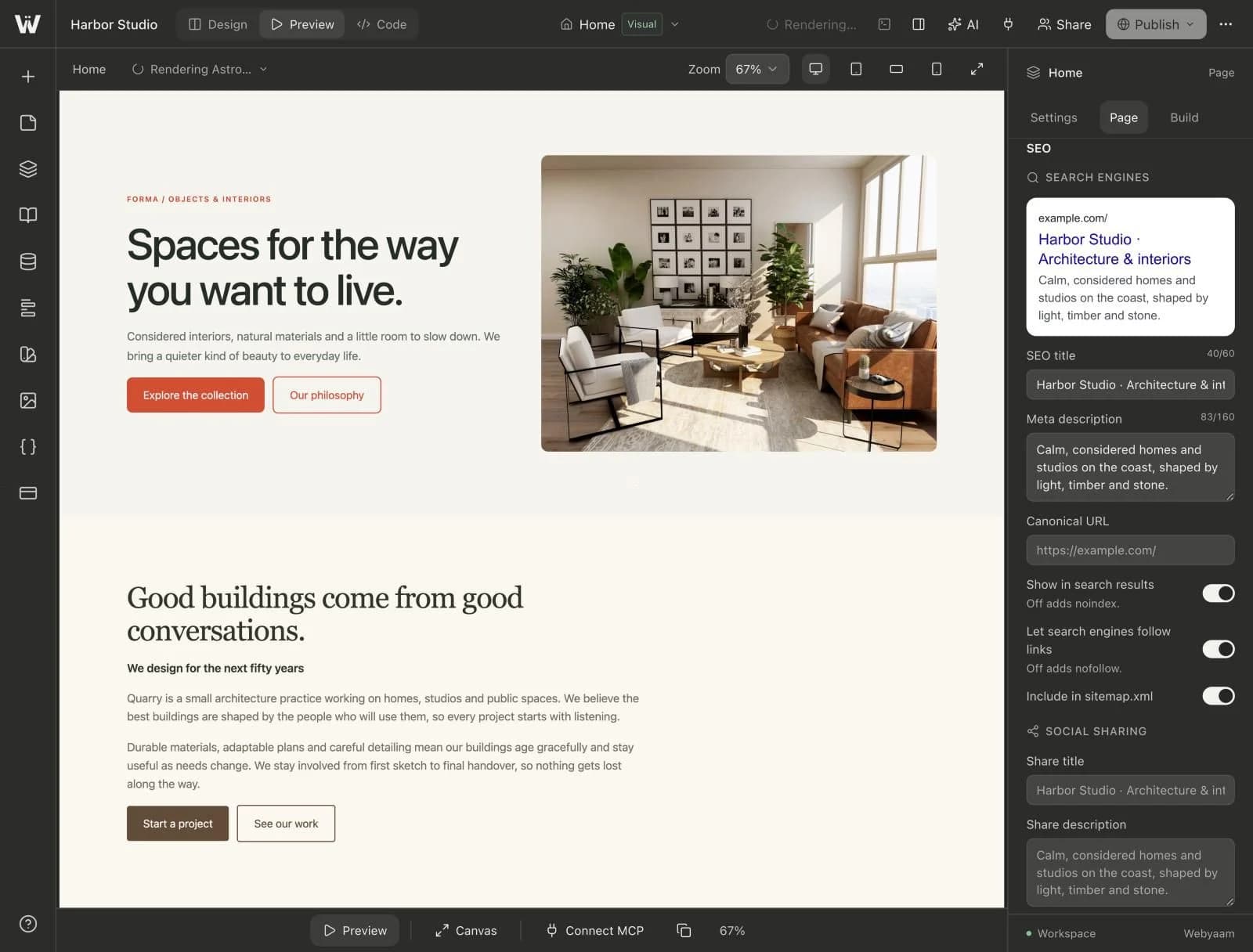
Switch to Preview and open the page inspector. Each page has its own SEO settings with a live search preview.
What you can set
- Page title and meta description.
- A social image, shown as a large or small card.
- A canonical URL.
- Whether search engines index the page and follow its links.
- Whether the page appears in
sitemap.xml.