Invite to a single site
- Open Share in the builder.
- Enter the person's email and choose Editor or Viewer.
- Copy the invitation link and send it to them. It lasts seven days.
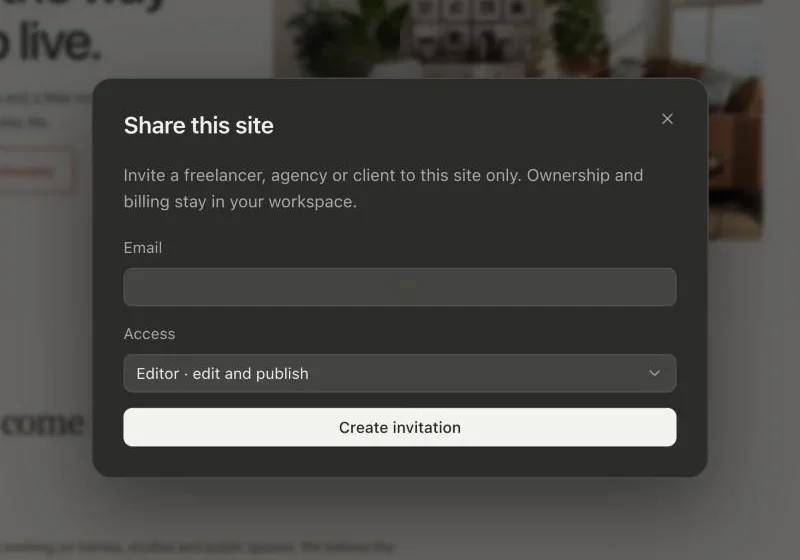
The invitation works only for an account with that email. Accepting adds just that site to their chosen workspace. It never adds them to yours, and ownership and billing stay with you.
Transfer a site
On Freelancer and Agency, transfer a finished site to a client's workspace. Transferring revokes existing invitations and collaborators, and the client chooses a site plan for hosting.